
How to Use the Veo 3 Prompt Generator
How to Use the Veo 3 Prompt Generator (FREE Version)

1. Go to the website
Link: https://veo3vdmaxnew.vercel.app
2. Fill in "Theme / Scene"
- Write the main idea of your video.
- Example: An old man walking in the rain
3. Fill in "Visual / Setting"
- Describe the location or visual details.
- Example: Foggy village, dim yellow lights
4. Fill in "Mood / Atmosphere"
- Describe the emotional tone.
- Example: Dramatic, melancholic
5. Fill in "Audio / Music"
- Suggest background music or sound effects.
- Example: Sad piano, rain sound effects
6. Fill in "Action / Movement"
- Describe what is happening in the scene.
- Example: The man walks slowly, head down, holding an umbrella
7. Optional: Fill in "Dialog" (in Bahasa Indonesia)
- Add a line of speech if needed.
- Example: 'Aku akan selalu mengingatmu, Nak.'
8. Click the "Generate Prompt" button
- The system will create a full AI video prompt based on your input.
9. Copy the generated prompt
- Use it in Veo 3 to create your AI video.
Does this still work?
Nobody's checked yet
Sign in to tell everyone how it went.
Continue with GoogleBe the first — one tap saves the next person an hour.
It takes 3 reports in 30 days to set the status.
More shares you might like
 AIHow to Get $20 of Free Perch AI Credits Monthly20h29 views
 AIEarshot v0.3 Ships 201 Code-Generated Sound Effects1d37 views
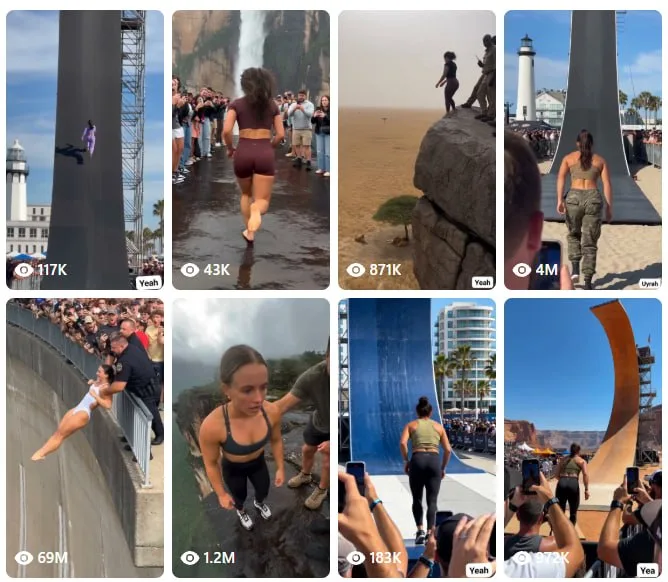 AIHow to Make Trampoline AI Videos for Instagram Reels1d29 views
 ToolsHow to Get 12 Months of Adobe Express Premium Free2d37 views
 ToolsHow to Use Group By in Amazon Associates Reports3d55 views
 ToolsHow to Make Fireworks AI Videos With ChatGPT and Flow3d47 views
Comments
Join the conversation — sign in to comment.
No comments yet — start the conversation!