
How to Make a Ghostly Abandoned Village Video With AI
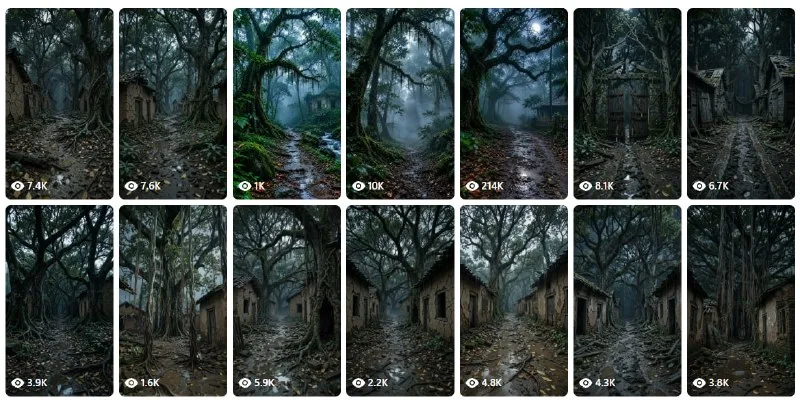
You have seen those eerie abandoned village clips, fog rolling between empty houses. You can build one yourself with two AI tools, and the whole thing is four moves long.
The recipe uses ChatGPT and Flow, a vertical 9:16 frame at 10 or 15 seconds, and a last pass in CapCut to lay the ghostly sound over the top.
What You Need
- A ChatGPT account.
- Access to Flow.
Tutorial
- Open Flow and choose New Project. That is where the clip gets built from scratch.
- Pick Omni Flash, then set the ratio to 9:16 and the duration to 10s or 15s. Those three choices come before anything renders.
- Generate the clip and wait for it to finish.
- Take the result into CapCut, add a mystical voice, then edit the video again. CapCut is where the ghostly audio goes on.
Wrapping Up
You now have a repeatable recipe: one generation in Flow at 9:16, one audio pass in CapCut. Change the scene next time and the same four steps still hold. Start with the short duration to see how the fog reads before you commit to a longer clip.
Does this still work?
Nobody's checked yet
Sign in to tell everyone how it went.
Continue with GoogleBe the first — one tap saves the next person an hour.
It takes 3 reports in 30 days to set the status.
Read it later?
We'll email you the link to this share. Nothing else.
More shares you might like
 ToolsHow to Make Motion Graphics Videos With Claude2d47 views
 NewsNVIDIA Open-Sources Auto Ontology, a Semantic Layer for AI Agents3d62 views
 ToolsHow to Write Specs Coding Agents Can Build Without Guessing4d58 views
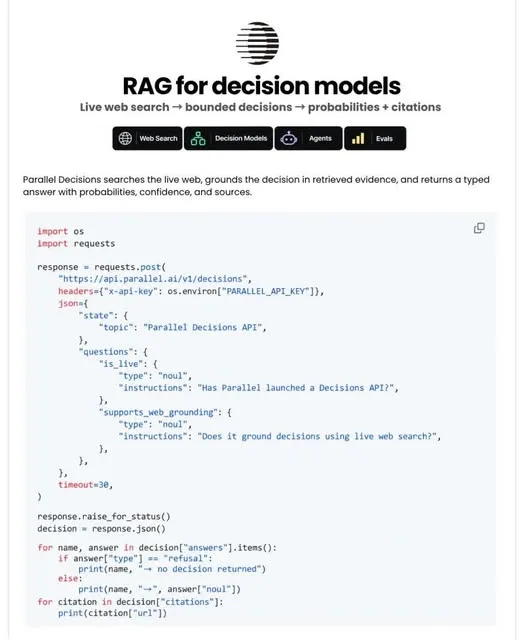 AIParallel's Decisions API Grounds Decision Models With Live Web Search5d64 views
 How to Claim 1B Muse AI Tokens5d114 views
 ToolsHow to Use Rich Clicker Macro's Smart Auto Clicker6d66 views

Comments
Join the conversation — sign in to comment.
No comments yet — start the conversation!