About TikTok Unfollowers
Follow-for-follow is practically TikTok's native currency, which means a chunk of your following list is made of people who followed you, waited for the follow back, and quietly dropped you a week later. TikTok doesn't surface that. It shows you two counts and leaves you to scroll two lists a thousand names deep, on a phone, without a search box. The good news is that TikTok's data export contains both lists in full — and unlike Instagram, it packs them into a single user_data.json, so you only have to download one thing. Drop that file into both boxes above and we'll read the Follower List for one side and the Following List for the other. It happens in your browser, on your device, and nothing about your account ever reaches us.
How to use it
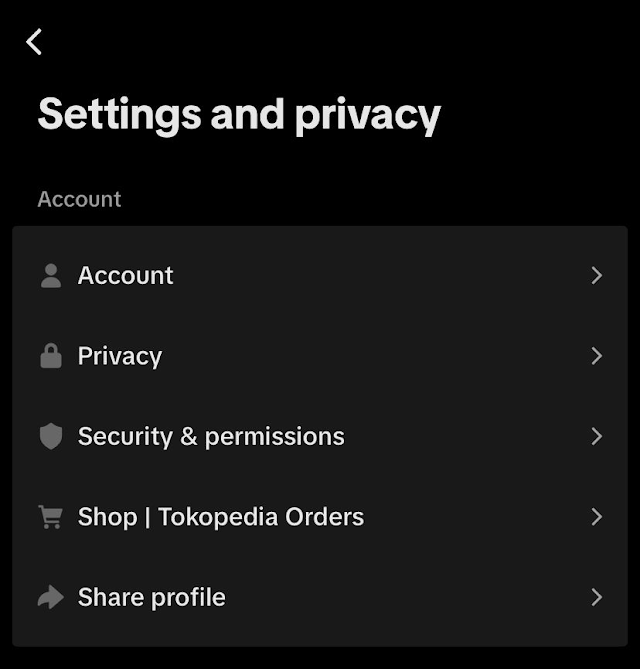
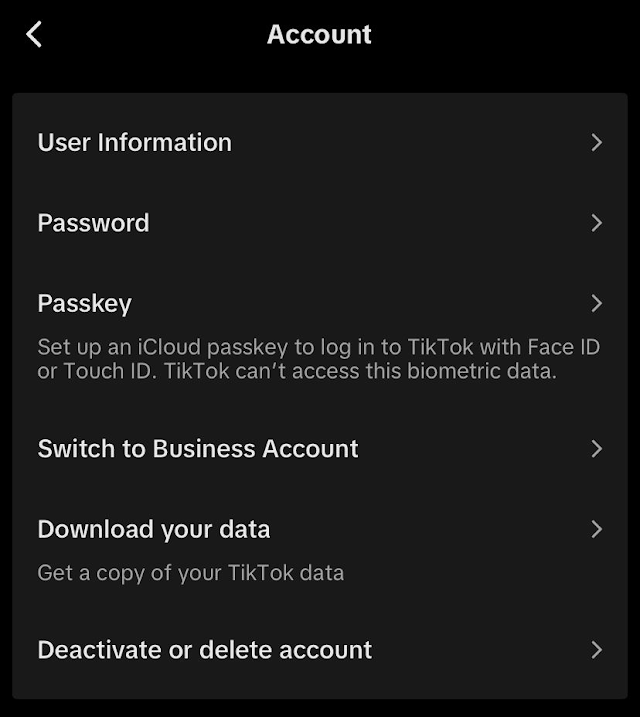
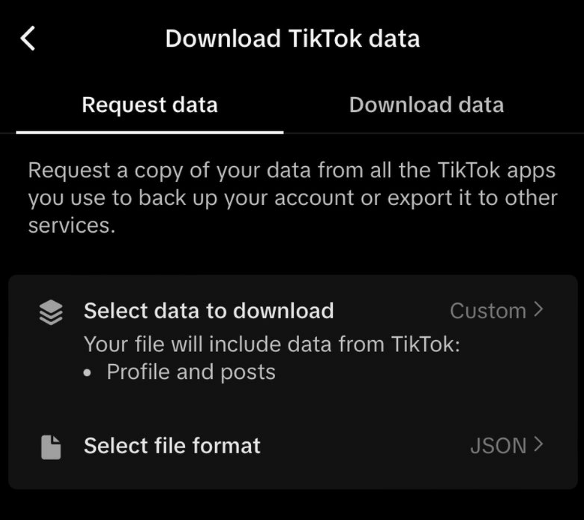
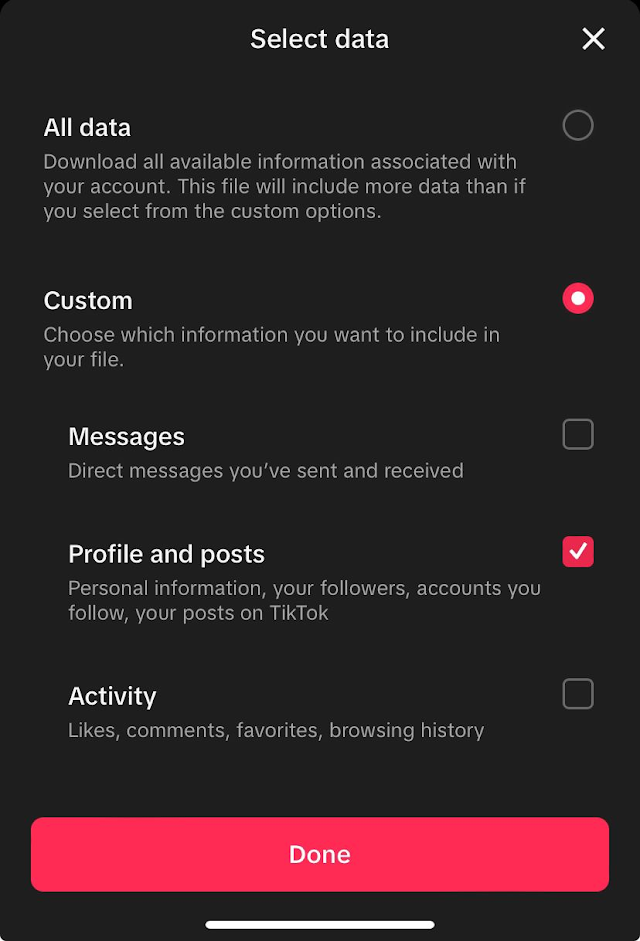
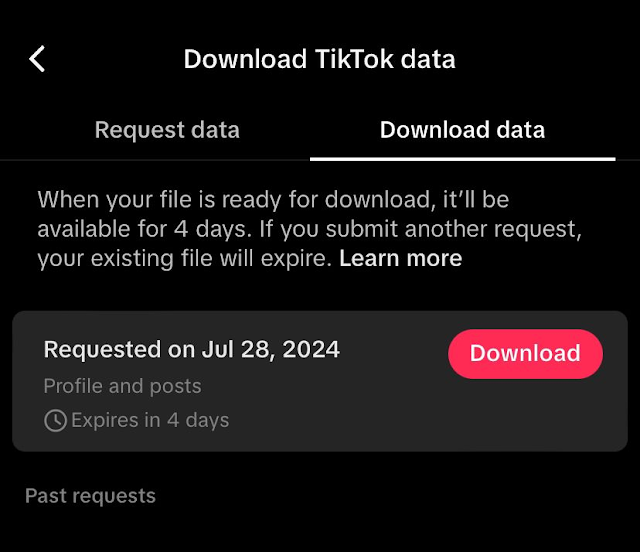
- 1Open TikTok → Profile → the menu button (top right) → Settings and privacy → Account → Download your data. Pick the JSON option and request it; TikTok usually has it ready within a day and keeps it available for four.
- 2Download the zip from the “Download data” tab, unzip it, and find user_data.json. Drop that same file into both boxes above — we pull the Follower List for one side and the Following List for the other.
- 3Tap “Check non-followers”. The first tab shows everyone you follow who doesn't follow you back, in the order your export lists them, with a link out to each profile so you can check before you unfollow.
Why use it
FAQ
How long does TikTok take to prepare the download?
Usually a few hours, sometimes up to a day or two, depending on how much history your account has. TikTok notifies you in the app when it's ready and keeps the file downloadable for about four days, so grab it when the notification arrives.
I picked TXT instead of JSON. Do I need to request it again?
No. The text export writes one “Username:” line per account, and the parser reads that format too. JSON is still the better pick if you're requesting fresh, because it's smaller and unambiguous.
Why do I put the same file in both boxes?
Because TikTok puts both lists in it. Each box is scoped to a different section of the file — Follower List on one side, Following List on the other — so dropping user_data.json twice is correct and gives a real comparison, not a file compared against itself.
Will this unfollow people for me?
No, and that's on purpose. Bulk-unfollowing from a third-party tool is one of the fastest ways to get your account rate-limited. You get the list and the profile links; the unfollowing happens in the app, at whatever pace you like.
My account is private. Does that change anything?
Not at all. The export is your own data, so privacy settings don't affect what's inside it, and nothing here queries TikTok at all.
Does Revesery keep my lists?
No. The file is read locally by your browser and compared in memory. There's no upload request, no database write, and no account needed — refresh the page and it's all gone.
