
How to Make Motion Graphics Videos With Claude
Looking to fill a YouTube channel with motion graphics footage but never touched animation software? This share is a four-step loop that runs entirely inside Claude, from loading the skill to waiting on the finished video.
The niche is motion graphics, which the source points at as a good fit for building a channel. The catch is that the direction still comes from you: Claude generates, but you decide what the video is about.
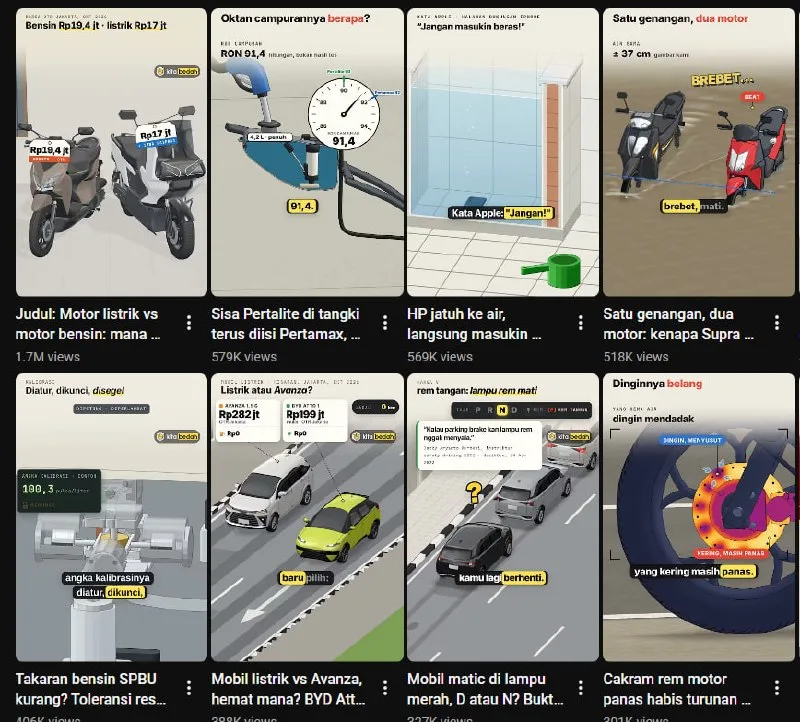
Tutorial
- Get Claude ready. Every step after this one happens inside it.
- Upload the motion graphics skill to Claude. Load the skill before you ask for anything, so it is in place when you pick your idea.
- Pick the video idea you want to make. The source aims these at the motion graphics niche, with a YouTube channel as the end goal.
- Wait for Claude to generate your video. There is nothing else to do at this point except let it finish.
Wrapping Up
That is the whole workflow: prepare Claude, load the motion graphics skill, choose an idea, and wait for the output. Run it a few times with different ideas before you commit to a channel theme, and you will see which motion graphics topics you can keep up with. Start with the idea you already know you want to watch.
Does this still work?
Nobody's checked yet
Sign in to tell everyone how it went.
Continue with GoogleBe the first — one tap saves the next person an hour.
It takes 3 reports in 30 days to set the status.
More shares you might like
 NewsNVIDIA Open-Sources Auto Ontology, a Semantic Layer for AI Agents1d28 views
 ToolsHow to Write Specs Coding Agents Can Build Without Guessing2d38 views
 AIParallel's Decisions API Grounds Decision Models With Live Web Search3d47 views
 How to Claim 1B Muse AI Tokens3d86 views
 ToolsHow to Use Rich Clicker Macro's Smart Auto Clicker4d51 views
 AIHow to Install hyperresearch for Deep Research in Claude Code6d64 views

Comments
Join the conversation — sign in to comment.
No comments yet — start the conversation!