
How to Make ASMR Food Videos With ChatGPT + Google Flow
ASMR food clips pull in views, but filming them means pans, lighting, and cleanup. You can skip the kitchen entirely, because two browser tabs can do the work. This share walks through the exact five steps, from the master prompt to the final generate click in Google Flow.
All you need is ChatGPT and Google Flow open in your browser, so there is no camera and no editing suite in the way.
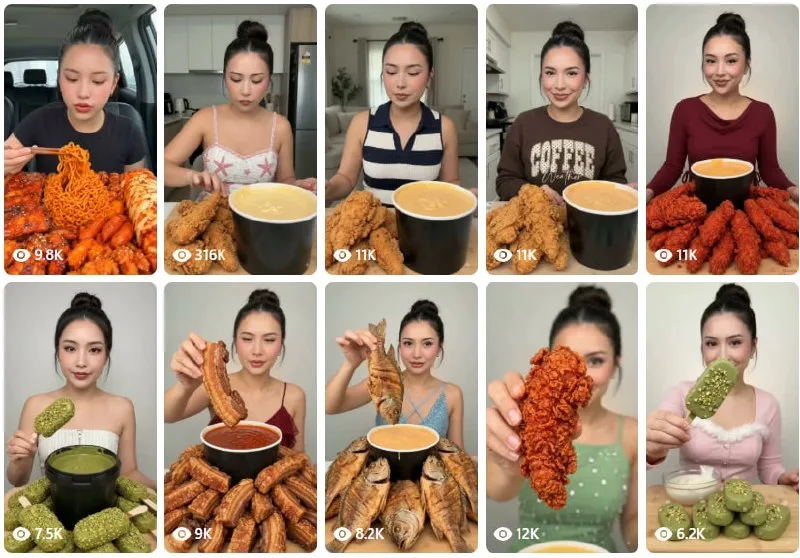
Tutorial
- Get ChatGPT and Google Flow ready in your browser.
- Open ChatGPT and copy the master prompt from the Facebook post at https://web.facebook.com/impreneurid/posts/pfbid0Bs1CYCJrRJNi8GAX8ntRos6xGVN5ZGRQSJfBdSMaoKd39iwetha2Fb4P1T1DzEVSl. That post is where the master prompt for the ASMR food niche lives.
- Paste the master prompt into ChatGPT and copy the video prompt it returns. Pick the response you like best first — the video prompt comes out of that answer.
- Open Google Flow and choose Omni.
- Paste the video prompt in and hit Generate.
Wrapping Up
You now have a loop you can rerun for every clip: the master prompt feeds ChatGPT, and ChatGPT feeds Google Flow. The footage suits Reels and Facebook posts, so you can keep publishing without ever setting up a shot.
Does this still work?
Nobody's checked yet
Sign in to tell everyone how it went.
Continue with GoogleBe the first — one tap saves the next person an hour.
It takes 3 reports in 30 days to set the status.
More shares you might like
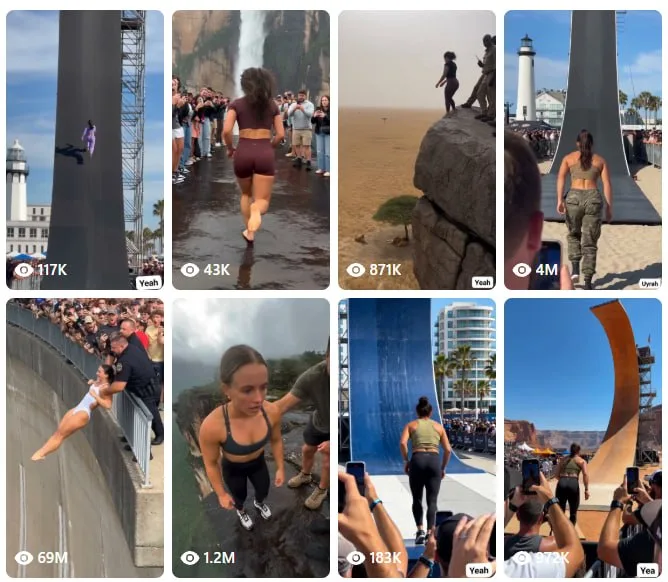 AIHow to Make Trampoline AI Videos for Instagram Reels7h15 views
 ToolsHow to Get 12 Months of Adobe Express Premium Free19h24 views
 ToolsHow to Use Group By in Amazon Associates Reports2d43 views
 ToolsHow to Make Fireworks AI Videos With ChatGPT and Flow2d34 views
 AIAnthropic's AI-Native SDLC Playbook, Explained3d48 views
 NewsTanStack Start 1.0 Is Stable4d56 views
Comments
Join the conversation — sign in to comment.
No comments yet — start the conversation!