
I Rebuilt a Slow WordPress Website with Next.js — Here’s What Changed
I recently worked on a WordPress website that looked fine on the surface, but its performance told a different story.
The old setup had a slow backend response and a large amount of frontend overhead.

Before rebuilding it, the Lighthouse performance score was around 38, with an LCP of several seconds.
Instead of trying to fix every problem inside the existing WordPress theme, I changed the architecture.
The new setup uses:
- WordPress as the CMS
- Next.js for the frontend
- WordPress REST API for content
- Vercel for frontend deployment
The result was a much lighter frontend and significantly faster page delivery.
After the migration, the site reached around 98 in Lighthouse Performance during my testing, with LCP dropping to under 1 second.
The important lesson wasn't simply “Next.js is faster than WordPress.”
The real lesson is that performance problems often come from the architecture, theme, plugins, assets, and server configuration working together.
Sometimes optimizing the existing WordPress installation is the right choice.
Sometimes rebuilding the frontend is the better solution.
The key is to measure first and choose the architecture based on the actual bottleneck.
That's the approach I use when working on performance-focused websites.
Does this still work?
Nobody's checked yet
Sign in to tell everyone how it went.
Continue with GoogleBe the first — one tap saves the next person an hour.
It takes 3 reports in 30 days to set the status.
More shares you might like
 Website5 Things I Check Before Redesigning a Business Website2w68 views
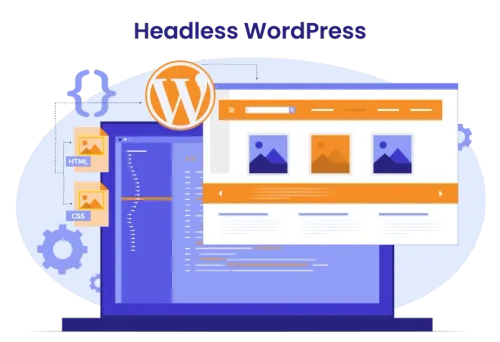 WebsiteWhen Should You Move from WordPress to a Headless Architecture?2w65 views
 WebsiteWhy Your WordPress Website Can Be Slow Even with Good Hosting2w62 views
 AIHow to Get Free $200 Funds on Digital Ocean1y916 views
 AIHow to Claim 100M Free Tokens on CodeCraft API1mo2,590 views
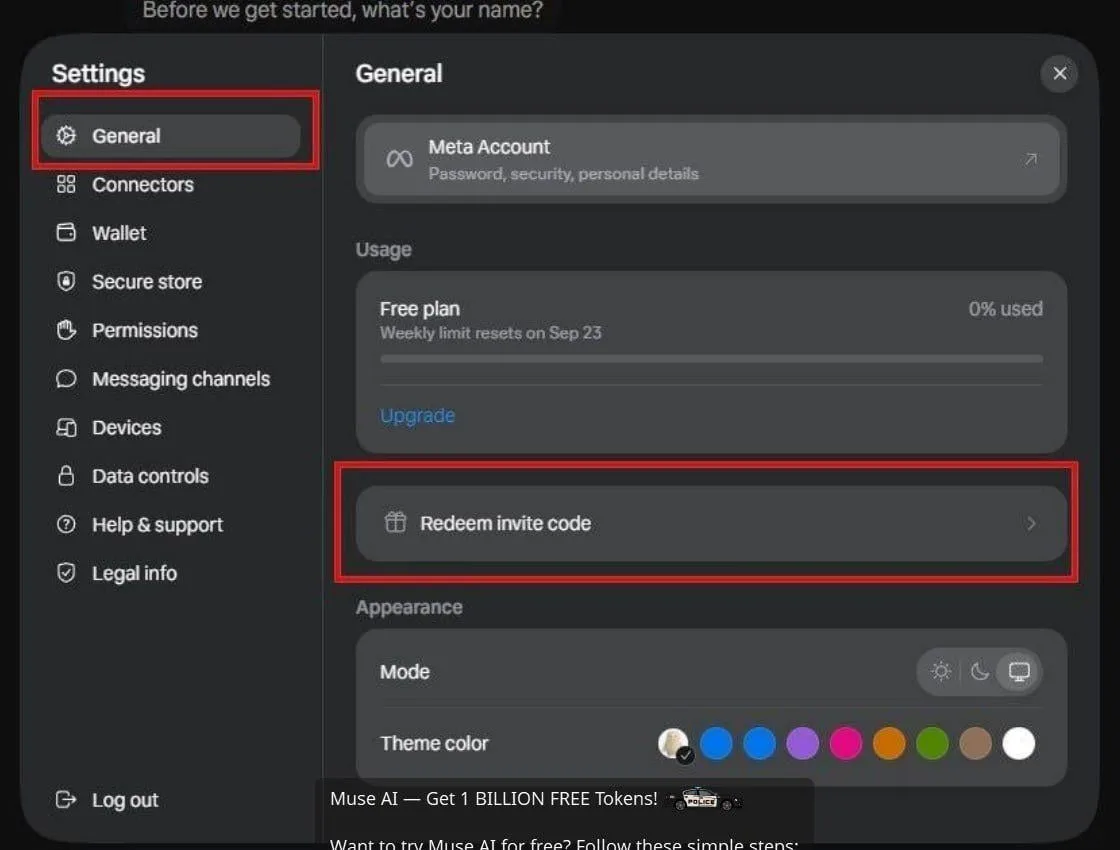 AIHow to Claim 1 Billion Free Tokens on Muse AI1mo353 views
Comments
Join the conversation — sign in to comment.
No comments yet — start the conversation!