
Why Your WordPress Website Can Be Slow Even with Good Hosting
A common assumption I see is:
"Just buy better hosting."
Sometimes that helps.
But hosting is only one part of website performance.
A WordPress website can remain slow because of:
A heavy theme
Too many plugins
Large images
Poorly optimized JavaScript
Slow database queries
Third-party scripts
Poor caching
Slow API requests
Render-blocking resources
An inefficient frontend architecture
This is why I prefer measuring before changing anything.
A website that feels slow doesn't necessarily need a new server.
It may need a simpler page, fewer resources, better caching, or sometimes a different frontend architecture.
Performance optimization isn't about installing more optimization plugins.
It's about removing unnecessary work.
Read it later?
We'll email you the link to this share. Nothing else.
More shares you might like
 Website5 Things I Check Before Redesigning a Business Website1mo153 views
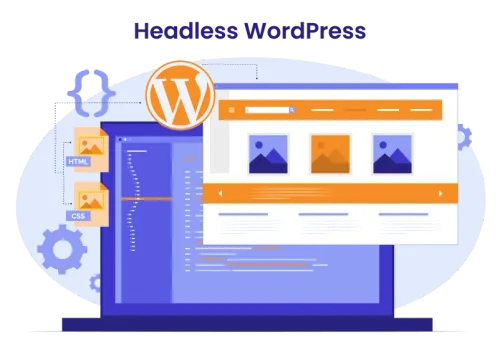 WebsiteWhen Should You Move from WordPress to a Headless Architecture?1mo133 views
 1stpersonI Rebuilt a Slow WordPress Website with Next.js — Here’s What Changed1mo140 views
 AIHow to Get Free $200 Funds on Digital Ocean1y1,035 views
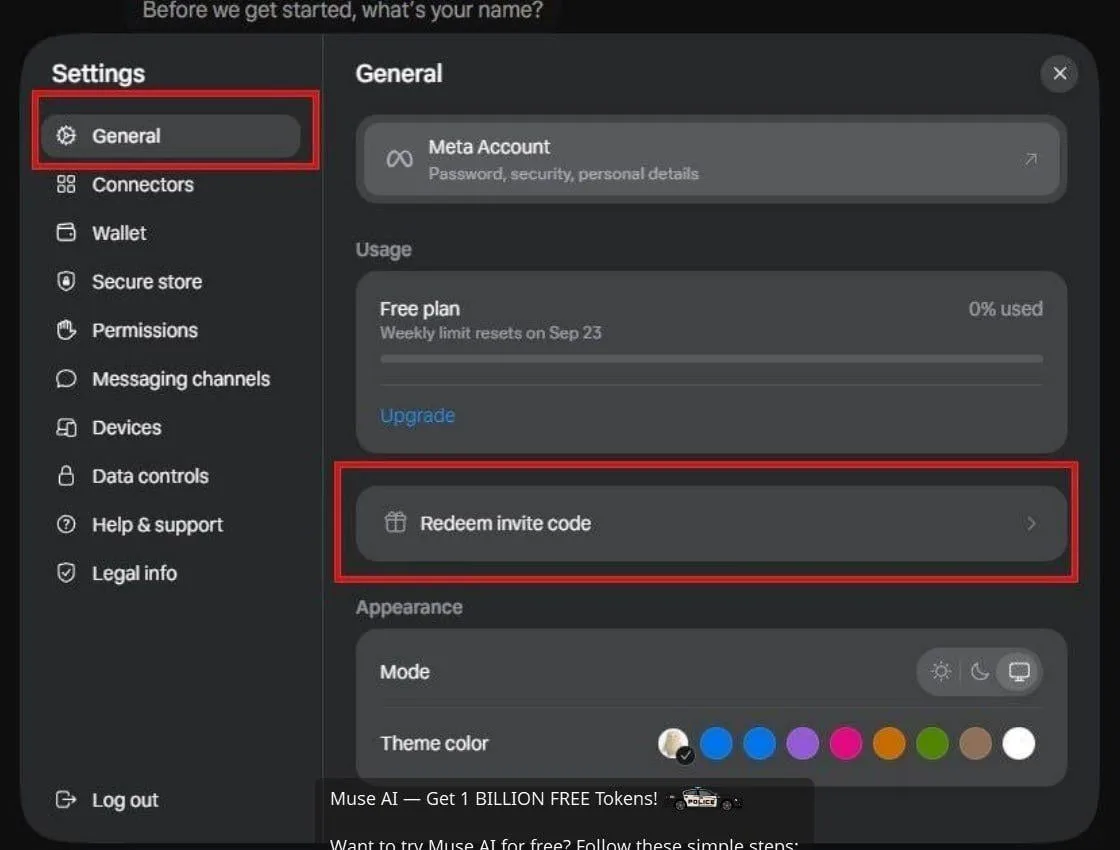 AIHow to Claim 1 Billion Free Tokens on Muse AI1mo488 views
 AIHow to Claim 100M Free Tokens on CodeCraft API1mo3,582 views

Comments
Join the conversation — sign in to comment.
No comments yet — start the conversation!