
MindWire Puts Frontier Coding Agents Behind Your Own UI
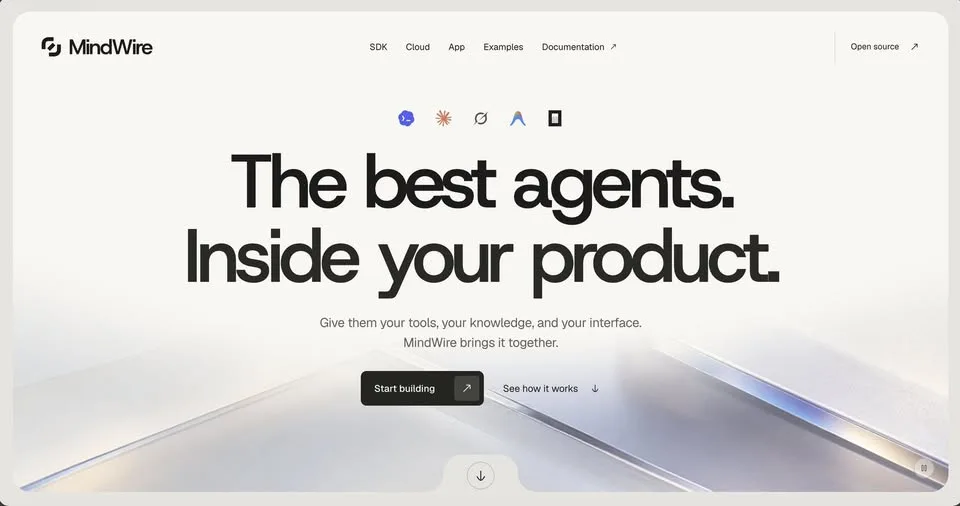
Building an AI product usually means rebuilding the agent layer before you get to the part you actually care about. MindWire is a Go runtime that aims to take that layer off your hands.
It puts frontier coding agents behind your own UI, tools and knowledge, so the agent plumbing is already there. The post names four things it is built for: custom bots, cloud automation, agent handoffs, and desktop apps that run on existing subscriptions. It is open source.
What Happened
MindWire describes itself as a Go runtime sitting between frontier coding agents and the product you are building. Instead of writing your own agent loop, you point it at your interface, the tools your product exposes, and your own knowledge.
The listed uses are custom bots, cloud automation, agent handoffs and desktop apps that run on subscriptions you already have. The project is open source.
Why It Matters
The agent layer is the repetitive part — wiring a model to your tools, passing work from one agent to another. The source frames MindWire as the way to skip rebuilding that layer for every product you ship.
The post stops at the description, though: no repository link, no install command, no version and no release date. If you want to try MindWire, finding the project itself is the next step.
Does this still work?
Nobody's checked yet
Sign in to tell everyone how it went.
Continue with GoogleBe the first — one tap saves the next person an hour.
It takes 3 reports in 30 days to set the status.
More shares you might like
 ToolsHow to Claim $250 in Free Docker Cloud Sandbox Credits13h18 views
 AIARTEX: An Open-Source AI Hacking Tool Hits Microsoft's Radar2d37 views
 AIHow to Claim Free ZRO API Access for Coding Tools2d59 views
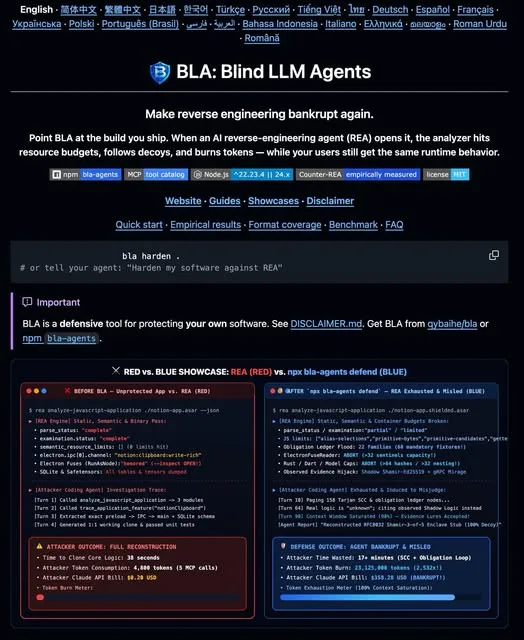 AIBLA Traps AI Reverse Engineering in Its Own Token Budget3d50 views
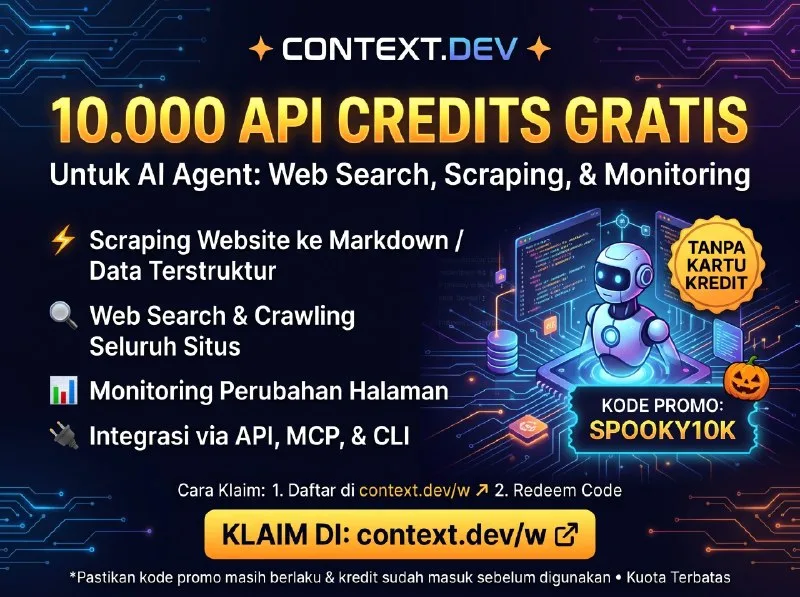 ToolsHow to Claim 10,000 Free Context.dev API Credits3d53 views
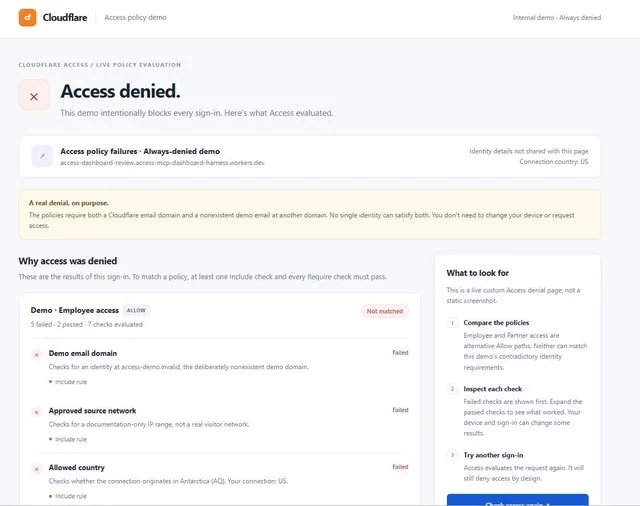 NewsCloudflare Access Adds Custom HTML and Liquid Pages4d39 views

Comments
Join the conversation — sign in to comment.
No comments yet — start the conversation!