
How to Transfer SeaBank to DANA, GoPay, OVO for Free
Sending money from SeaBank into DANA, GoPay, or OVO usually means paying an admin fee on top of the transfer. There is a way around it: a bank transfer code that turns your e-wallet phone number into a bank account number.
This share has the codes for all three wallets, listed bank by bank, so you can top up without the extra charge.

What You Need
- A SeaBank account with a balance to send.
- A DANA, GoPay, or OVO account, and the phone number registered to it.
Tutorial
- Open the SeaBank app and start a transfer to a bank account.
- Decide which wallet you are topping up: DANA, GoPay, or OVO. Each wallet has its own separate list of codes, so use the set that matches.
- Find your bank's code under your wallet in the list below. A code from another wallet's list will not work.
```
DANA
Permata 8528 | CIMB Niaga 8059 | Mandiri 89508 | BTPN 8000009
BTN 8528 | BRI 88810 | BNI 8810 | BCA 3901
GOPAY
Permata 898 | CIMB Niaga 2849 | Mandiri 60737 | BRI 301341
BCA 70001 | BTN 99000 | BNI 9003
OVO
Permata 84 | CIMB Niaga 8099 | Mandiri 60001 | BCA 39358
BRI 88099 | BNI 874
```
- Enter the code first, then your e-wallet phone number, in the account number field. For example, BCA to DANA is 3901 followed by your DANA number.
- Check the admin fee before you confirm the transfer. Make sure the code is still valid and the fee is what you expect before you send.
Wrapping Up
You now have every code for DANA, GoPay, and OVO, plus the one habit that keeps the fee off: check the code and the fee on the confirmation screen before you commit. Try it with a small amount the first time, so you see exactly how the number you typed reads back at you.
Codes do get retired, so keep this list handy but trust the fee screen in front of you more than any list.
Does this still work?
Nobody's checked yet
Sign in to tell everyone how it went.
Continue with GoogleBe the first — one tap saves the next person an hour.
It takes 3 reports in 30 days to set the status.
More shares you might like
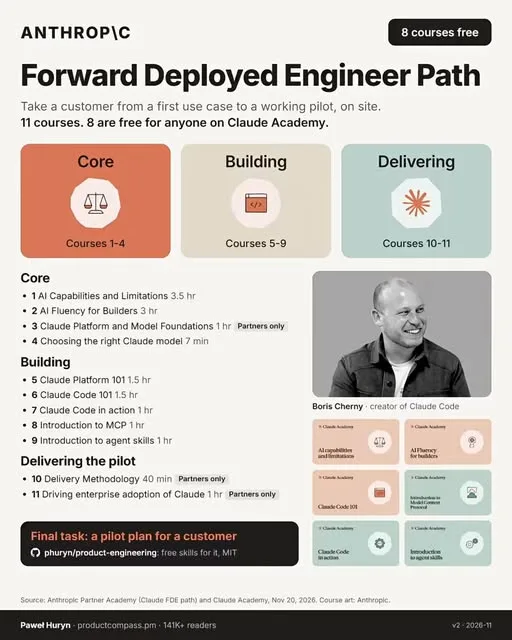 AIAnthropic Adds a Learning Path for Forward-Deployed Engineers1d50 views
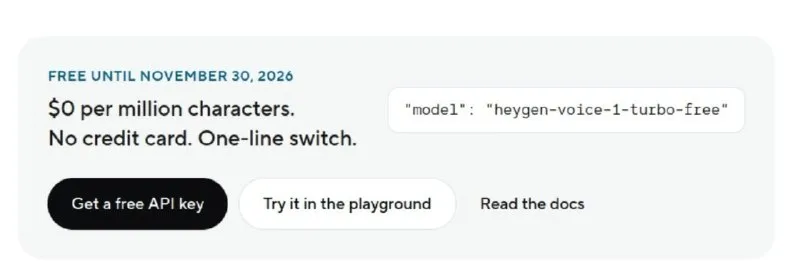 ToolsHow to Try the HeyGen Voice Turbo API for Free2d48 views
 NewsUS Approves 879,868 Nvidia and AMD AI Chips for China3d44 views
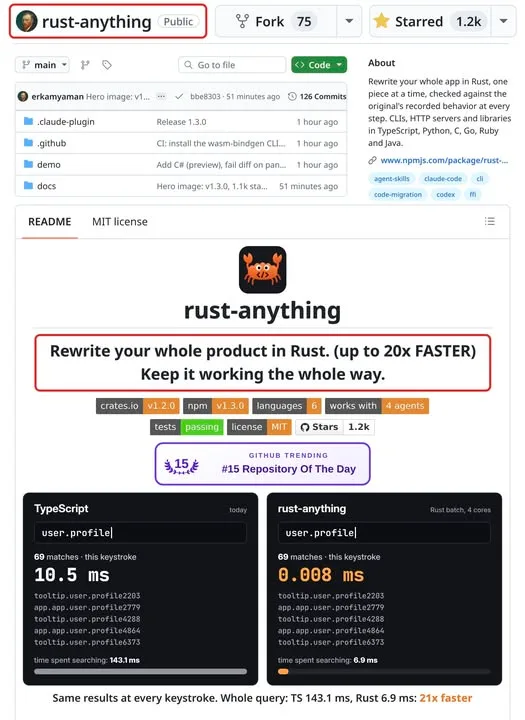 ToolsHow to Speed Up Your App With rust-anything4d58 views
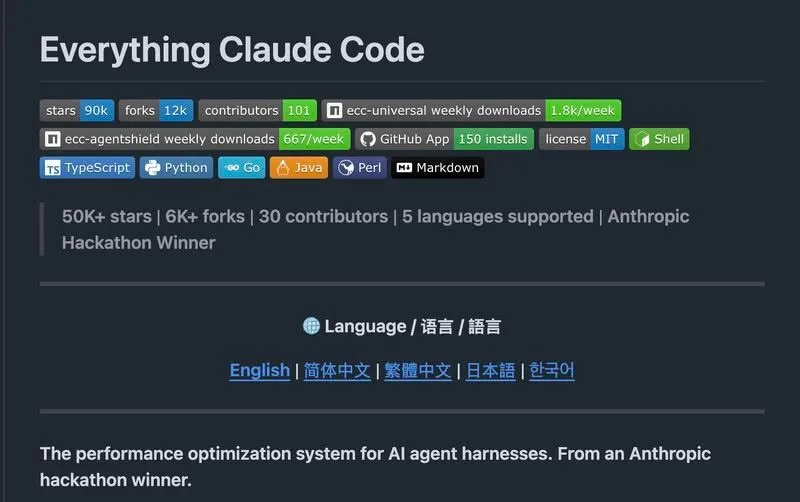 NewsAnthropic Hackathon Winner Open-Sources Full Claude Code Setup5d69 views
 AIHow to Install Hallmark, the Anti-Slop Design Skill6d71 views



Comments
Join the conversation — sign in to comment.
No comments yet — start the conversation!