
How to Use Group By in Amazon Associates Reports
Getting clicks on your Amazon affiliate links but still no commissions? Before you swap products or stop posting, open your report and read it properly. The numbers usually say more than the sales total does.
Inside Reports → Commissions there is a Group By button that splits the same data five ways — by category, linked product, tracking ID, date, and top sellers. That is how you find out whether the problem is the product, the content, or the traffic.

What You Need
- An Amazon Associates account you can sign in to.
- Separate Tracking IDs already set up, if you want to compare traffic sources.
Tutorial
- Open Amazon Associates and go to Reports, then Commissions. The Group By control sits in the Category section of that page.
- Click Group By and choose Category. This shows which product categories pull clicks and orders, like Home, Cell Phones & Accessories, or Toys & Games.
- Treat a busy category as research material, not a win. Lots of clicks there does not mean lots of sales.
- Switch to Linked Product to see performance product by product. Check which items get clicked, which ones produce orders, and whether the heavily clicked ones actually earn commission.
- Switch to Tracking ID if you use more than one. Tagging traffic from Threads and Pinterest with different IDs lets you compare them, as long as each ID is set up correctly on its links.
- Switch to Date to watch performance change over time. It shows when clicks started climbing, which day orders were recorded, and whether a spike followed a post you published.
- Line those dates up with your posting history to spot patterns. It can suggest a link between a post and a sale, but it does not prove one caused the other.
- Switch to Top Sellers to study products that already sold. Ask what need the product fills and what other content angles you could test, instead of just copying the product.
- Read past the click count and check Ordered Items, Shipped Items, Conversion Rate, and Earnings too. Clicks on their own do not tell you whether anything is working.
Wrapping Up
You now have five ways to slice the same report, and a sensible order to walk through them: category first, then linked product, date, tracking ID, and top sellers. Change one thing at a time, then compare the results against your earlier numbers. If nothing has sold yet, that is not proof Amazon affiliate work does not suit you — it may just be the wrong product, the wrong audience, or a traffic pattern you have not found yet.
Does this still work?
Nobody's checked yet
Sign in to tell everyone how it went.
Continue with GoogleBe the first — one tap saves the next person an hour.
It takes 3 reports in 30 days to set the status.
More shares you might like
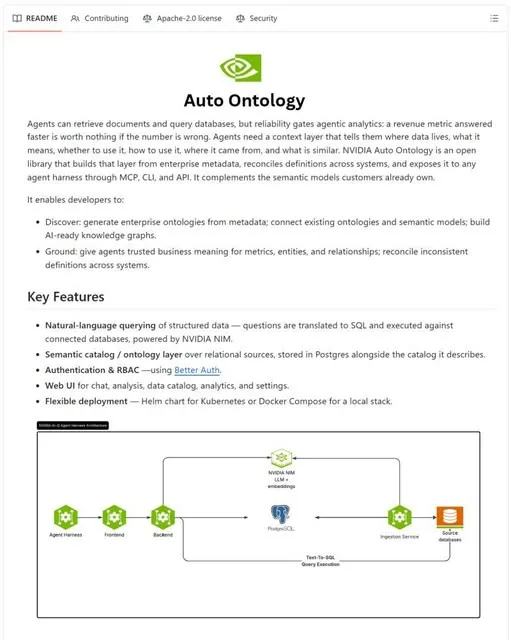 NewsNVIDIA Open-Sources Auto Ontology, a Semantic Layer for AI Agents3h16 views
 ToolsHow to Write Specs Coding Agents Can Build Without Guessing1d28 views
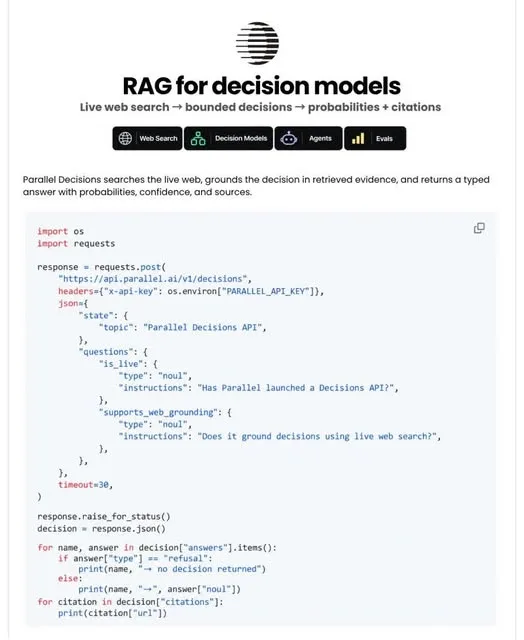 AIParallel's Decisions API Grounds Decision Models With Live Web Search2d42 views
 How to Claim 1B Muse AI Tokens2d71 views
 ToolsHow to Use Rich Clicker Macro's Smart Auto Clicker3d44 views
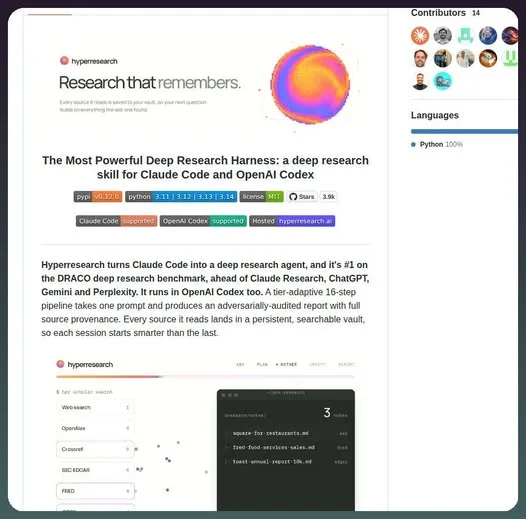 AIHow to Install hyperresearch for Deep Research in Claude Code5d58 views
Comments
Join the conversation — sign in to comment.
No comments yet — start the conversation!