
How to Set Up Google Flow for Better AI Video Prompts
Looking for a better way to run AI video prompts in Google Flow? A post making the rounds promises 50 secret prompt codes for it, though the codes themselves never actually show up in that post.
What it does spell out is the setup that goes under those prompts: four moves, and the whole thing costs nothing beyond the tool itself.
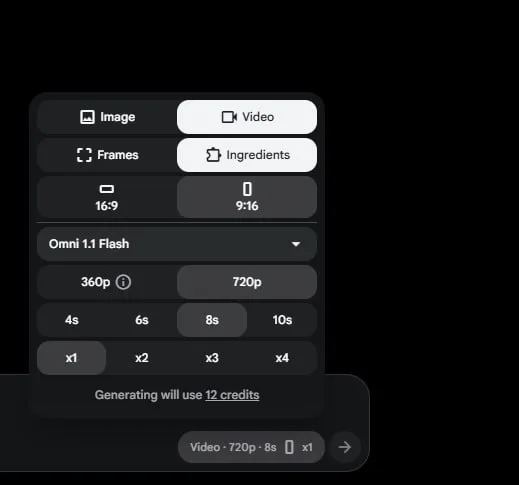
Tutorial
- Open Google Flow and get it ready to use.
- Open New Project.
- Pick the Omni Flash AI model. While you are in there, set the frame to 9:16 and the clip length to 10s.
- Use Media Photo, then hit Generate. The post says feeding a photo in this way is what gets the most out of the model.
Wrapping Up
That is the full setup: a fresh Google Flow project running Omni Flash, framed at 9:16 for 10 seconds, with a photo reference added before you generate. Run your own prompt through it and see what comes back. If you want the 50 codes the post promised, that list is a separate hunt, but these are the settings they need to work.
Does this still work?
Nobody's checked yet
Sign in to tell everyone how it went.
Continue with GoogleBe the first — one tap saves the next person an hour.
It takes 3 reports in 30 days to set the status.
More shares you might like
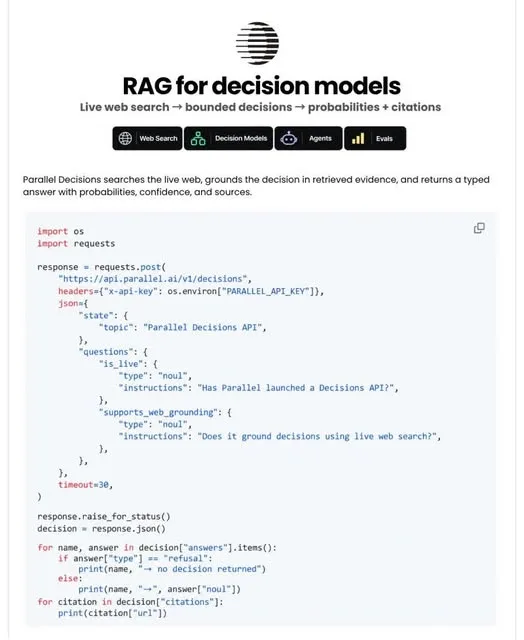 AIParallel's Decisions API Grounds Decision Models With Live Web Search6h20 views
 How to Claim 1B Muse AI Tokens18h29 views
 ToolsHow to Use Rich Clicker Macro's Smart Auto Clicker1d25 views
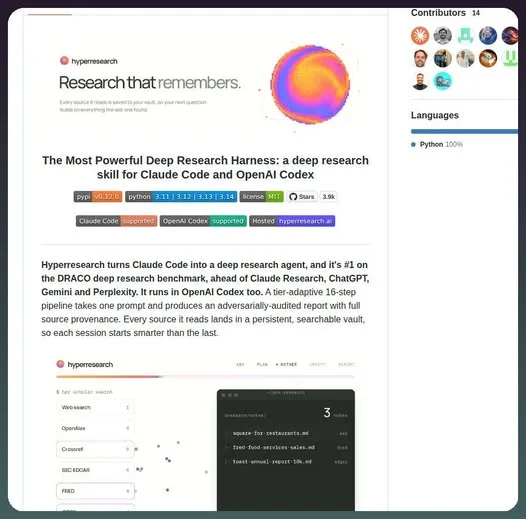 AIHow to Install hyperresearch for Deep Research in Claude Code3d44 views
 ToolsHow to Set Up Free Temp Email With XTemp Mail3d50 views
 NewsGrabFood Vermuk Bypass: No Working Termux Script Exists4d47 views
Comments
Join the conversation — sign in to comment.
No comments yet — start the conversation!