
Alex RuiezExpert
How to Make AI Gold Extraction Videos in Google Flow
Ever seen those close-up videos of gold being pulled from old circuit boards? You can make your own with Google Flow and the prompt below.
No video editing skills needed — just paste the prompt, swap in an object, and let the AI do the work.
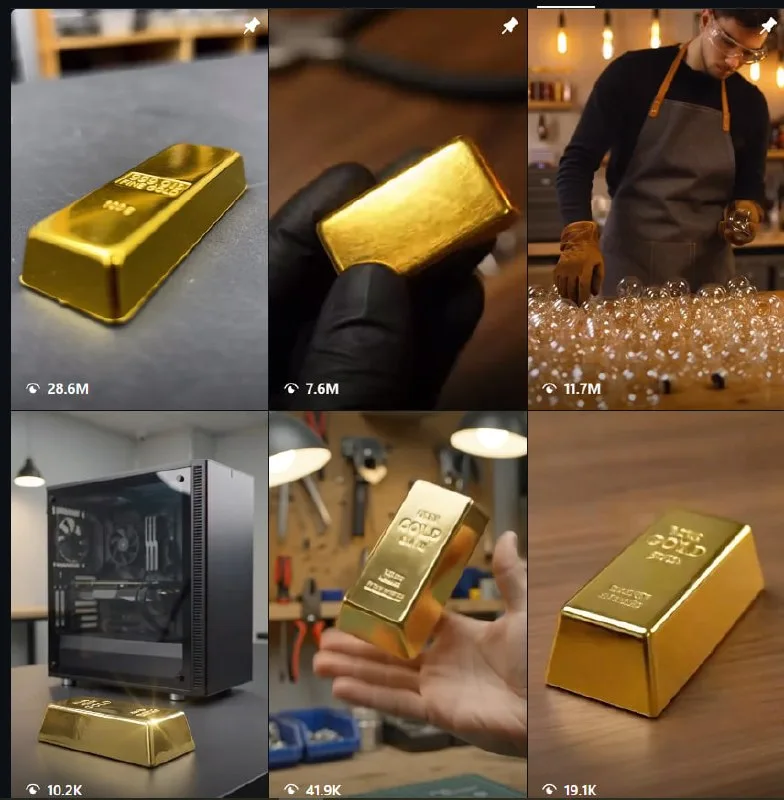
Tutorial
- Set up Google Flow and sign in.
- Open your Google Flow workspace.
- Create a new project and open it.
- Pick the AI model and choose 9:16 for the aspect ratio.
- Paste the prompt below, replacing [OBJECT] with your e-waste item.
ASMR macro sequence showcasing the complete process of extracting gold from e-waste. 1. A pair of gloved hands carefully disassembles [OBJECT] on a clean workbench, removing the outer casing, unscrewing components, disconnecting internal parts, and exposing the green circuit board with precise, satisfying movements. 2. Extreme macro close-ups capture precision tweezers delicately pulling shiny gold-plated pins from the exposed green circuit board and dropping them one by one into a small transparent glass jar with crisp metallic sounds. 3. The collected gold pins are placed into a ceramic crucible, where a roaring blue-orange torch flame gradually melts them into a brilliant pool of glowing liquid gold, with realistic heat shimmer, subtle sparks,- Click Generate, download the video, and edit it again.
Wrapping Up
You now have a ready-to-run prompt for a satisfying gold-extraction clip. Open Google Flow, drop in your own e-waste object, and see what it makes.
Does this still work?
Nobody's checked yet
Sign in to tell everyone how it went.
Continue with GoogleBe the first — one tap saves the next person an hour.
It takes 3 reports in 30 days to set the status.
More shares you might like
 ToolsHow to Use Group By in Amazon Associates Reports1d37 views
 ToolsHow to Make Fireworks AI Videos With ChatGPT and Flow1d26 views
 AIAnthropic's AI-Native SDLC Playbook, Explained2d39 views
 NewsTanStack Start 1.0 Is Stable3d51 views
 AIDolphin 2.9.2 Runs Uncensored Llama 3 8B on 6GB VRAM3d40 views
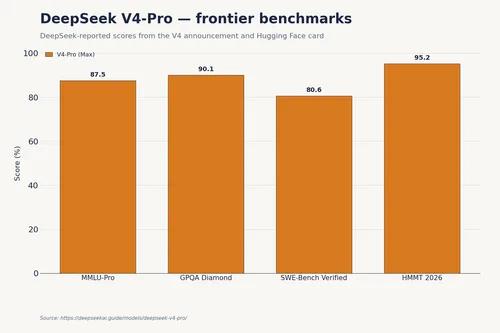 NewsDeepSeek V4 Pro Is a 1.6T Open-Weight Model With a 1M Context4d62 views
Comments
Join the conversation — sign in to comment.
No comments yet — start the conversation!