
How to Get Free DeepSeek V4.1 Flash on Cline Desktop
Hunting for a desktop AI agent that does not cost you model access? Cline now has a desktop app with an AI agent built in, and a few of its models cost nothing to use.
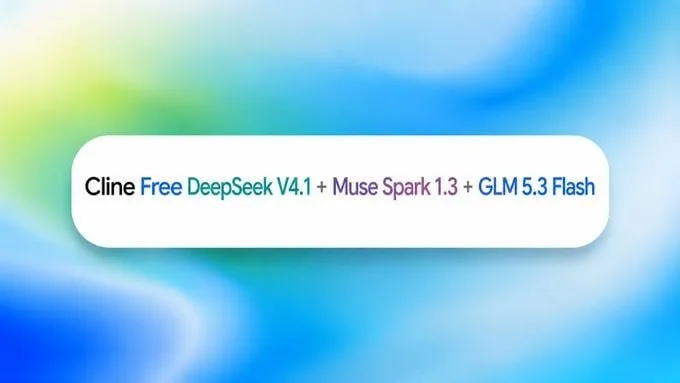
That means DeepSeek V4.1 Flash, Muse Spark 1.3, and GLM 5.3 Flash are available to you at no charge. You can sign in the normal way or plug in your own API key instead.
Tutorial
- Download Cline Desktop from https://cline.bot/desktop.
- Install the app and open it.
- Sign in or paste your own API key. Either one gets you into the app.
- Open your workspace or folder. That is the project the agent will work inside.
- Pick a free model such as DeepSeek V4.1 Flash, Muse Spark 1.3, or GLM 5.3 Flash.
- Start a session and type in your task. From there the agent goes to work on it.
Wrapping Up
You now have Cline Desktop running on a free model, with your own folder open and a session ready to take your first task. It can also continue tasks you started in Codex, Claude Code, and other agents, so work you already began does not have to be redone.
The rest of the app is worth a look once you are set up. You can schedule agents, manage MCP, plugins, and skills, let the agent browse the web, and use voice input instead of typing.
Does this still work?
Nobody's checked yet
Sign in to tell everyone how it went.
Continue with GoogleBe the first — one tap saves the next person an hour.
It takes 3 reports in 30 days to set the status.
More shares you might like
 ToolsHow to Use Group By in Amazon Associates Reports1d37 views
 ToolsHow to Make Fireworks AI Videos With ChatGPT and Flow1d26 views
 AIAnthropic's AI-Native SDLC Playbook, Explained2d39 views
 NewsTanStack Start 1.0 Is Stable3d51 views
 AIDolphin 2.9.2 Runs Uncensored Llama 3 8B on 6GB VRAM3d40 views
 NewsDeepSeek V4 Pro Is a 1.6T Open-Weight Model With a 1M Context4d62 views
Comments
Join the conversation — sign in to comment.
No comments yet — start the conversation!