
How to Claim $50 in Bright Data Credits
Working on a scraping or data project and watching the credit meter tick up? Bright Data is giving out $50 in free credits, and the code is right here.
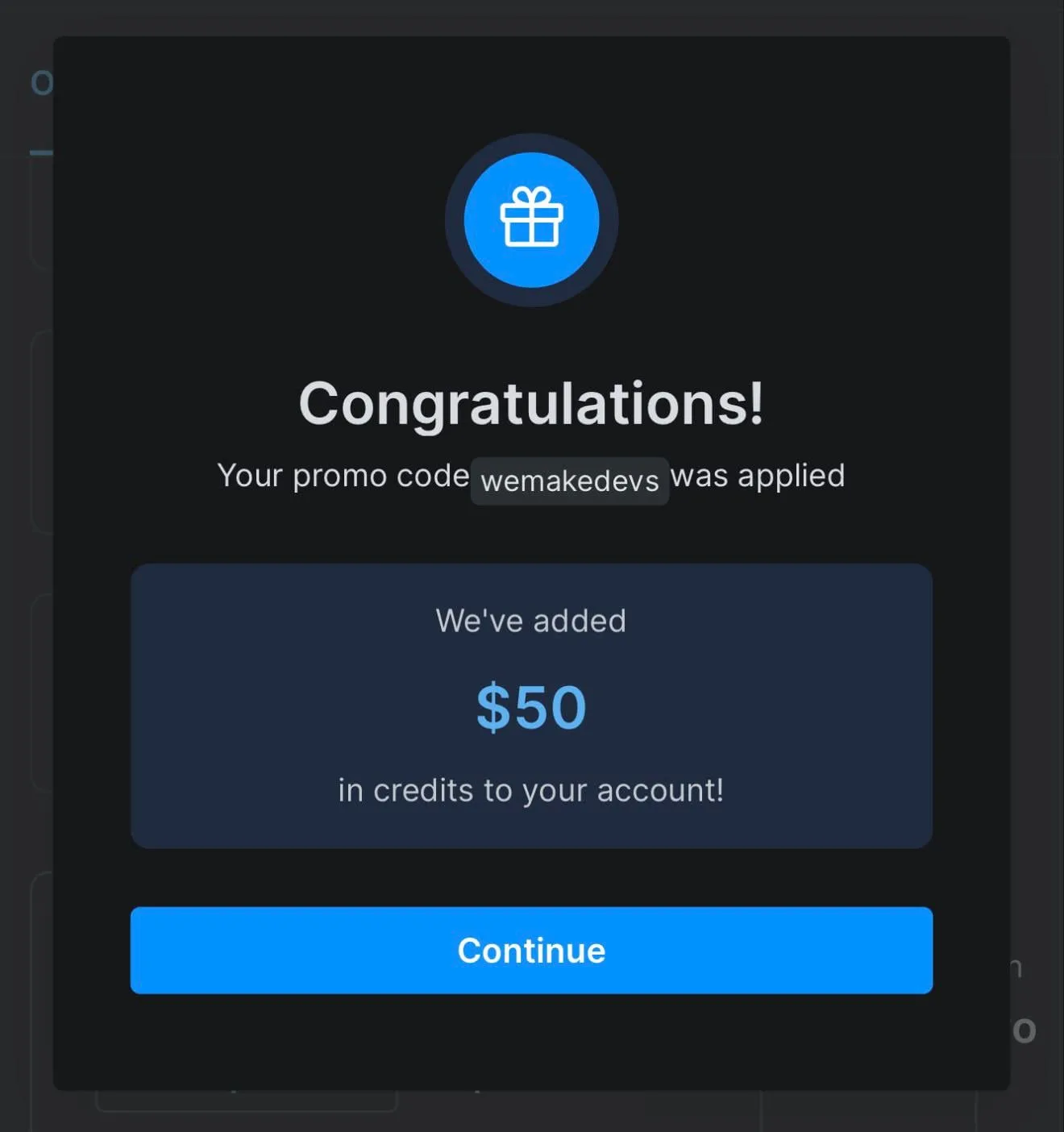
That is $50 added to your balance, and the credits stay valid for two months. No card, no drawn-out claiming process — you redeem it yourself from your own billing dashboard.
Tutorial
- Go to Bright Data and sign up, or log in if you already have an account.
- Open Billing, then Overview.
- Scroll down to the Apply Promo Code section.
- Enter the code wemakedevs in the promo field.
- Apply it and check your credit balance. The credits are good for two months, so check what landed before you start spending.
Wrapping Up
You should now see $50 of Bright Data credit sitting in your account, valid for two months. Redeem it when you are actually ready to use it, since the credits do not last forever.
One thing to keep in mind: promo codes can stop working without notice, so availability may vary. If the code is dead when you try it, that is why.
Does this still work?
Nobody's checked yet
Sign in to tell everyone how it went.
Continue with GoogleBe the first — one tap saves the next person an hour.
It takes 3 reports in 30 days to set the status.
More shares you might like
 ToolsHow to Use Group By in Amazon Associates Reports1d37 views
 ToolsHow to Make Fireworks AI Videos With ChatGPT and Flow1d26 views
 AIAnthropic's AI-Native SDLC Playbook, Explained2d39 views
 NewsTanStack Start 1.0 Is Stable3d51 views
 AIDolphin 2.9.2 Runs Uncensored Llama 3 8B on 6GB VRAM3d40 views
 NewsDeepSeek V4 Pro Is a 1.6T Open-Weight Model With a 1M Context4d62 views
Comments
Join the conversation — sign in to comment.
No comments yet — start the conversation!