
How to Browse 9,000 AI Video Prompts in One Library
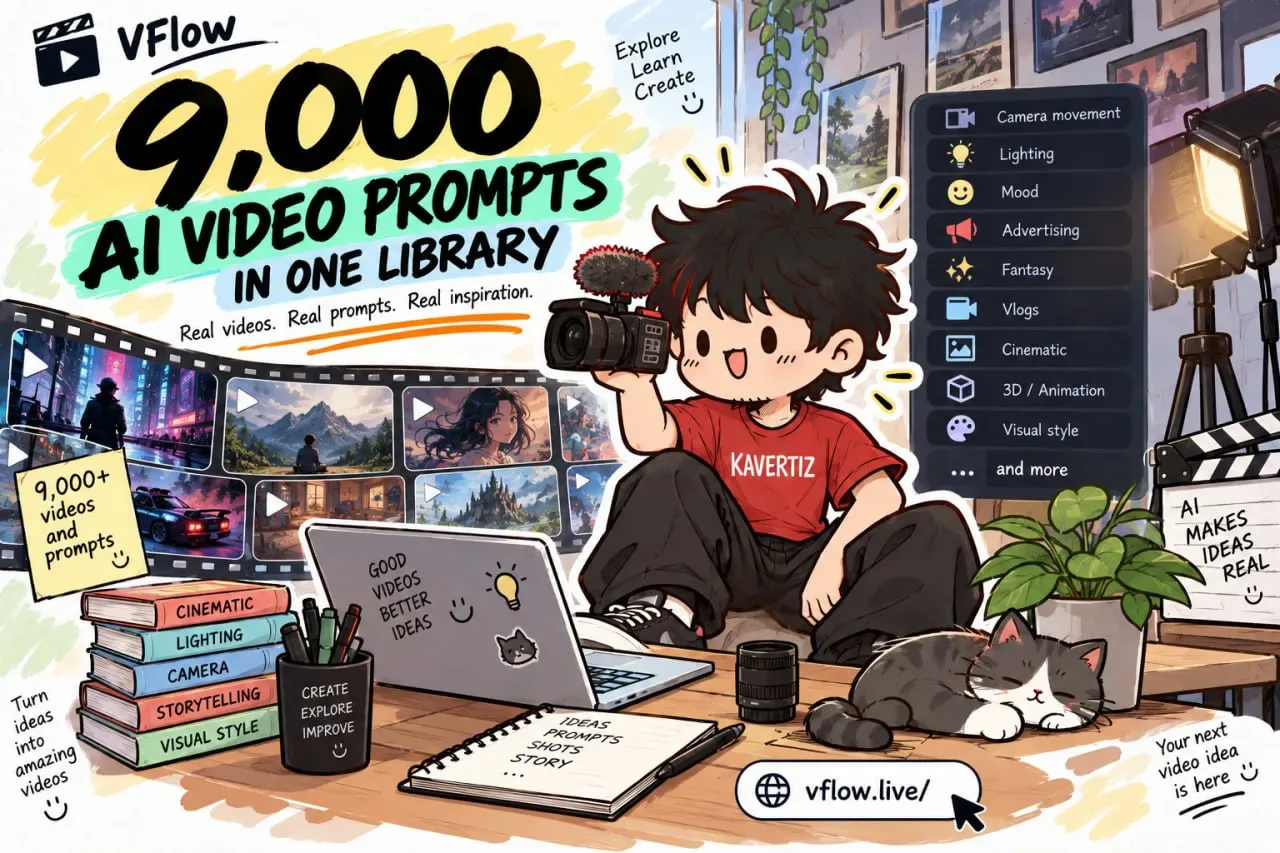
Looking for a camera move or a lighting look you can use for your next AI video? There is a library of around 9,000 AI-generated videos, each one paired with the prompt behind it.
Everything is filterable by the thing you are actually deciding — camera movement, lighting, mood, or a style like advertising, fantasy, or vlogs. That means you can study a single reference in seconds instead of digging through massive prompt dumps.
Tutorial
- Open https://vflow.live. The whole collection lives in one library: around 9,000 videos and prompts.
- Pick a filter such as Camera movement, Lighting, or Mood. The same list also sorts references by style, including Advertising, Fantasy, Vlogs, and more.
- Open an example and read its breakdown. Each one lists the key directing elements for that video, so you can copy the look without reading a wall of prompt text.
Wrapping Up
You now have a place to find AI video references by the thing you care about most, whether that is a slow camera push or a whole genre like fantasy. Browse a few examples before you write your next prompt — seeing how a shot was built beats guessing at it.
Does this still work?
Nobody's checked yet
Sign in to tell everyone how it went.
Continue with GoogleBe the first — one tap saves the next person an hour.
It takes 3 reports in 30 days to set the status.
More shares you might like
 ToolsHow to Use Group By in Amazon Associates Reports1d37 views
 ToolsHow to Make Fireworks AI Videos With ChatGPT and Flow1d26 views
 AIAnthropic's AI-Native SDLC Playbook, Explained2d39 views
 NewsTanStack Start 1.0 Is Stable3d51 views
 AIDolphin 2.9.2 Runs Uncensored Llama 3 8B on 6GB VRAM3d40 views
 NewsDeepSeek V4 Pro Is a 1.6T Open-Weight Model With a 1M Context4d62 views
Comments
Join the conversation — sign in to comment.
No comments yet — start the conversation!