
How to Organize Amazon Influencer Picks With Idea List
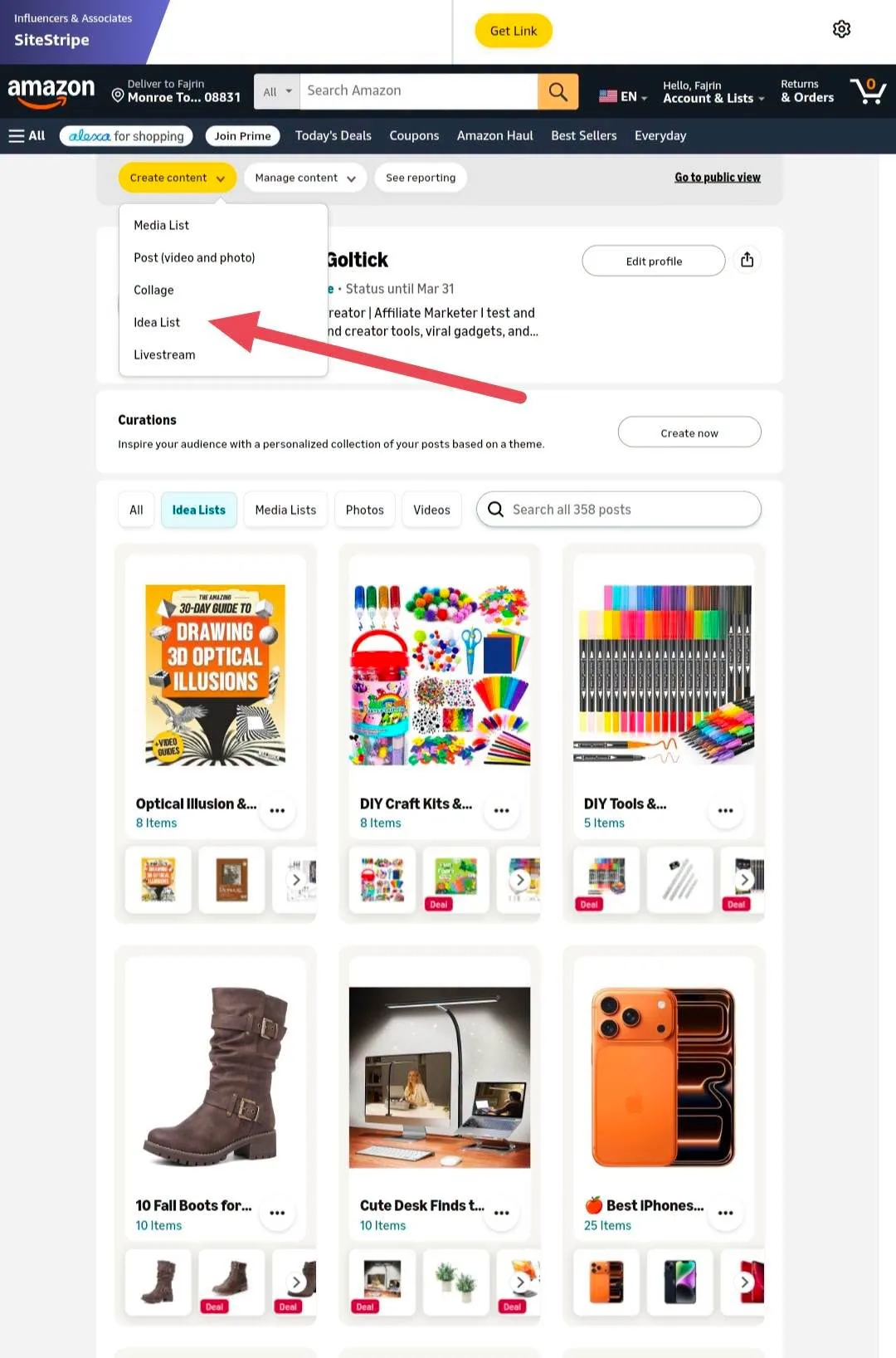
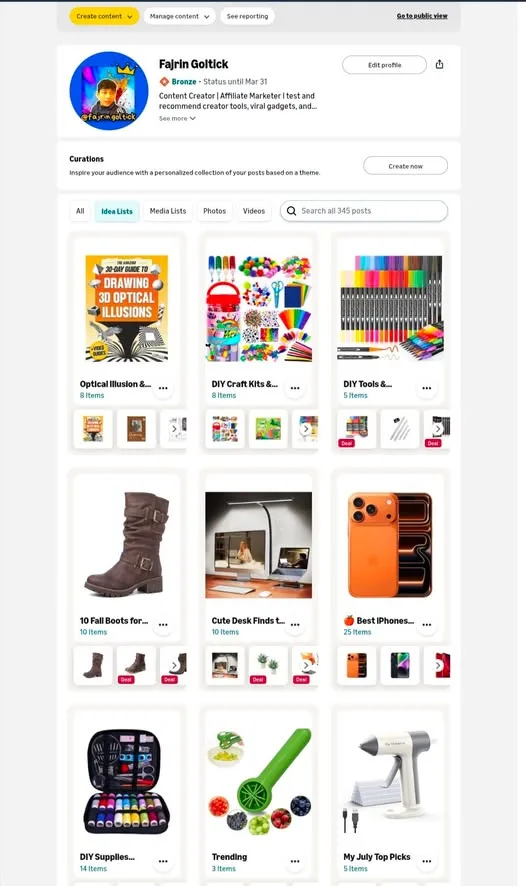
If you recommend products on Amazon, your storefront can do more than hold a stack of videos. The Create feature hides a few formats most people never open, and one of them turns scattered picks into themed collections.
That one is Idea List. Instead of posting one product at a time and hoping someone finds it, you group recommendations by theme so visitors can browse a set that matches what they came for.
What You Need
- An Amazon Influencer account with a storefront.
Tutorial
- Open the Create feature on your Amazon Influencer storefront. This is the area where Amazon puts the different content formats you can publish.
- Look through the formats on offer: Media List, Post Video and Photo, Collage, Idea List, and Livestream. They are all in the same place, so you are picking a shape for your content, not hunting through menus.
- Pick Idea List for themed collections. It is the one built for grouping products rather than posting a single item.
- Organize your product recommendations around one specific theme. The point is that a visitor lands on a set of products that fit a single need, instead of one post with no context.
- Build more lists for other themes, so your storefront reads as a set of collections rather than a feed. Each list is a separate place for someone to discover what they actually want.
Wrapping Up
You now know what lives inside the Create feature and why Idea List is the useful one for recommendations. Open it and start with one theme you already talk about a lot, then add lists as your picks grow.
Does this still work?
Nobody's checked yet
Sign in to tell everyone how it went.
Continue with GoogleBe the first — one tap saves the next person an hour.
It takes 3 reports in 30 days to set the status.
More shares you might like
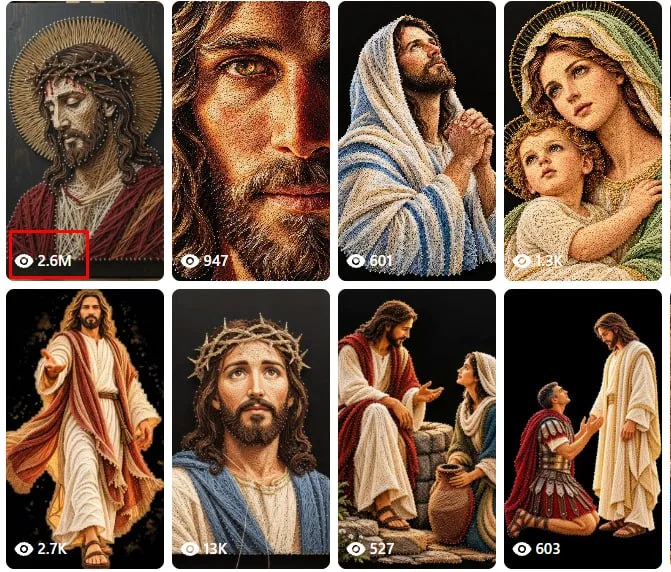 ToolsHow to Make String Art Videos With ChatGPT and Flow1d36 views
 ToolsHow to Fix a Stuck Shopee Video Verification Check2d78 views
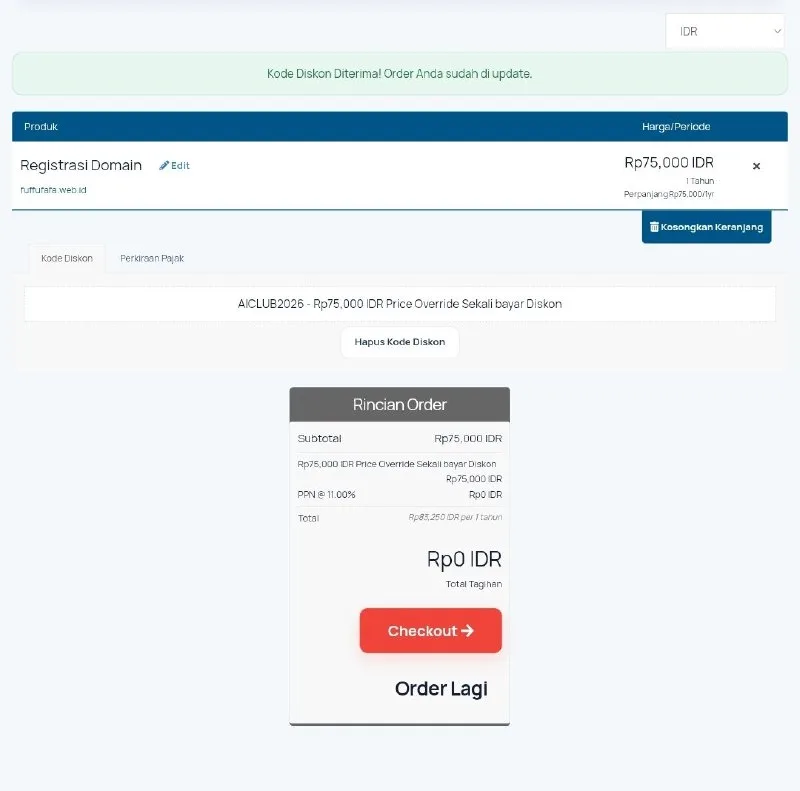 ToolsHow to Get a Free web.id Domain for One Year2d86 views
 ToolsHow to Get a Free .CV Domain From Codehost.in3d97 views
 ToolsHow to Create Idea Lists on Amazon Influencer5d54 views
 ToolsHow to Make 20-Second AI Reels in Flow6d56 views
Comments
Join the conversation — sign in to comment.
No comments yet — start the conversation!