
How to Sign Up for Amazon Associates on Your Phone
Hunting for a way into Amazon's affiliate program but not sure where the sign-up even starts? The first part is simpler than it looks, and you can get through it on your phone.
This is the opening stretch of the Amazon Associates registration in the order it happens: the page, your account details, and the social accounts you will be promoting from.
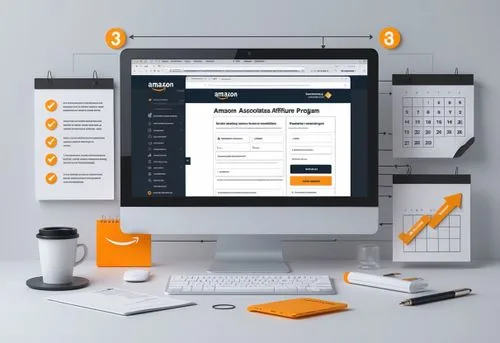
What You Need
- A phone with a browser — the early part of the sign-up can be done on a phone.
- A social media profile you actually use — its address goes into the form.
Tutorial
- Open the Amazon Associates page from your phone. The early sign-up steps can all be handled on a phone, so you do not need a laptop to start.
- Fill in your account details. This is the account data the form asks for, and it comes right after the Associates page opens.
- Enter the social media address you use. Have the handle or profile link handy, since this is the field that tells Amazon where you will be promoting.
Wrapping Up
Once those three parts are in, you have the opening section of the Amazon Associates sign-up done and you know exactly what Amazon asks for up front. If you had been putting it off because the whole thing looked complicated, this is the piece you can knock out on your phone in one sitting.
Does this still work?
Nobody's checked yet
Sign in to tell everyone how it went.
Continue with GoogleBe the first — one tap saves the next person an hour.
It takes 3 reports in 30 days to set the status.
More shares you might like
 AIHow to Claim 20,000 Free Clocked AI API Credits12h20 views
 NewsNVIDIA SkillSpector Scans AI Agent Skills for Hidden Threats2d42 views
 NewsChatGPT Analytics for Businesses Is Reportedly Coming4d67 views
 AIRealCUA Dataset Captures 600 Hours of Computer-Use Work5d60 views
 How to Get 2 Years of Google AI Pro Free5d246 views
 Social MediaHow to Fill In Your Amazon Associates Website Details1w87 views

Comments
Join the conversation — sign in to comment.
No comments yet — start the conversation!