
How to Make 3D Street Painting Videos in Google Flow
Looking for an AI video idea that does not look like every other Reels clip? 3D street painting is a good niche, and you can build one with ChatGPT and Google Flow.
The whole thing is six steps. ChatGPT comes up with the idea and the video prompt, then Flow turns it into a 9:16 clip you can use as Reels footage.
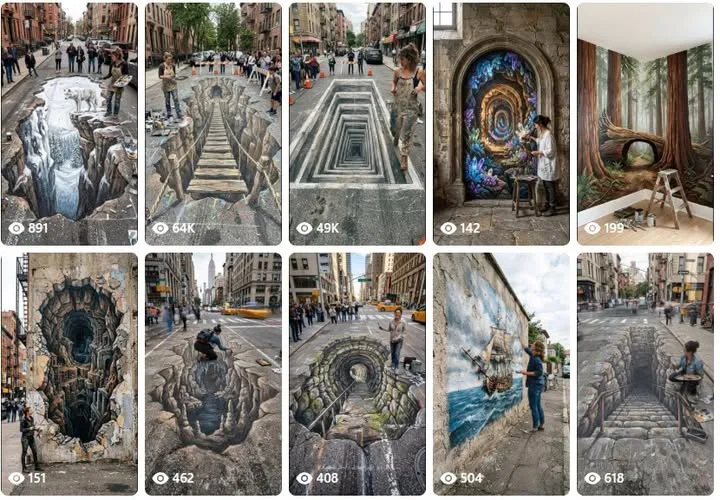
Tutorial
- Prepare one social media account. That is where the finished clip ends up, so set it up before you start.
- Open ChatGPT and paste the master prompt from https://web.facebook.com/impreneurid/posts/pfbid02TzqE9sFHJJQQe1BzmU7ozkZZPhzcu8BCGc9PZfcZr9iLmaq3iLXH1eHftEkEDwCtl
- Pick the idea you want from ChatGPT's results.
- Copy the video prompt that goes with the idea you picked.
- Open Flow and choose 9:16 and 10s. The vertical frame is the one Reels uses, and ten seconds keeps the clip short.
- Generate the video and wait for it to finish.
Wrapping Up
That is the whole loop: one account, one master prompt into ChatGPT, one video prompt into Google Flow, and a ten-second clip in 9:16. Six steps and you have Reels footage in the 3D street painting niche. Change the niche in the master prompt and the same six steps work for your next idea.
Does this still work?
Nobody's checked yet
Sign in to tell everyone how it went.
Continue with GoogleBe the first — one tap saves the next person an hour.
It takes 3 reports in 30 days to set the status.
More shares you might like
 AICloudflare's Security Audit Uses a Second Agent to Disprove Bugs5h11 views
 NewsCloudflare Workers Free Tier: 100,000 Requests a Day5h14 views
 ToolsHow to Redeem a DANA Voucher for ML Diamonds5h13 views
 NewsBinance suspicious flows: $2.9B to $6.3B, BTC drops 4%1d27 views
 AIHKU Open-Sources DeepTutor, an AI Tutor Built on Your Own Notes2d40 views
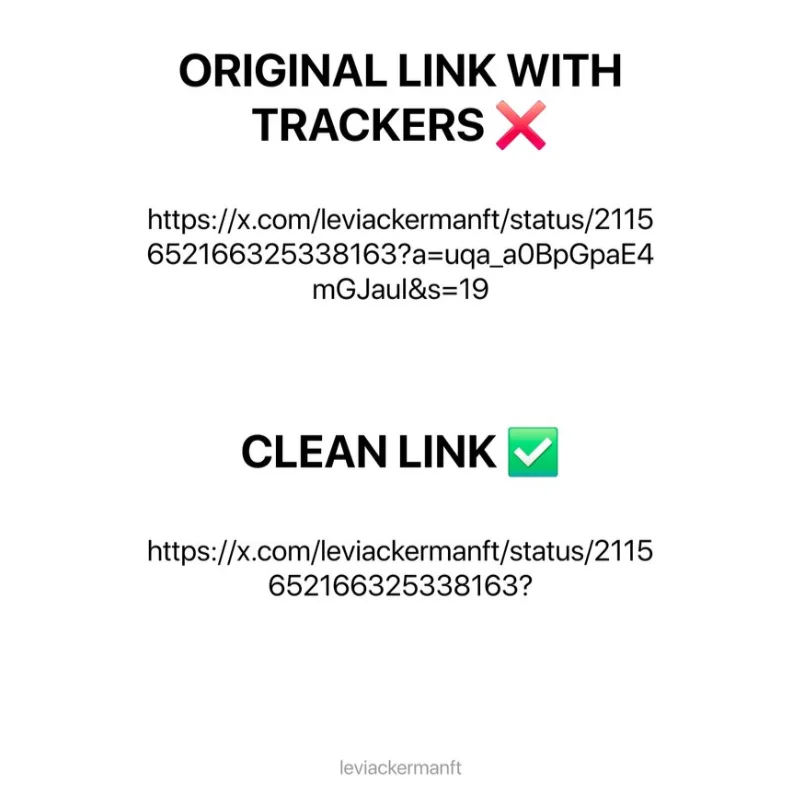 NewsX Is Tracking Your Copied Links — Here's the 2-Second Fix3d54 views
Comments
Join the conversation — sign in to comment.
No comments yet — start the conversation!