
JenExplorer
How to Fix a Stuck Shopee Video Verification Check
Your Shopee Video upload is sitting on "Verification in progress" and nothing is moving. Before you delete anything, know this: that message does not mean your content broke a rule.
Usually one of five things is off, and you can check all five yourself in a few minutes without losing a post you already published.

Tutorial
- Check the video quality first. The picture should be sharp rather than blurry, and any text on screen needs to be readable.
- Look for duplicate content. Go through your recent posts and see whether the same video, or one very close to it, went up more than once.
- Review anything you reposted. The content needs original value, not just a clip lifted from someone else.
- Check for watermarks from other apps. Look over the video for a watermark that does not need to be there.
- Open Creator Center and check the video's status. Any extra note or notification about that video shows up there.
Wrapping Up
Once you have gone through all five, fix whichever part needs work before your next upload. Leave the current video alone while you do it — "Verification in progress" is a review, not a verdict, so deleting it only costs you the post.
Does this still work?
Nobody's checked yet
Sign in to tell everyone how it went.
Continue with GoogleBe the first — one tap saves the next person an hour.
It takes 3 reports in 30 days to set the status.
More shares you might like
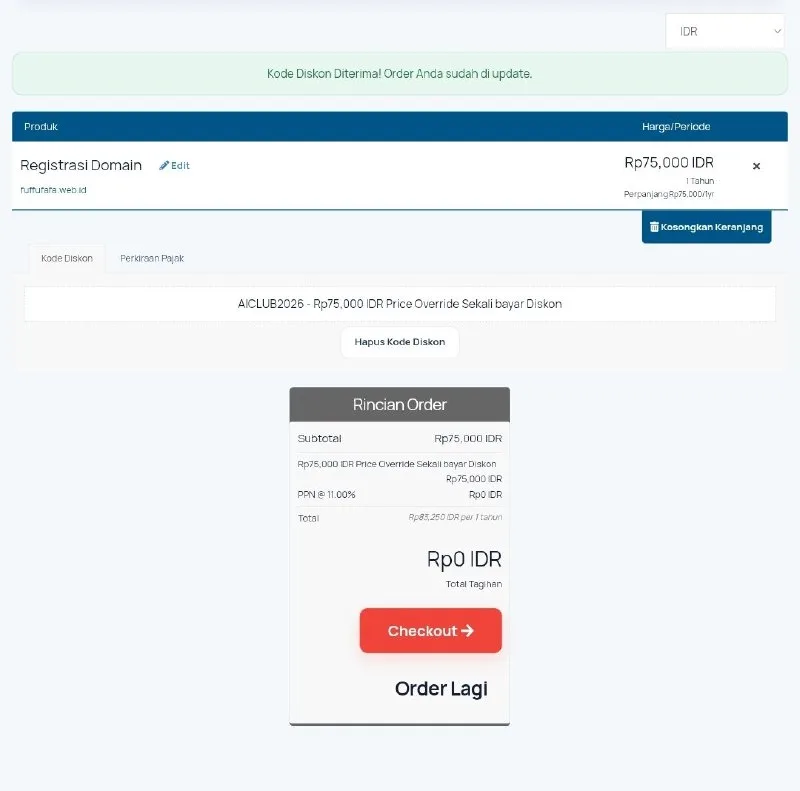 ToolsHow to Get a Free web.id Domain for One Year13h21 views
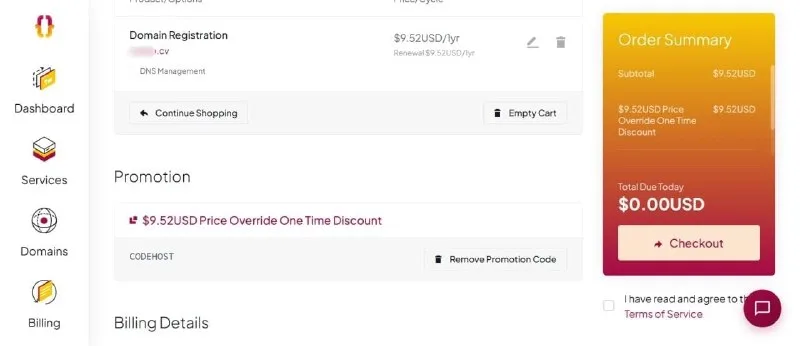 ToolsHow to Get a Free .CV Domain From Codehost.in1d32 views
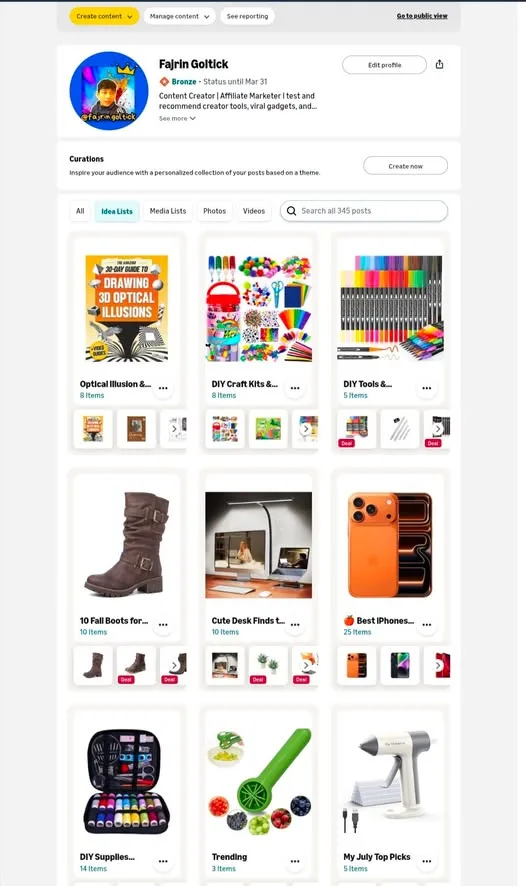 ToolsHow to Create Idea Lists on Amazon Influencer3d35 views
 ToolsHow to Make 20-Second AI Reels in Flow4d40 views
 ToolsHow to Get Up to 6 Months of Free Notion4d39 views
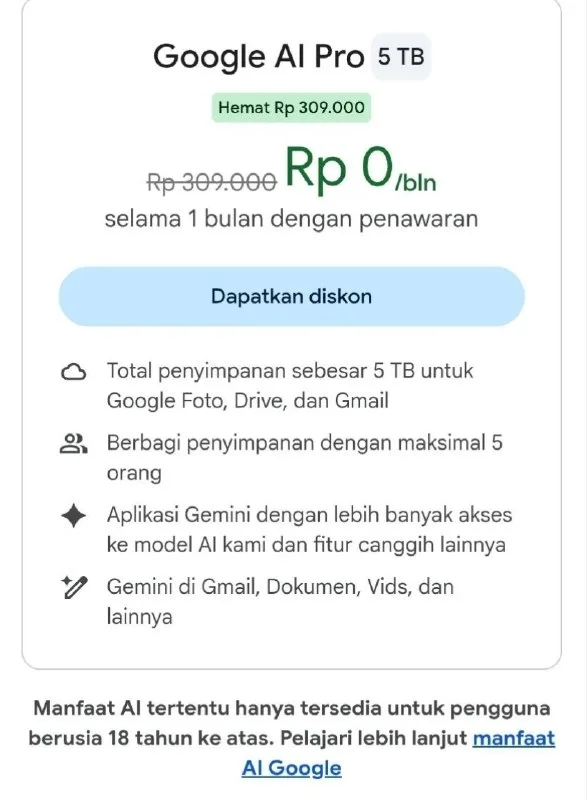 ToolsHow to Get a Free Month of Google AI Pro5d50 views
Comments
Join the conversation — sign in to comment.
No comments yet — start the conversation!