
How to Get a Free Oracle Cloud VPS
Hunting for a free server to run a bot, a small site, or a dev project on? Oracle Cloud keeps a set of Always Free resources on the table, and they stay free. Here is how to sign up and actually claim the hardware.
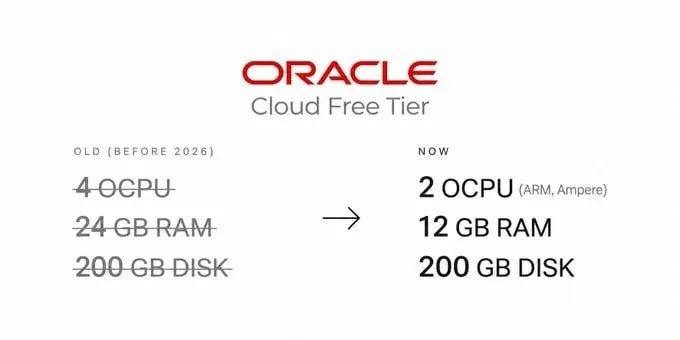
The main instance gives you 2 ARM OCPUs and 12 GB of RAM. Add 200 GB of storage and 10 TB of outbound transfer every month, plus room for up to two extra AMD VMs at 1 GB of RAM each. Eligible regions also hand out up to $300 in trial credit for 30 days.
Tutorial
- Open https://signup.cloud.oracle.com/ to reach the Oracle Cloud signup page.
- Fill in your real and valid personal details.
- Pick your home region carefully.
- Verify your email, your phone number, and your payment card.
- Open Compute → Instances → Create Instance.
- Choose VM.Standard.A1.Flex, then set it to 2 OCPU + 12 GB RAM.
Wrapping Up
Your account now sits on the Always Free tier, with a 2 OCPU, 12 GB instance ready for a bot, a website, or whatever you are building. The same account can hold up to two smaller AMD VMs at 1 GB each if you need extra boxes. Pick the region you actually want before you finish signup, since that is the choice you live with.
Does this still work?
Nobody's checked yet
Sign in to tell everyone how it went.
Continue with GoogleBe the first — one tap saves the next person an hour.
It takes 3 reports in 30 days to set the status.
More shares you might like
 AIAudio8-TTS-Realistic Tops the Hugging Face TTS Arena1d24 views
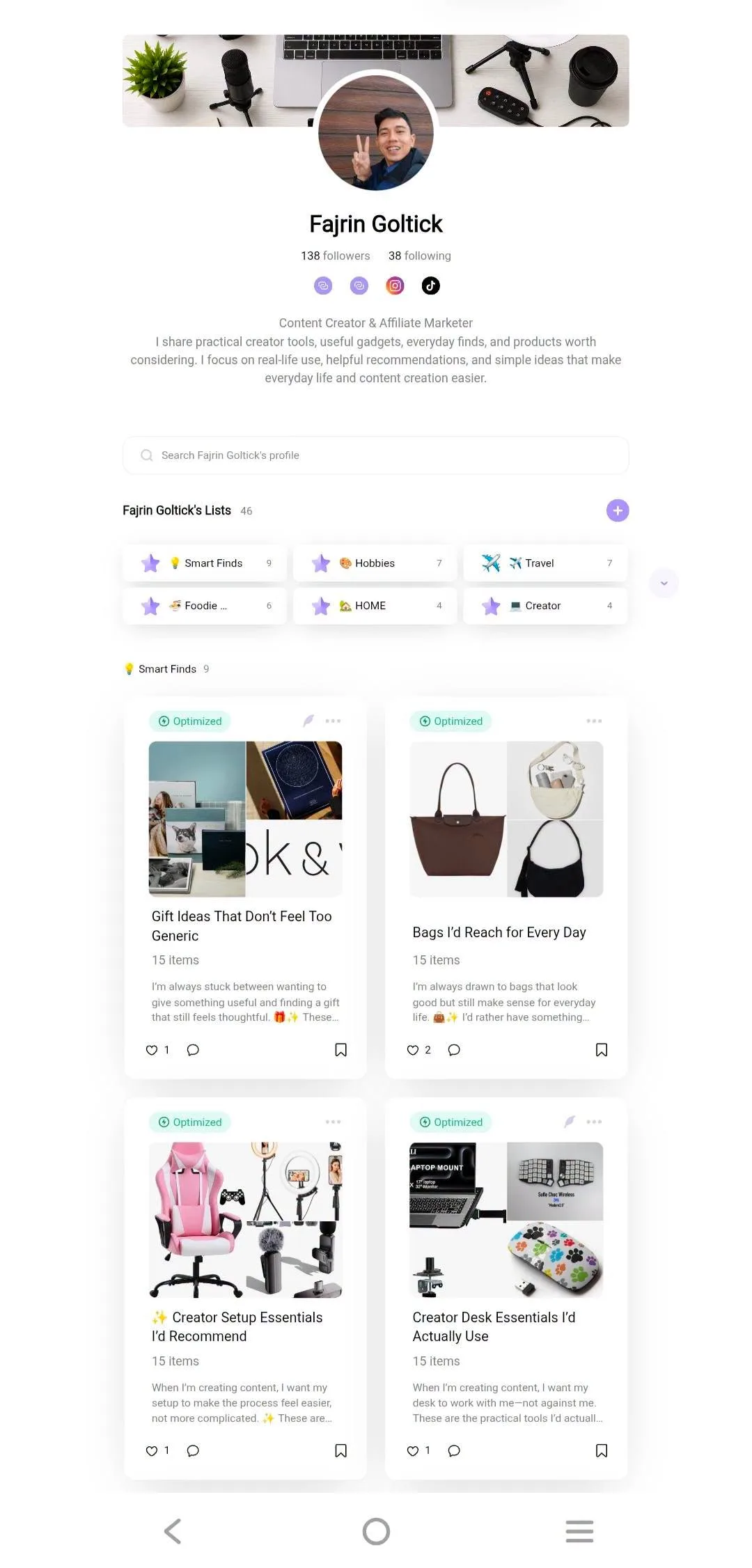 Social MediaHow to Build a Benable List People Actually Save1d23 views
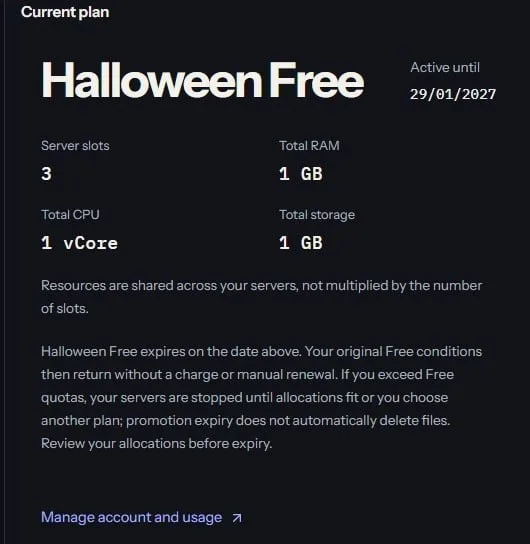 ToolsHow to Claim 3 Months of Free BotKeep Hosting2d36 views
 Social MediaHow to Grow Pinterest Affiliate Traffic3d32 views
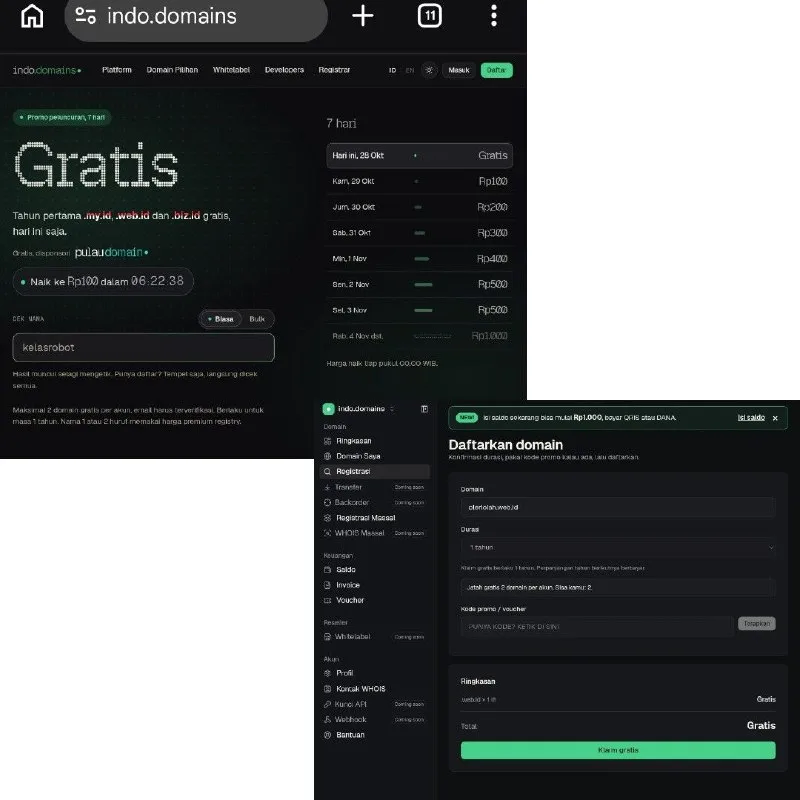 ToolsHow to Get Free .my.id, .web.id and .biz.id Domains3d34 views
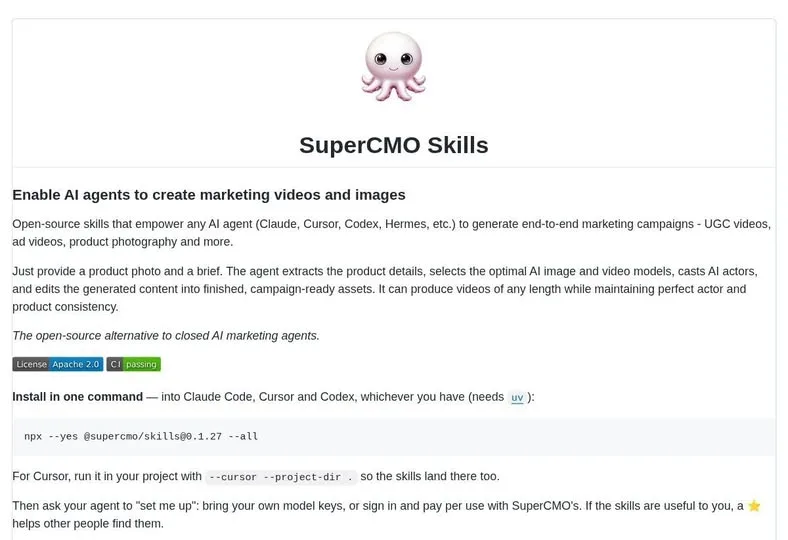 AISuperCMO Skills Brings Ad Production Into Your Agent5d50 views
Comments
Join the conversation — sign in to comment.
No comments yet — start the conversation!