
How to Audit Your Site for Free With SEOmator
Your pages stopped pulling in Google traffic and you cannot see why. A free, open-source audit engine can point at the technical faults behind it.
SEOmator SEO Audit runs hundreds of checks on your site and hands back a ranked list of what to fix. It also plugs into Claude Code, so an agent can do the fixing and re-run the audit to prove it worked.

What You Need
- A site you want to audit.
- Claude Code, if you want the agent to run the audit and change the code for you.
Tutorial
- Search GitHub for the SEOmator SEO Audit repository. The code is open source under the MIT license, so you can read it, modify it, and use it commercially.
- Pick how you want to run it. The project offers a desktop app, a CLI, a Claude Code skill, and a local dashboard for reviewing results.
- Build the desktop app from the source code. There is no ready-made installer, because the project's own instructions say you build it yourself.
- Run an audit on your site. It checks hundreds of rules across 20 categories, starting with robots.txt, sitemaps, 404s, canonical tags, redirects, and orphan pages.
- Look at the performance numbers. It measures LCP, CLS, and TTFB, and flags resource and image loading problems that hurt the visitor.
- Check the security findings. It reviews HTTPS and your security headers, including HSTS and CSP, and detects some leaked keys and sensitive data.
- Open the AI Search / GEO section. It shows whether AI bots can reach the site, whether you have an llms.txt file, whether your HTML is semantic, and how well your structured data matches the page.
- Read the score and the issue list. Each issue is ranked by importance, explained, tied to the pages it hits, and paired with a suggested fix, and the history lets you compare audits over time.
- Ask Claude Code to audit your site. The agent runs SEOmator and reads the results itself.
- Review the errors it flags. It sorts the findings down to the ones that need fixing.
- Have it change the code, metadata, and structured data.
- Run the audit again to confirm. The agent checks that the fix worked and did not cause new problems.
Wrapping Up
You now have a free technical audit engine that fits into your build workflow, either through the desktop app, the terminal, or Claude Code. Keep one thing in mind: it is not a replacement for Google Search Console or real traffic data, since its focus is technical auditing. Point it at a site you manage and see what it turns up.
Does this still work?
Nobody's checked yet
Sign in to tell everyone how it went.
Continue with GoogleBe the first — one tap saves the next person an hour.
It takes 3 reports in 30 days to set the status.
More shares you might like
 NewsFirecrawl Local Scrapes 37x Faster With 230x Less Memory1d26 views
 AIHow to Make AI Agents Write Modern Frontend Code2d41 views
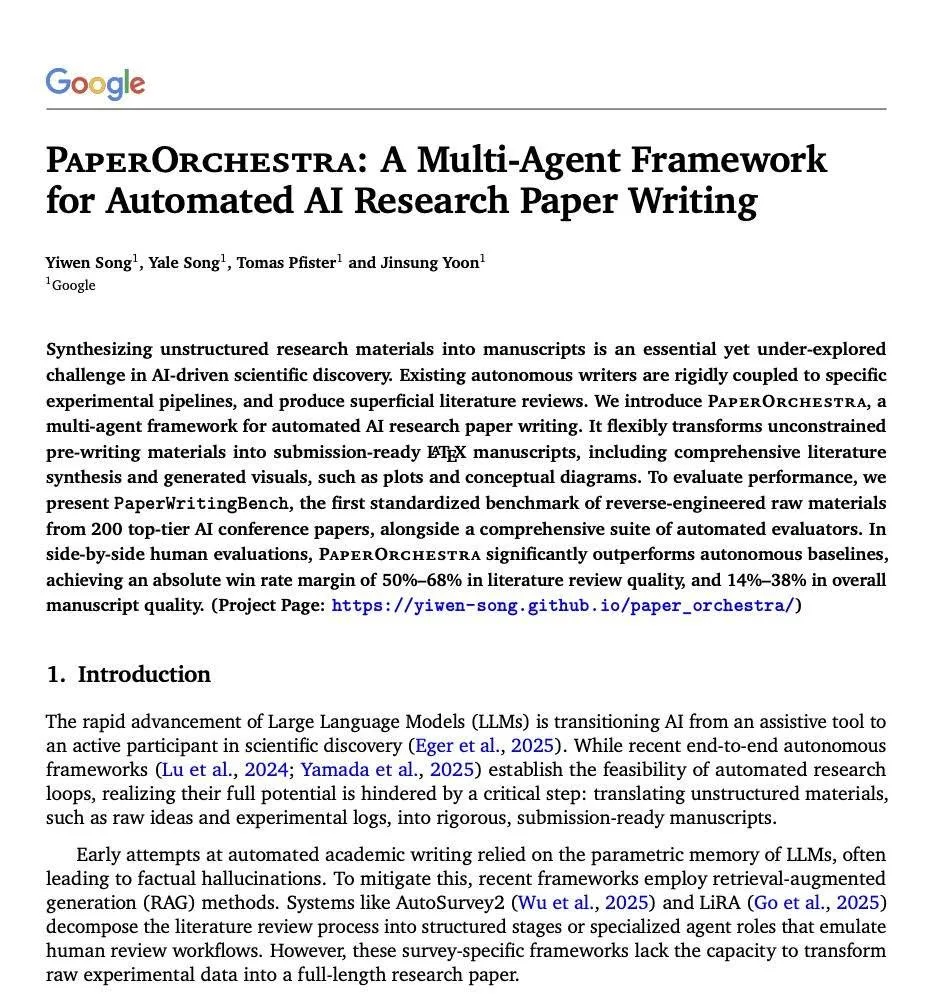 AIGoogle's PaperOrchestra Turns Raw Ideas Into LaTeX Papers4d53 views
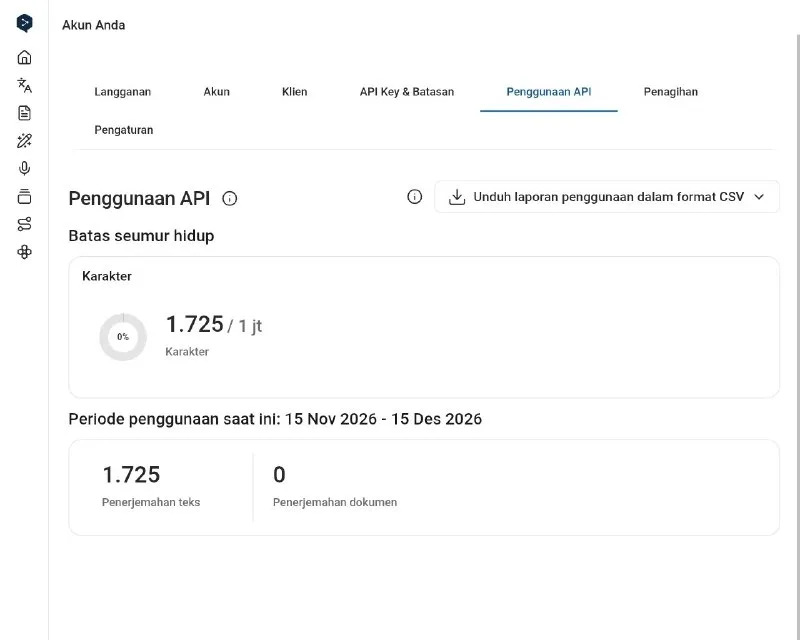 ToolsHow to Get 1 Million Free DeepL API Characters4d57 views
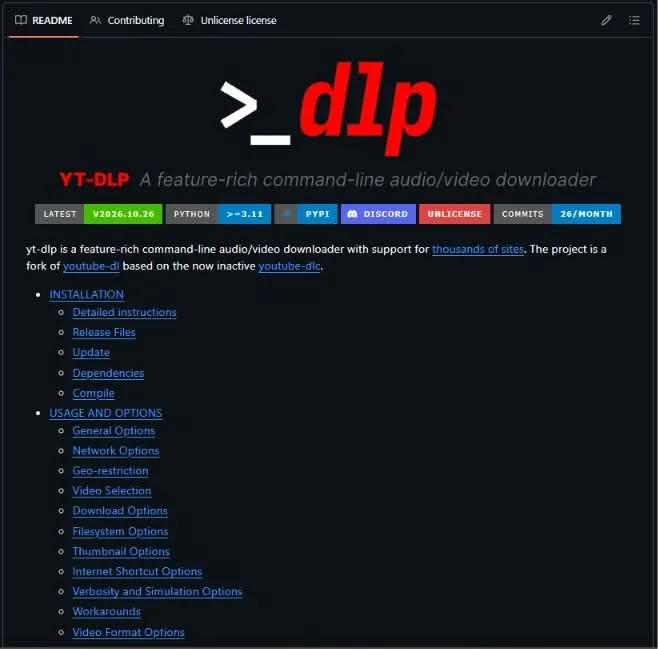 ToolsHow to Download Videos and Self-Host Photos With 6 Repos6d61 views
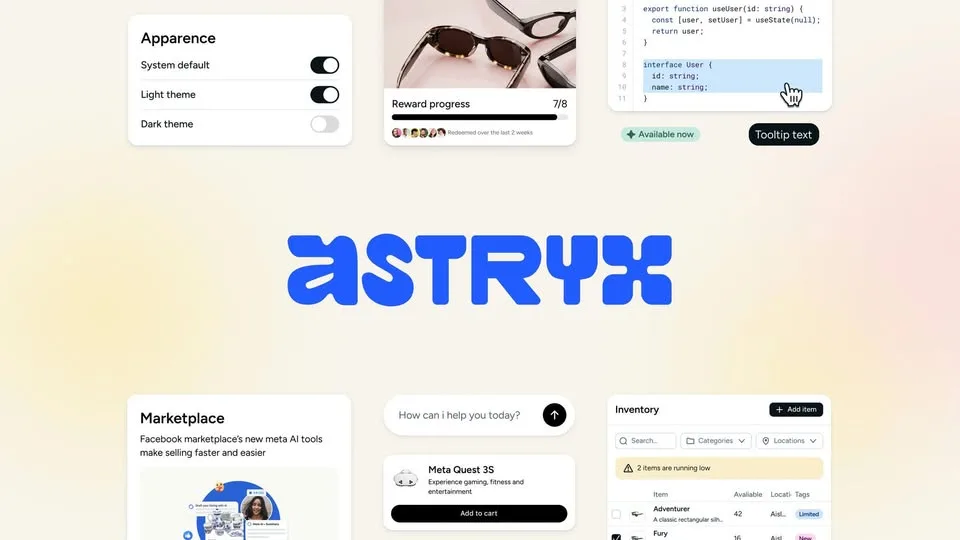 NewsMeta Open Sources Astryx, Its 150-Component Design System1w73 views





Comments
Join the conversation — sign in to comment.
No comments yet — start the conversation!