
How to Set Up e2e Agentic Testing in One Command
Still babysitting Playwright selectors that break every time a button moves? There is a testing framework called e2e that turns a whole test into one plain English sentence, then lets an agent run it in a real browser. This share gets it set up in your project.
It is fully open source, runs locally or in CI, and lets you mix deterministic and agentic APIs. You bring your own agent and infrastructure, and it covers mobile apps as well as web.
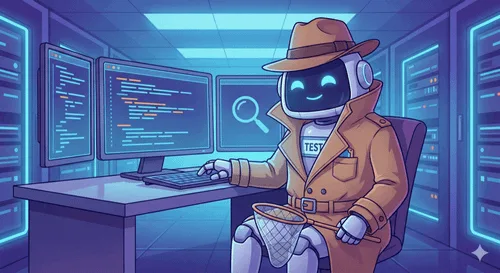
Tutorial
- Run npx e2e init in your project folder. That one command is the whole install, and the framework is fully open source.
- Write your first journey in plain English, like "Log in, publish an article and make sure it appears." An agent runs it in a real browser, so there are no selectors to maintain.
- Run the journey locally or in CI. You bring your own agent and infrastructure.
- Test a mobile app straight from the binary. e2e supports mobile alongside web, and the mobile test runs against the binary itself.
Wrapping Up
You now have e2e installed, with a journey running that you wrote in plain English, on the web or straight from a mobile binary. Do not delete your existing end-to-end tests today. Migrate 10 real journeys first, run both suites side by side, and decide in six months which one you actually want to maintain.
Does this still work?
Nobody's checked yet
Sign in to tell everyone how it went.
Continue with GoogleBe the first — one tap saves the next person an hour.
It takes 3 reports in 30 days to set the status.
More shares you might like
 AISynthetic Heart: Persistent AI Persona Memory Across Chats1d47 views
 ToolsHow to Claim Mobile Legends Diamond Cashback on GoPay1d70 views
 ToolsHow to Redeem McDonald's Coupon Codes in the App2d39 views
 AIHow to Run AI Research Loops With PRAXIST4d91 views
 NewsWebMCP Skill and TypeScript Types for Agent Tooling5d44 views
 AIGoogle Open-Sources Harness² for Self-Improving AI Agents6d52 views
Comments
Join the conversation — sign in to comment.
No comments yet — start the conversation!