
How to Add Community Plugins to Your DeepSeek Agent
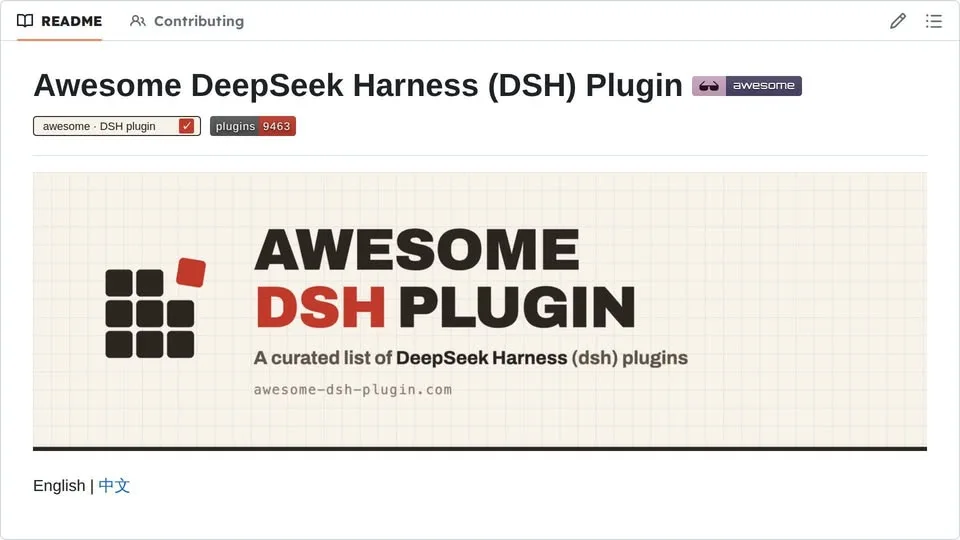
Hunting for plugins for your DeepSeek coding agent usually means digging through repos and wiring each one in by hand. Now your agent can search a curated community list and install what it finds on its own.
You add the list once, and from then on the agent does the looking and the installing, with a single command doing the actual work.
What You Need
- A DeepSeek coding agent with the dsh command available.
Tutorial
- Add the curated community list as an index source in your harness. Once it is in, the harness searches that list for you instead of you hunting through repos yourself.
- Browse the community plugins the index returns. Every entry on the list installs the same way, with one
dsh plugin add. - Install your pick with
dsh plugin add. The same entries then show up in Plugins, Discover, and the agent tool, so you can manage them from whichever one you already have open.
Wrapping Up
You now have the community list wired in as an index source, which means the agent can search it and install whatever you choose without you leaving the conversation. Next time you need a plugin, try asking the agent to find one first.
Does this still work?
Nobody's checked yet
Sign in to tell everyone how it went.
Continue with GoogleBe the first — one tap saves the next person an hour.
It takes 3 reports in 30 days to set the status.
Read it later?
We'll email you the link to this share. Nothing else.
More shares you might like
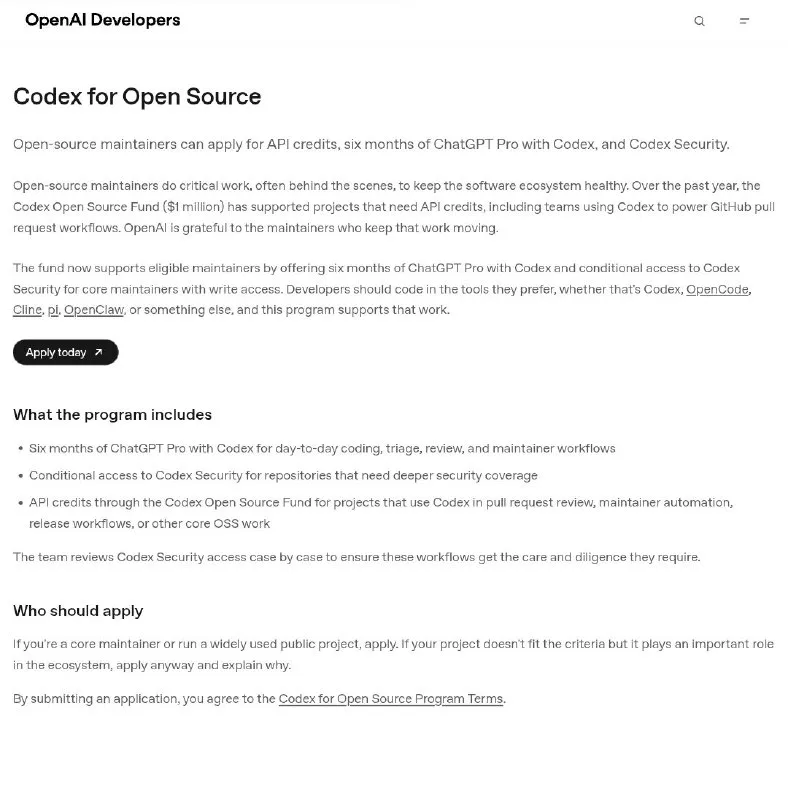 AIHow to Get Six Months of Codex for Free2d52 views
 Social MediaHow to Build a Threads Account for Amazon Affiliate Traffic3d55 views
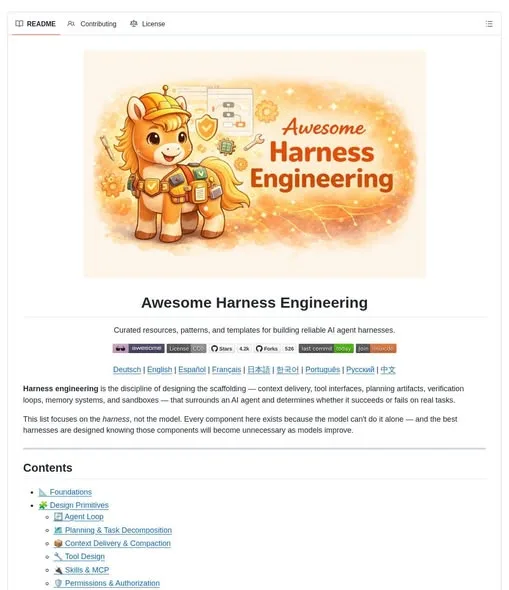 ToolsAwesome Harness Engineering: A Map for Reliable AI Agents4d57 views
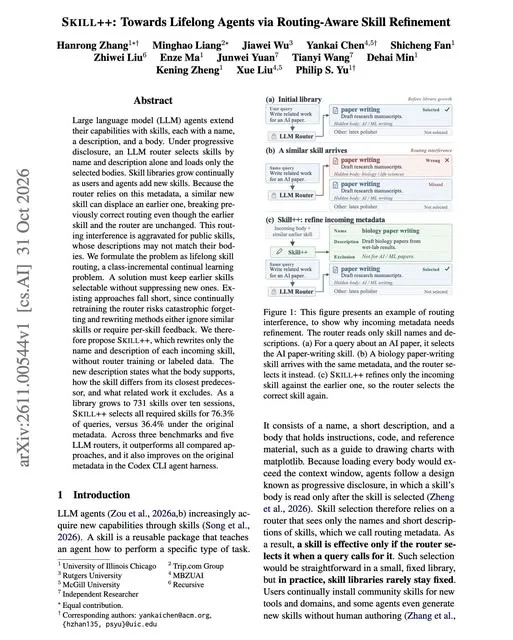 ToolsHow to Add Agent Skills Without Breaking Old Ones5d68 views
 NewsArtCraft Builds an Open-Source Rival to Claude's REA Tool6d107 views
 AIMindWire Puts Frontier Coding Agents Behind Your Own UI1w69 views

Comments
Join the conversation — sign in to comment.
No comments yet — start the conversation!