
How to Make 10 Animation Styles With Claude
Have an animation idea and a Claude tab already open? You can turn it into a finished clip without learning a new tool. The whole loop is short: copy a prompt, paste it, swap in your own idea, generate, then download the result.
There are ten animation styles to pick from, and the first one is the style people reach for most. Since you only change the words in the brackets, the same prompt keeps working every time you have a new idea.
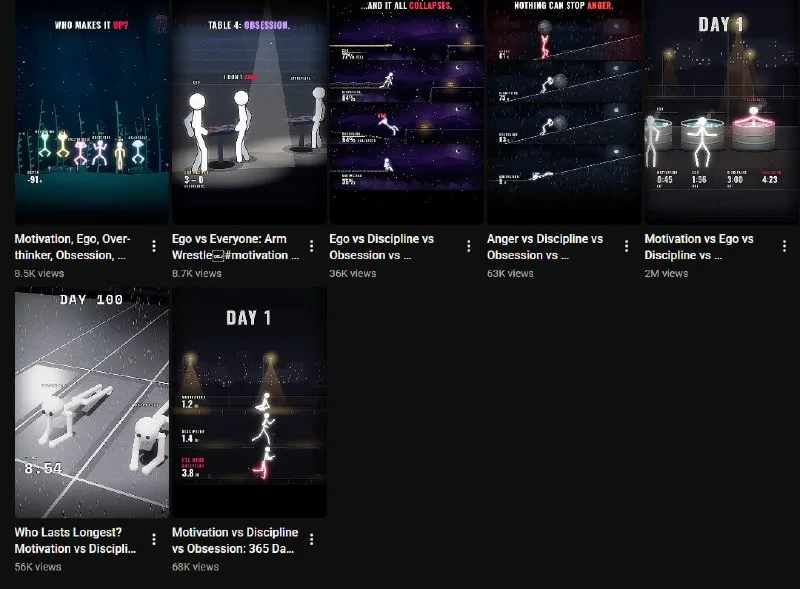
Tutorial
- Copy the prompt for the animation style you want. The first style on the list is the most used one, so it is a safe place to start.
- Paste the prompt into Claude. Paste it whole — the prompt is written to be used as it is.
- Change the idea inside the brackets to your own. Only the words in brackets change; leave the rest of the prompt exactly as written.
- Hit Generate. This is the step that turns your edited prompt into the animation.
- Download the result.
Wrapping Up
You now have a repeatable loop: swap the bracketed idea, generate, download. Work through the ten styles one at a time and you will quickly see which one fits the look you are after.
Does this still work?
Nobody's checked yet
Sign in to tell everyone how it went.
Continue with GoogleBe the first — one tap saves the next person an hour.
It takes 3 reports in 30 days to set the status.
More shares you might like
 ToolsHow to Get 5GB Telkomsel eSIM for Rp1 on GoPay1d30 views
 ToolsHow to Transfer SeaBank to DANA, GoPay, OVO for Free2d45 views
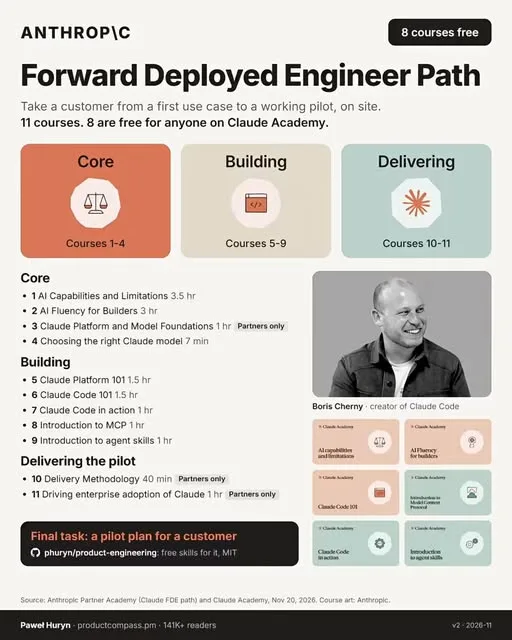 AIAnthropic Adds a Learning Path for Forward-Deployed Engineers3d83 views
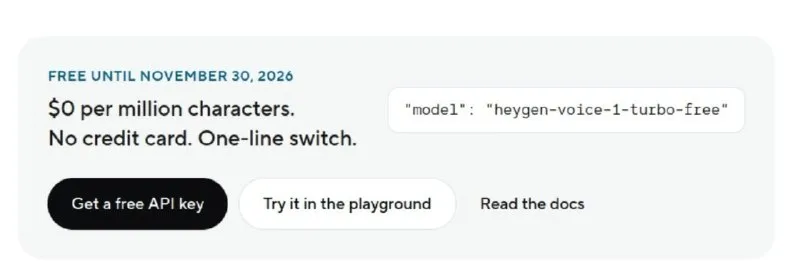 ToolsHow to Try the HeyGen Voice Turbo API for Free4d61 views
 NewsUS Approves 879,868 Nvidia and AMD AI Chips for China5d54 views
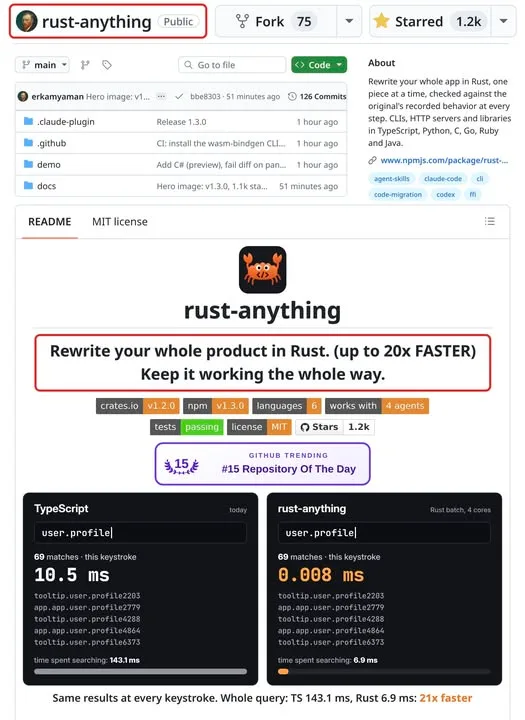 ToolsHow to Speed Up Your App With rust-anything6d74 views



Comments
Join the conversation — sign in to comment.
No comments yet — start the conversation!