
CalvinRookie
How to Claim $100 or $250 in Claude Code Credits
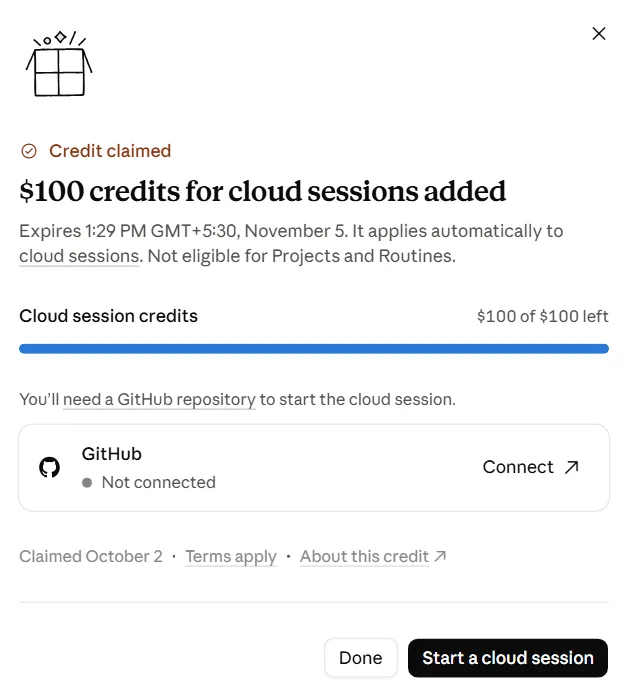
Already paying for Claude and wondering where your money goes? There may be a credit sitting in your account right now. Pro subscribers are reporting $100 in Claude Code cloud credits, and Max subscribers $250.
That is free credit for the coding side of Claude, and it only shows up for some paid accounts. Worth two minutes before it disappears.
What You Need
- An active Claude Pro or Max subscription.
Tutorial
- Open https://claude.ai/new#settings/usage to see your account settings.
- Look through the page for the Claude Code credit offer.
- Click Claim Credit.
- Pick Skip GitHub if you are prompted about GitHub.
- Select the credit shown for your plan. That is $100 on Pro and $250 on Max.
- Check your account to confirm the credits were added.
Wrapping Up
You now know where the offer lives if your account has it, and what each plan is worth. It is showing up for some paid subscribers and not others, so if you don't see it, check back later before the offer goes away.
Does this still work?
Nobody's checked yet
Sign in to tell everyone how it went.
Continue with GoogleBe the first — one tap saves the next person an hour.
It takes 3 reports in 30 days to set the status.
More shares you might like
 AIHow to Run AI Research Loops With PRAXIST1d25 views
 NewsWebMCP Skill and TypeScript Types for Agent Tooling2d26 views
 AIGoogle Open-Sources Harness² for Self-Improving AI Agents3d36 views
 AIHow to Get a Free ai.id Domain3d80 views
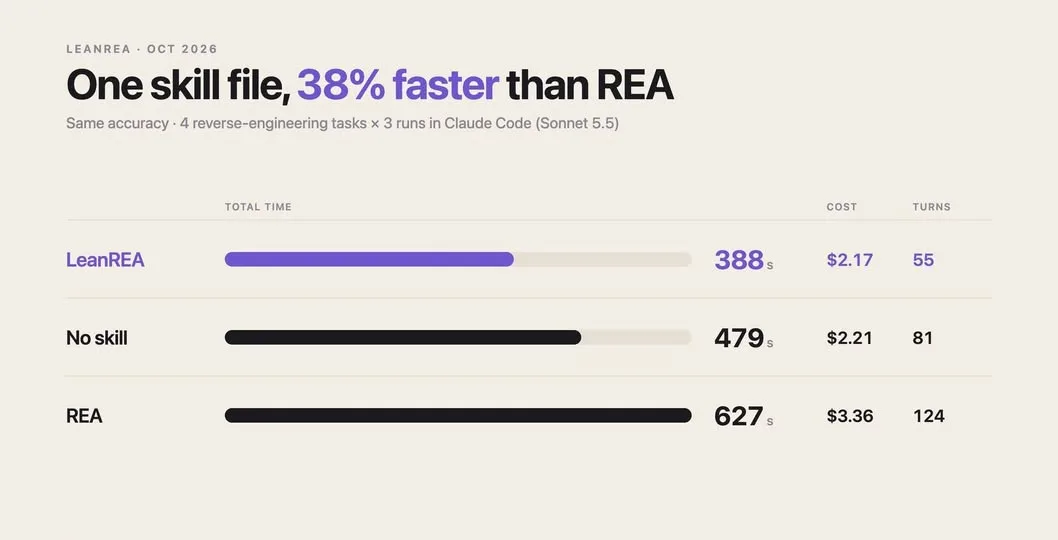 AILeanREA: Same Accuracy as REA, 38% Faster and 35% Cheaper4d46 views
 AIHow to Get Google AI Pro Free for 1 Month4d41 views
Comments
Join the conversation — sign in to comment.
No comments yet — start the conversation!