
How to Make AI Agents Draw Clean Diagrams
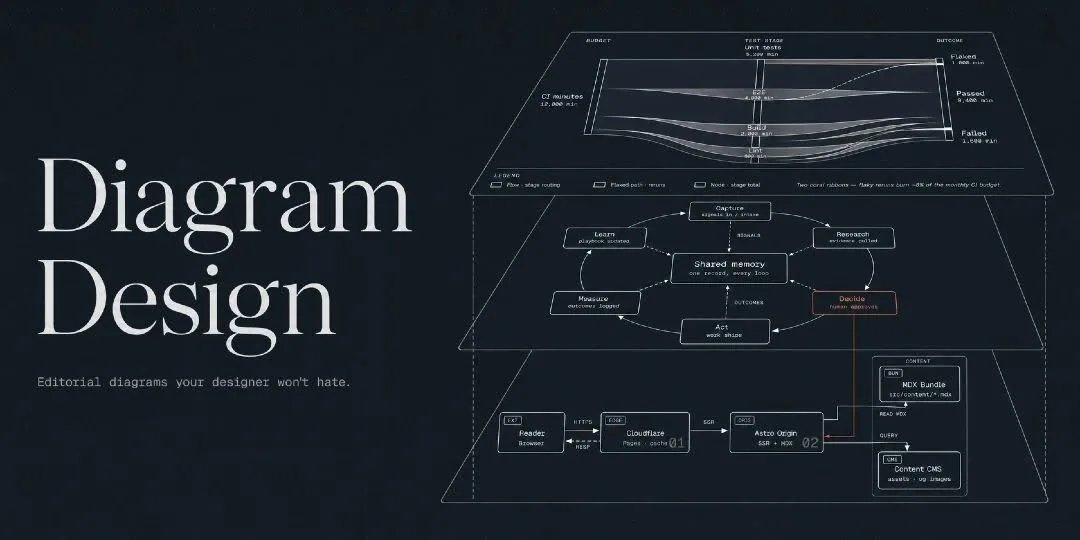
Your AI agent can build a whole feature and still hand you a diagram nobody can read. Diagram Design fixes that one job: it makes the agent draw clean, editorial-grade diagrams instead of fuzzy Mermaid shapes.
The repository behind it has crossed 47,000 GitHub stars, and it comes down to one prompt you type into the agent you already use. Diagrams come back in about 60 seconds, so it costs you almost nothing to try.
What You Need
- An AI coding agent, such as Claude Code.
- The Diagram Design skill added to that agent.
Tutorial
- Open the AI coding agent you already use on your project. The source names Claude Code and says other agents work with the skill too.
- Ask for the diagram in plain words. Type a prompt like the one from the source:
```
draw the database architecture and auth logic
```
- Read what comes back, usually in around 60 seconds. The agent answers with HTML + SVG you can actually follow, in your project's own fonts and brand colors.
Wrapping Up
That output is not one fixed chart either. The skill covers more than 42 formats, from complex pipelines and deployment schemas to radar maps and timelines, so the same way of asking works wherever your project needs a picture. Point it at the messiest part of your system first and see what your agent draws.
Does this still work?
Nobody's checked yet
Sign in to tell everyone how it went.
Continue with GoogleBe the first — one tap saves the next person an hour.
It takes 3 reports in 30 days to set the status.
More shares you might like
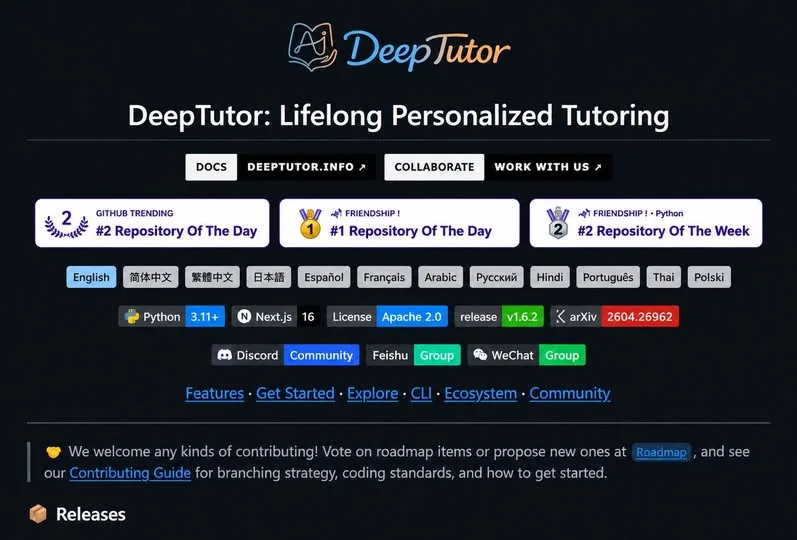 AIHKU Open-Sources DeepTutor, an AI Tutor Built on Your Own Notes4h13 views
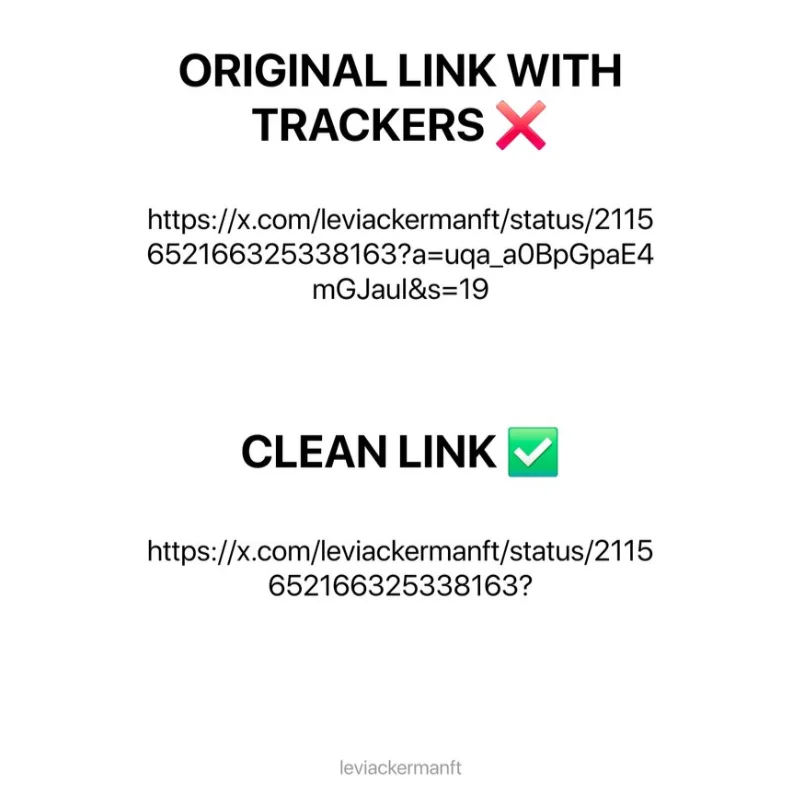 NewsX Is Tracking Your Copied Links — Here's the 2-Second Fix13h21 views
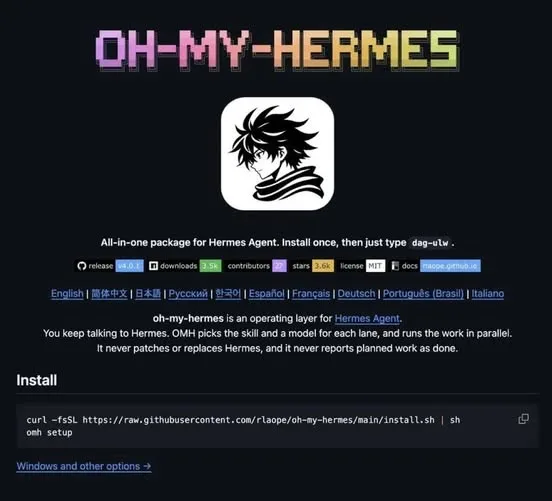 NewsOh-My-Hermes Packs 150+ Skills Into One Agent Setup1d28 views
 ToolsHow to Make ASMR Hydro Dipping Videos With AI1d33 views
 AIHow to Claim $50 in Free Systalyze API Credits2d60 views
 ToolsHow to Organize Amazon Influencer Picks With Idea List3d42 views
Comments
Join the conversation — sign in to comment.
No comments yet — start the conversation!