
How to Get Professional Ad Photos With 11 Slash Commands
An ad photo has to do more than look nice. These slash commands each handle one part of that job, from the feel of the brand to the way the subject stands.
There are 11 of them, and each one does a single job on the image you are working on. Two at the end matter most when the picture has to sell: one is built around convincing customers, and one is aimed at marketing material rather than a pretty shot.

Tutorial
- Add /commercial photography to make a shot feel like professional ad material.
- Add /advertising photography to point the whole image at promotion.
- Add /premium branding to give the brand a more expensive feel.
- Add /trustworthy presence to raise how trustworthy the subject comes across.
- Add /confident appearance so the subject looks sure of themselves and competent.
- Add /professional posture so the pose stops looking stiff or random.
- Add /service demonstration for a technician showing what they do. It is built for scenes where someone is demonstrating a service.
- Add /clean composition for a tidier, more organized visual.
- Add /strong visual appeal to make the image more eye-catching.
- Add /customer-trust visual to focus on convincing potential customers.
- Add /conversion-focused visual when the image is marketing material. This one aims the shot at selling, not just at looking good.
Wrapping Up
You now have 11 commands, each with one clear job. Pick by what the photo needs: /premium branding when the brand should feel expensive, /professional posture when the pose looks off, /conversion-focused visual when the image has to sell something. Try one at a time, then keep the ones that fit how you shoot.
Does this still work?
Nobody's checked yet
Sign in to tell everyone how it went.
Continue with GoogleBe the first — one tap saves the next person an hour.
It takes 3 reports in 30 days to set the status.
More shares you might like
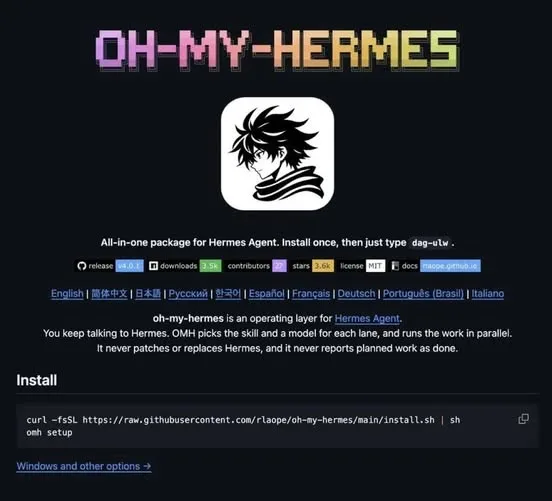 NewsOh-My-Hermes Packs 150+ Skills Into One Agent Setup6h13 views
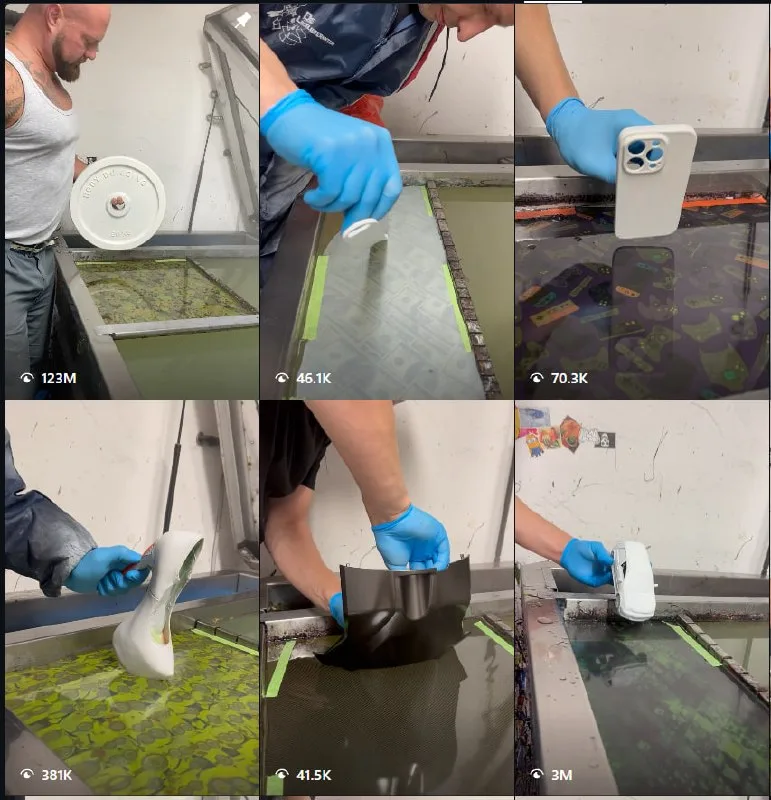 ToolsHow to Make ASMR Hydro Dipping Videos With AI18h22 views
 AIHow to Claim $50 in Free Systalyze API Credits1d48 views
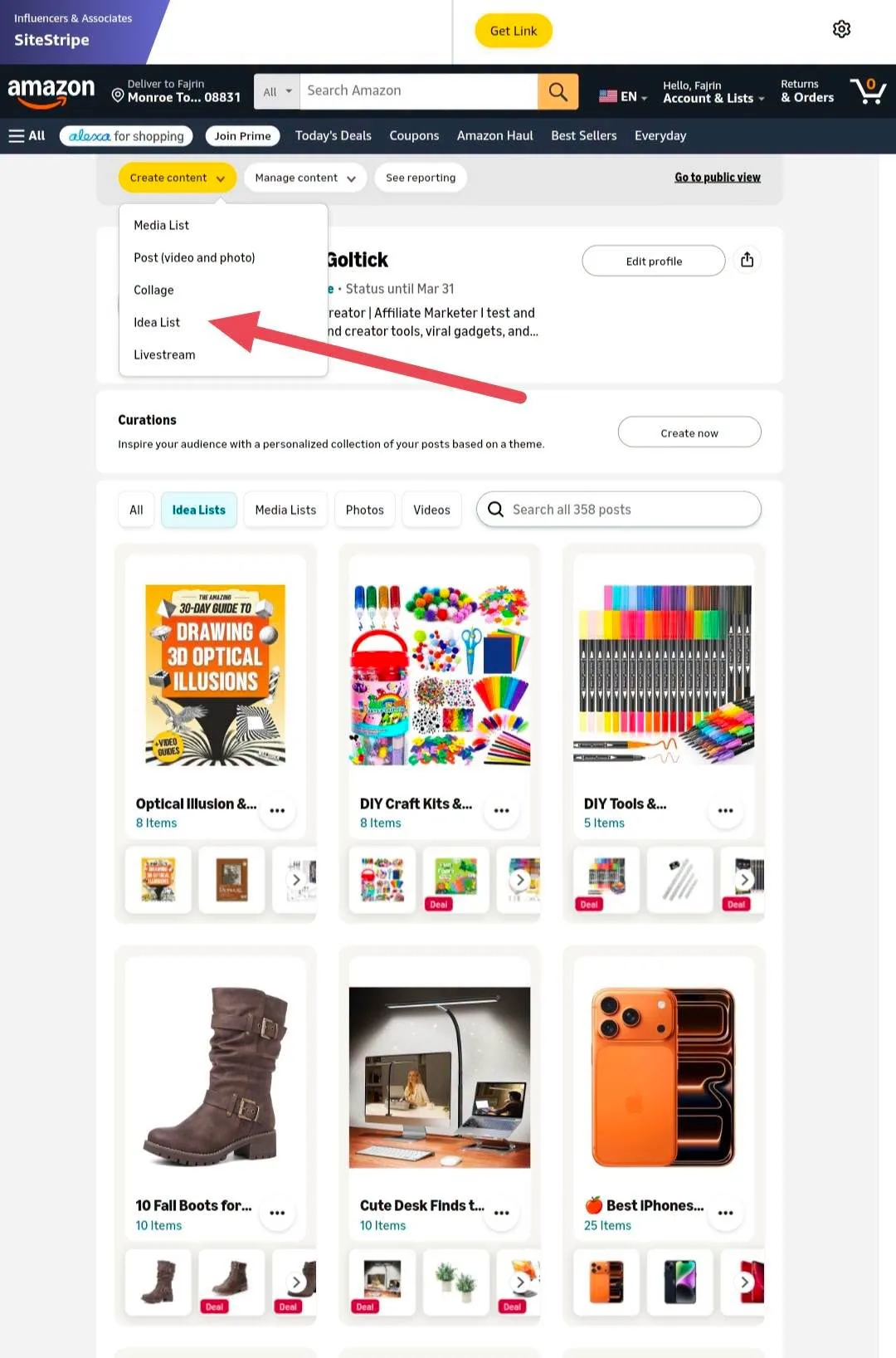 ToolsHow to Organize Amazon Influencer Picks With Idea List2d35 views
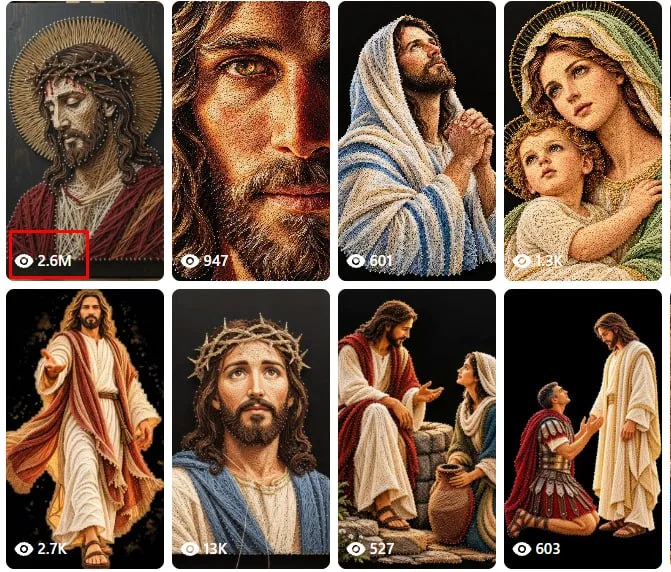 ToolsHow to Make String Art Videos With ChatGPT and Flow3d58 views
 ToolsHow to Fix a Stuck Shopee Video Verification Check4d102 views
Comments
Join the conversation — sign in to comment.
No comments yet — start the conversation!