
JenExplorer
How to Generate Color Mixing Videos With ChatGPT and Flow
Looking for a video idea you can make without a camera? Color mixing footage is a good fit for AI generation, and you only need two tools to pull it off: ChatGPT and Flow.
The whole workflow is six steps. ChatGPT writes the prompt, Flow renders it, and the master prompt does most of the thinking for you.
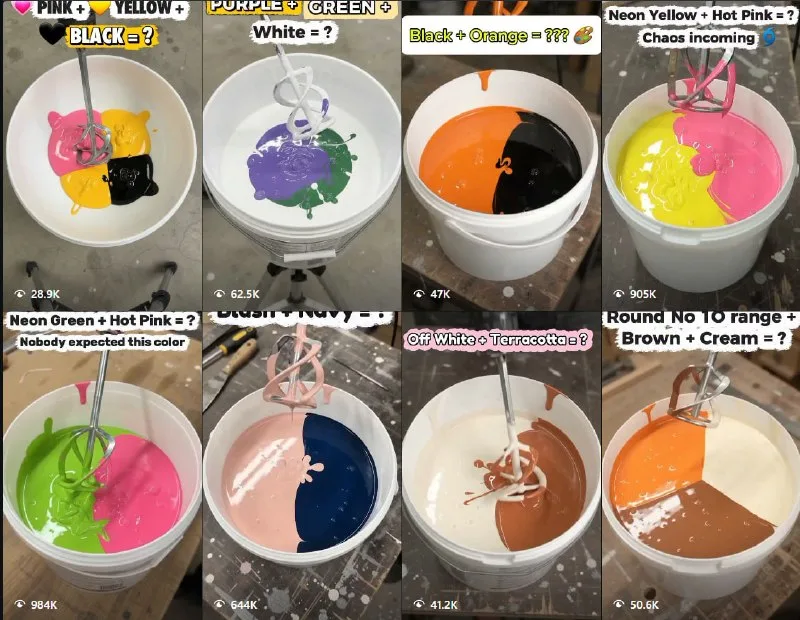
Tutorial
- Set up ChatGPT and Flow. Those two are the only tools the workflow calls for, so have both open before you start.
- Paste the master prompt into ChatGPT. It is posted here: https://web.facebook.com/impreneurid/posts/pfbid031ezeJNo7AQHyHnFYt2G59XaBznZJFL5Zao3gtZLHEaVLNzwoG1KbJaVXMVoziGTul
- Pick one idea from the response. ChatGPT comes back with several options, so choose the one you want to build the video around.
- Copy the video prompt it gives you for that idea.
- Open Flow and select Omni, then set the length to 10s and the ratio to 9:16.
- Hit generate and wait for the render to finish.
Wrapping Up
You now have a repeatable loop: master prompt in, video prompt out, render in Flow. Run it again with a different idea from the same response whenever you need another clip for the color mixing niche.
Does this still work?
Nobody's checked yet
Sign in to tell everyone how it went.
Continue with GoogleBe the first — one tap saves the next person an hour.
It takes 3 reports in 30 days to set the status.
More shares you might like
 NewsEveryInfra Ships an Open-Source MCP Server for Web Data1d22 views
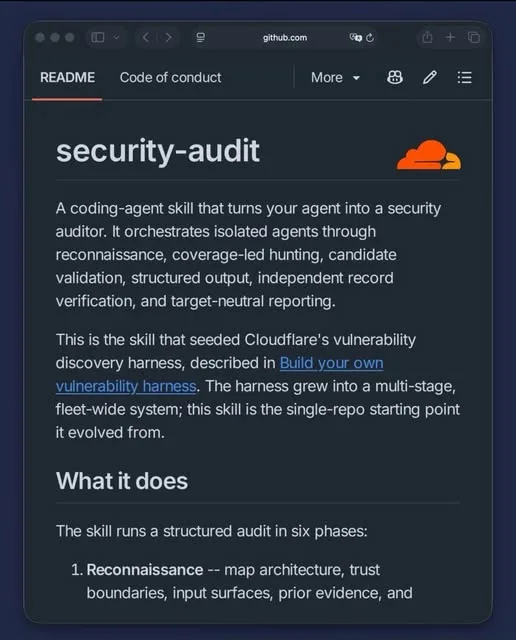 AICloudflare's Security Audit Uses a Second Agent to Disprove Bugs3d43 views
 NewsCloudflare Workers Free Tier: 100,000 Requests a Day3d45 views
 ToolsHow to Redeem a DANA Voucher for ML Diamonds3d40 views
 NewsBinance suspicious flows: $2.9B to $6.3B, BTC drops 4%4d47 views
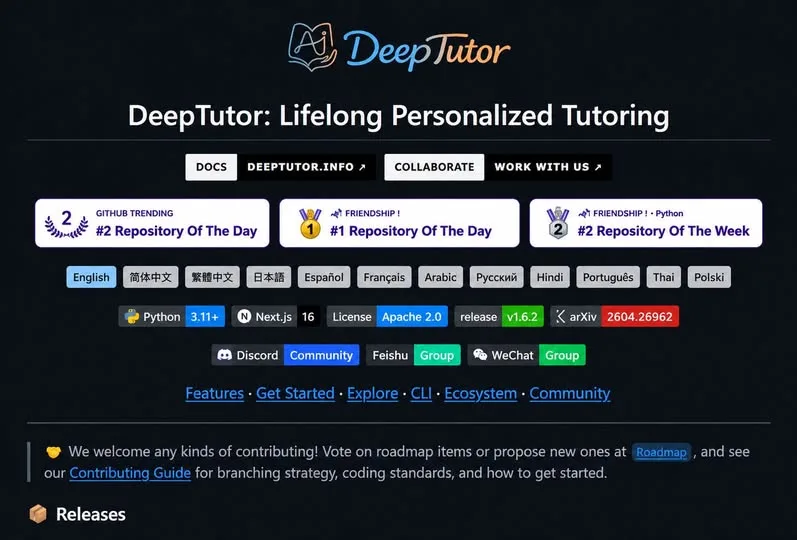 AIHKU Open-Sources DeepTutor, an AI Tutor Built on Your Own Notes5d65 views

Comments
Join the conversation — sign in to comment.
No comments yet — start the conversation!