
How to Add Social Media Accounts to Amazon Associates
Running a second Amazon Associates account means one chore nobody warns you about: telling Amazon exactly where your traffic comes from. Get that list wrong and the account just sits there. This share walks through the whole thing in six steps.
You can list a social media profile or a website. Amazon screens the sources you submit, so the ones you pick need to be ones you actually use and that anyone can open in a browser.
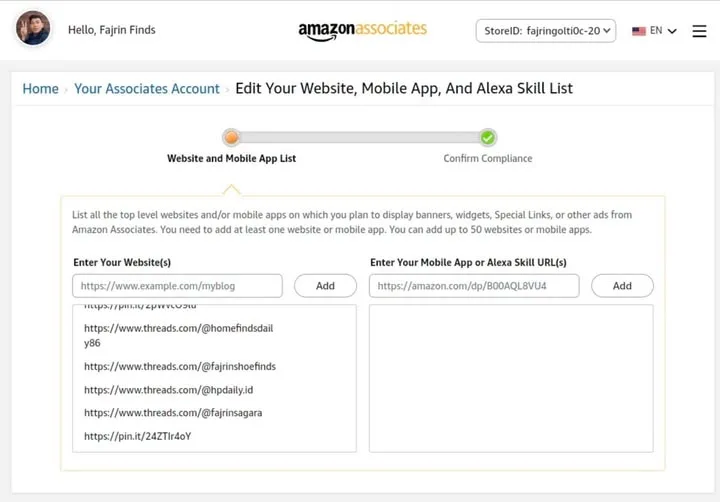
What You Need
- An Amazon Associates account you can sign in to.
Tutorial
- Sign in to your Amazon Associates account.
- Open Account Settings.
- Choose Edit Your Website, Mobile App.
- Enter the URL of the social media account or website you use.
- Click Add, then check that the URL now shows up in your list.
- Click Next or Save if you are asked to, and finish whatever confirmation comes up.
Wrapping Up
Only list promotion sources you really use, and make sure they are publicly accessible. Amazon has its own requirements for the traffic sources it accepts, so dumping every account you own into the list can work against you. Once your links are in, they sit in Account Settings, where you can go back and adjust them any time.
Does this still work?
Nobody's checked yet
Sign in to tell everyone how it went.
Continue with GoogleBe the first — one tap saves the next person an hour.
It takes 3 reports in 30 days to set the status.
More shares you might like
 NewsBinance suspicious flows: $2.9B to $6.3B, BTC drops 4%1h4 views
 AIHKU Open-Sources DeepTutor, an AI Tutor Built on Your Own Notes1d24 views
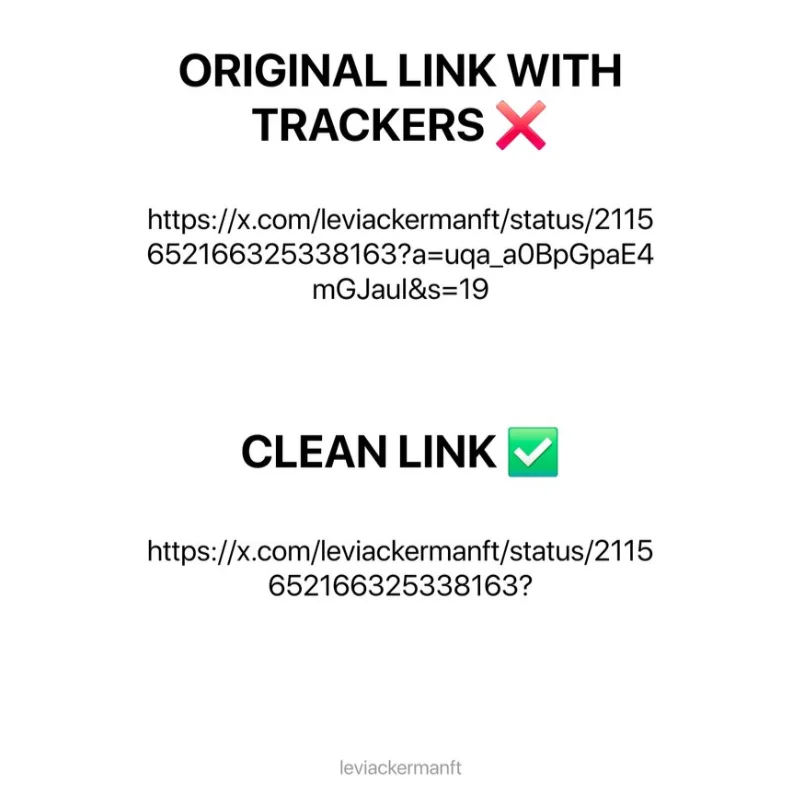 NewsX Is Tracking Your Copied Links — Here's the 2-Second Fix1d41 views
 NewsOh-My-Hermes Packs 150+ Skills Into One Agent Setup2d37 views
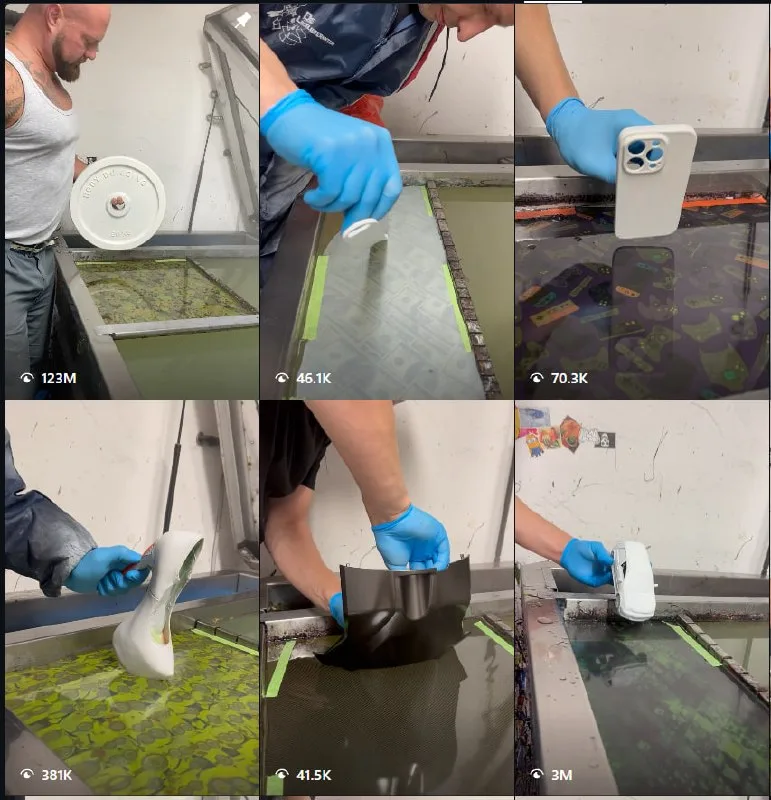 ToolsHow to Make ASMR Hydro Dipping Videos With AI2d36 views
 AIHow to Claim $50 in Free Systalyze API Credits3d75 views
Comments
Join the conversation — sign in to comment.
No comments yet — start the conversation!