
How to Use Amazon Influencer's My Content Feature
If you thought Amazon Influencer was just about filming product videos and hoping someone watches, there is a feature worth opening: My Content. It is where you upload product videos straight to Amazon, and it is easy to miss while you are still learning the platform.
Uploaded videos that get approved can show up on your storefront, and eligible ones may be considered for other Amazon placements too. There is no guarantee on the extra placements, so treat them as a bonus, not the plan.
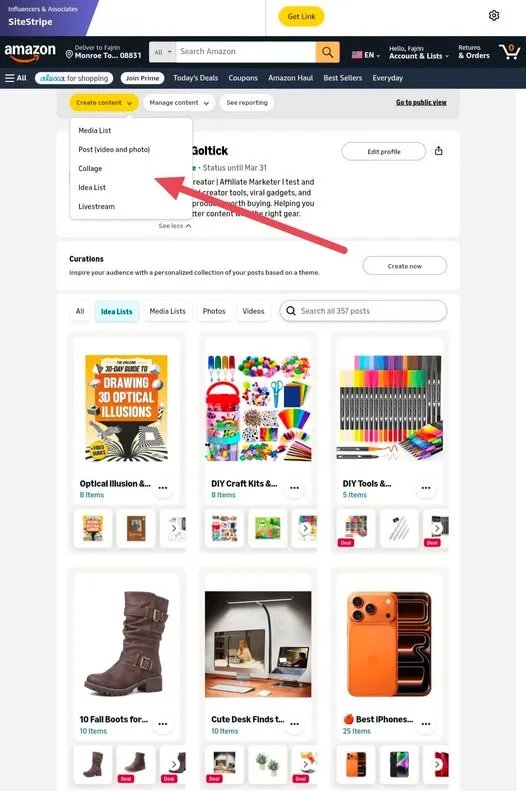
Tutorial
- Open the My Content feature in Amazon Influencer. This is the part of the platform where your product videos live.
- Upload your product videos directly to Amazon through My Content. You are not routing them through another app or a link in your bio.
- Wait for approval. Approved videos are the ones that can appear on your storefront, and eligible videos may be considered for additional Amazon placements.
- Check views and average watch duration in Creator Hub. Those two numbers tell you which product videos people actually stay for.
Wrapping Up
My Content gives you a place to publish product videos on Amazon itself, with your storefront as the first stop and other placements as a maybe. Watch duration in Creator Hub is the honest signal, so use it to figure out which videos to make more of. Upload one, let it get approved, and see what the numbers say.
Does this still work?
Nobody's checked yet
Sign in to tell everyone how it went.
Continue with GoogleBe the first — one tap saves the next person an hour.
It takes 3 reports in 30 days to set the status.
More shares you might like
 AIArchify Turns Your Codebase Into an Interactive Map13h20 views
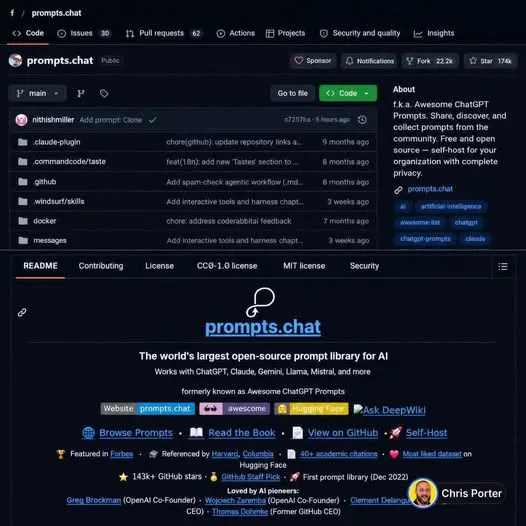 AIHow to Use the Free Prompts.chat Prompt Library1d60 views
 NewsOctober's Security Roundup: 15 Breaches and Backdoors2d37 views
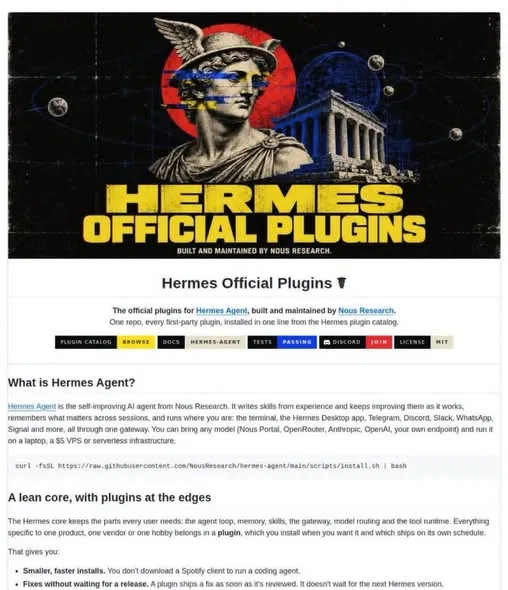 ToolsHow to Install Official Hermes Agent Plugins3d39 views
 ToolsHow to Get Free Netflix With Gopay NEXT4d43 views
 AIHow to Get Antigravity Ultra Free for 6 Months5d52 views
Comments
Join the conversation — sign in to comment.
No comments yet — start the conversation!