
How to Prompt Claude Opus 5.5 the Right Way
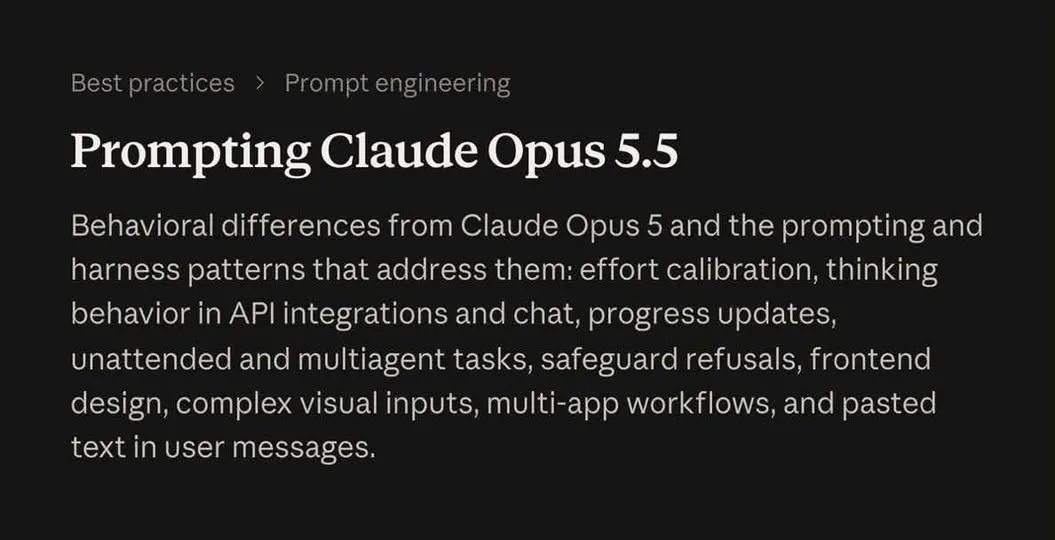
If you prompt Claude Opus 5.5 like an old-school chatbot, you are doing extra work for worse answers. Anthropic's new prompting guide for the model lists seven habits worth changing, and most of them mean saying less, not more. Here is what each one asks you to do.
The biggest shift is effort: Medium can match or beat older high-effort setups, so High and Max are for genuinely hard work only.
What You Need
- Access to Claude 5.5.
Tutorial
- Give autonomous tasks a finish line before you start. Define what done means — pages built, buttons tested, tests passing — so you get less "continue" spam.
- Tell Claude to gather context first. Ask it to check connected tools and relevant sources before acting, which Anthropic found improved task completion.
- Keep effort on Medium by default. Save High and Max for hard bugs, deep analysis, and complex tasks.
- Stop saying "make it less AI-looking." Name the colors, fonts, spacing, layouts, buttons, and styles you do not want, and apply the same rule to writing.
- Delete think step by step from your prompts. 5.5 already decides how much reasoning it needs, and extra instructions can just make it slower.
- Tell it to focus on the latest question for simple follow-ups. Otherwise it may rethink the entire conversation when you only wanted one small change.
- Send the highest-resolution image you have for dense charts. In Claude Code or Cowork, tell it to crop and zoom when needed, since image quality can help more than raising thinking effort.
Wrapping Up
The pattern behind all seven tips is short and simple: clear goal, clear constraints, relevant context, then let the model reason. Try one or two of these on your next task rather than all seven at once, so you can see which change actually moves your results. If your prompts have been long and polite for years, the shorter version will feel strange for about a day.
Does this still work?
Nobody's checked yet
Sign in to tell everyone how it went.
Continue with GoogleBe the first — one tap saves the next person an hour.
It takes 3 reports in 30 days to set the status.
More shares you might like
 NewsOctober's Security Roundup: 15 Breaches and Backdoors7h11 views
 ToolsHow to Install Official Hermes Agent Plugins1d22 views
 ToolsHow to Get Free Netflix With Gopay NEXT2d24 views
 AIHow to Get Antigravity Ultra Free for 6 Months3d39 views
 ToolsHow to Get a Free Month of Super Duolingo3d37 views
 ToolsHow to Claim a Free .BOND or .CYOU Domain4d56 views
Comments
Join the conversation — sign in to comment.
No comments yet — start the conversation!