
How to Write AI Prompts That Stop the Guessing
Telling an AI what you want is only half the job. The other half is everything you did not say, and the model has no choice but to fill those gaps in for you.
That is the idea behind this share: six things to put in a prompt before you hit send, so it has less to guess and you get something usable the first time.

Tutorial
- Say what you want to achieve. Lead with the outcome you are after, not just the task sitting in front of you.
- List what information is available. Hand over the material you want the answer built from instead of hoping it already knows your context.
- Name the constraints. Anything the answer has to work inside belongs in the prompt, not in your head.
- Say what to prioritize. If it cannot cover everything at once, this is the line that tells it what comes first.
- Say what to avoid. Name the directions, formats or answers you do not want coming back.
- Say how you want the answer. Format, length and tone are part of the request, not an afterthought.
Wrapping Up
The rule underneath all six is simple: the less the model has to guess, the better the result you get back. Next time a reply misses the mark, reread your prompt and add the line you left out, whether that is the goal, the limit or the format. Six short lines is usually all it takes.
Does this still work?
Nobody's checked yet
Sign in to tell everyone how it went.
Continue with GoogleBe the first — one tap saves the next person an hour.
It takes 3 reports in 30 days to set the status.
More shares you might like
 ToolsHow to Make Garden Niche AI Video Ideas for Reels3h9 views
 ToolsHow to Get a Free .my.id Domain for 1 Year1d26 views
 AISynthetic Heart: Persistent AI Persona Memory Across Chats3d69 views
 ToolsHow to Claim Mobile Legends Diamond Cashback on GoPay3d88 views
 ToolsHow to Redeem McDonald's Coupon Codes in the App4d49 views
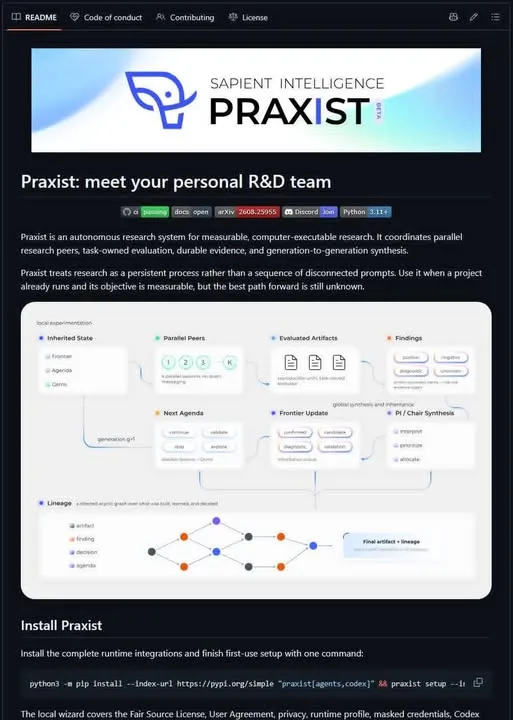 AIHow to Run AI Research Loops With PRAXIST6d106 views
Comments
Join the conversation — sign in to comment.
No comments yet — start the conversation!