
How to Find Extra Commission Campaigns in Amazon Creator Connections
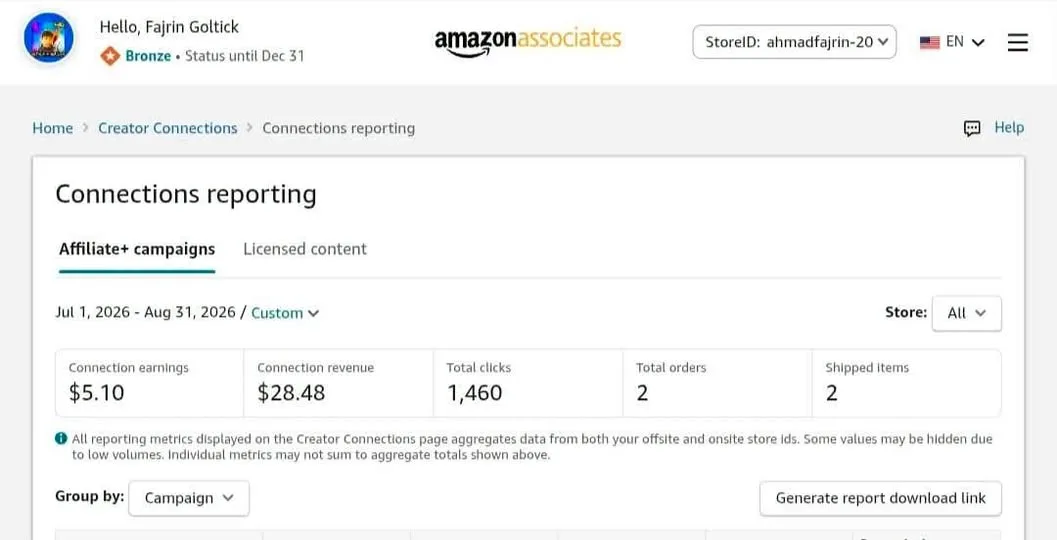
If you already have an Amazon Associates account, there is a feature inside it you may never have opened. It is called Creator Connections, and it lines up brand campaigns that pay extra commission on top of your normal rate.
You do not need to sign up for anything new. If your account qualifies, the campaigns are already waiting in your dashboard — you just have to know which menu to open.
What You Need
- An existing Amazon Associates account.
Tutorial
- Open Amazon Associates Central and sign in. Make sure it is the correct Amazon Associates Central account before you go any further.
- Open the Promotions menu.
- Select Creator Connections. The campaigns available to your account show up right there.
- Check the campaign details before you pick one. Look at the product being promoted, the commission offered, the campaign period, the content requirements, and the participation terms.
- Match the campaign to the niche and the kind of content you already make. A campaign you cannot talk about naturally is not worth the extra commission.
- Confirm your account tier fits the campaign you want. Affiliate+ needs Bronze tier or higher, and Sponsored Products for Creators needs Gold tier or higher.
Wrapping Up
Not every account gets access to the same campaigns, so your list may look shorter than someone else's. Check the tier requirements first, then work through whatever is actually offered to you. It is worth a look before your next batch of content.
Does this still work?
Nobody's checked yet
Sign in to tell everyone how it went.
Continue with GoogleBe the first — one tap saves the next person an hour.
It takes 3 reports in 30 days to set the status.
More shares you might like
 ToolsHow to Redeem McDonald's Coupon Codes in the App7h18 views
 AIHow to Run AI Research Loops With PRAXIST1d29 views
 NewsWebMCP Skill and TypeScript Types for Agent Tooling2d28 views
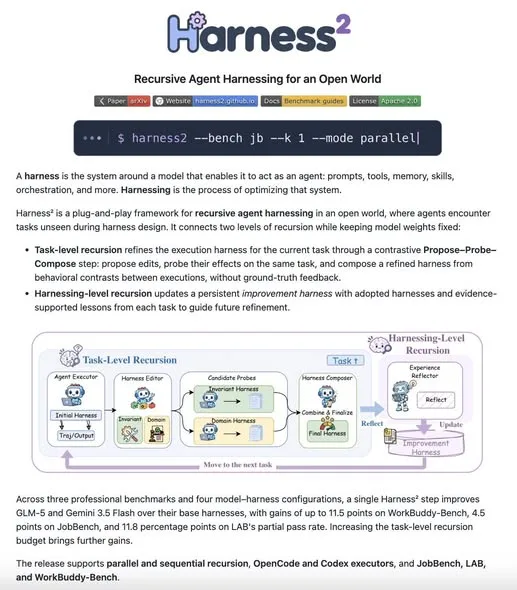 AIGoogle Open-Sources Harness² for Self-Improving AI Agents3d38 views
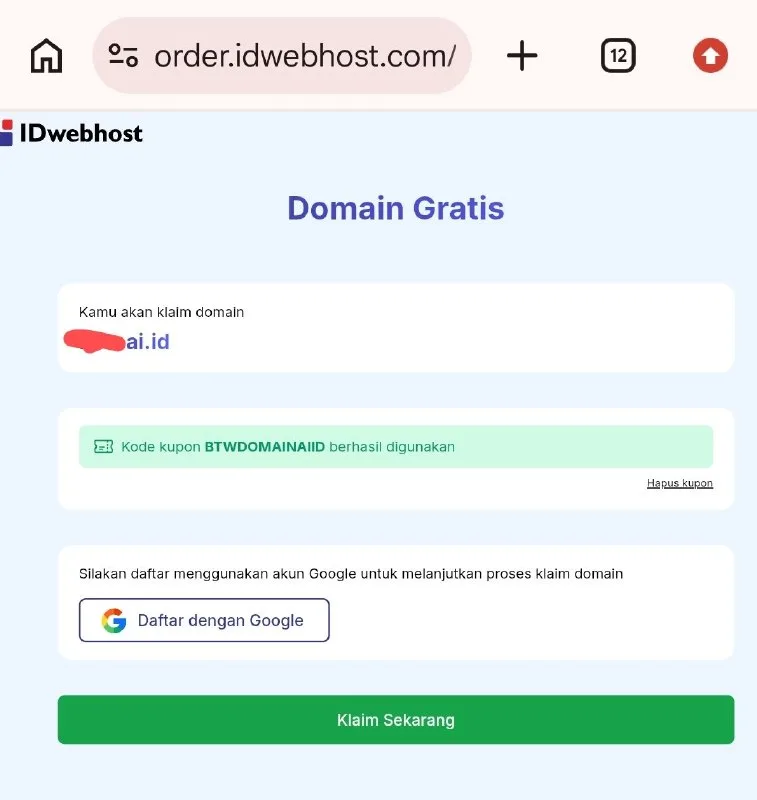 AIHow to Get a Free ai.id Domain3d92 views
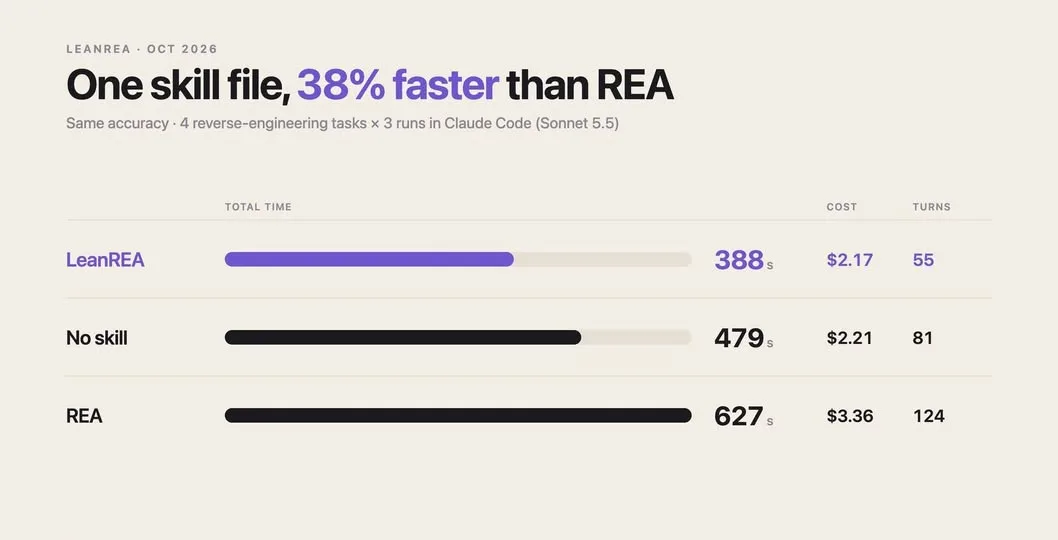 AILeanREA: Same Accuracy as REA, 38% Faster and 35% Cheaper4d48 views
Comments
Join the conversation — sign in to comment.
No comments yet — start the conversation!