
Cloudflare Access Adds Custom HTML and Liquid Pages
If your team runs Cloudflare Access, the screen your people hit when they cannot get in has always looked like Cloudflare's page, not yours. That is now something you can change.
Cloudflare Access supports custom pages written in HTML and Liquid, covering three of the spots your members actually see.
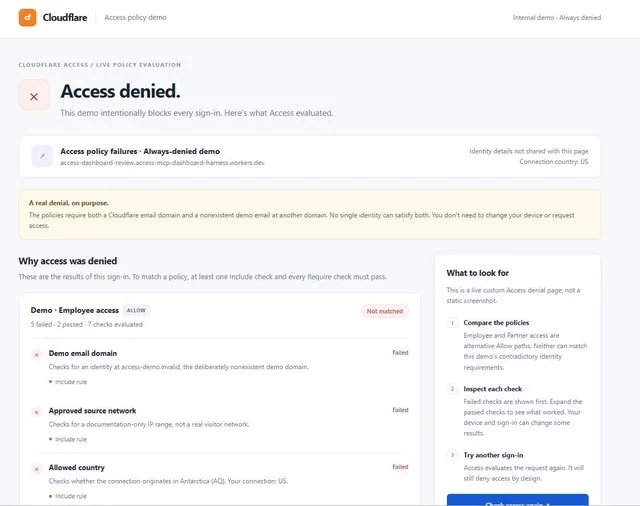
What Happened
Cloudflare Access now lets you brand its pages with your own HTML and Liquid. Three page types are covered: the login page, the access-denied page, and the CLI approval page.
The access-denied page is the one worth a second look. Instead of a dead end, you can use it to give blocked users clear next steps, so someone who lands there knows what to do rather than staring at a wall. Liquid means the page can pull in your own values rather than being one static file for everyone.
Why It Matters
Most people only ever meet Access at the worst moment, when something has stopped them. A login box that carries your brand reads as part of your product rather than a detour, and a denial page that explains the next move cuts the support ticket that would otherwise follow.
If you already run Access in front of internal tools, this is a small piece of polish you can hand to whoever owns your front end. The work is a template, not a migration.
More shares you might like
 NewsAnthropic Hackathon Winner Open-Sources Full Claude Code Setup19h28 views
 AIHow to Install Hallmark, the Anti-Slop Design Skill1d34 views
 ToolsHow to Claim GoPay Balance From IM3 Points2d42 views
 ToolsHow to Claim 10k–15k GoPay Coins From WeTV3d42 views
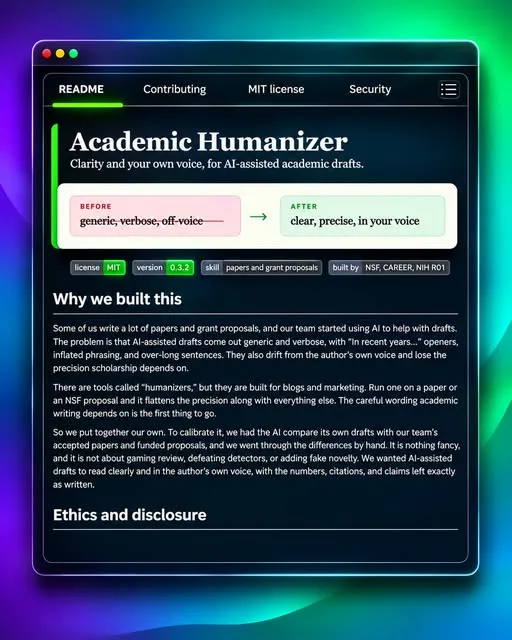 AIHow to Polish AI Academic Writing With Academic Humanizer5d52 views
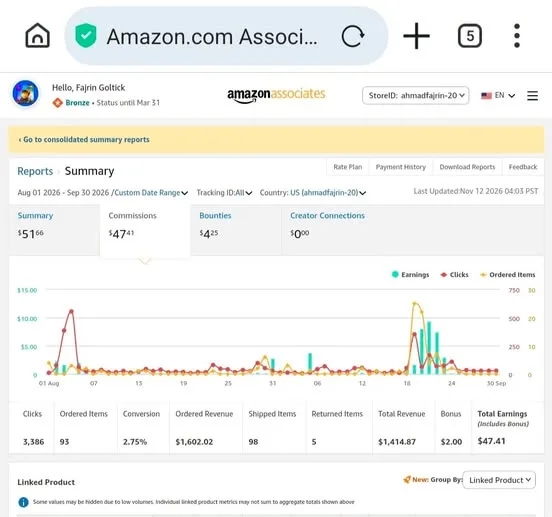 ToolsHow to Start Amazon Affiliate Marketing From Indonesia6d64 views




Comments
Join the conversation — sign in to comment.
No comments yet — start the conversation!