
Alex RuiezExpert
How to Use Kimi K3 for Free in Cline Desktop
Want to try a new model without paying for it? Kimi K3 just joined the free model lineup in Cline Desktop, and the offer is only around for a limited time.
You get a full model for $0, running right inside the app you already code in. Point it at coding, agent workflows, or the bigger development tasks you have been putting off.
Tutorial
- Open the Cline Desktop release page at http://github.com/cline/cline/releases/tag/desktop-v0.0.32 and download the app. The link goes straight to the desktop-v0.0.32 release.
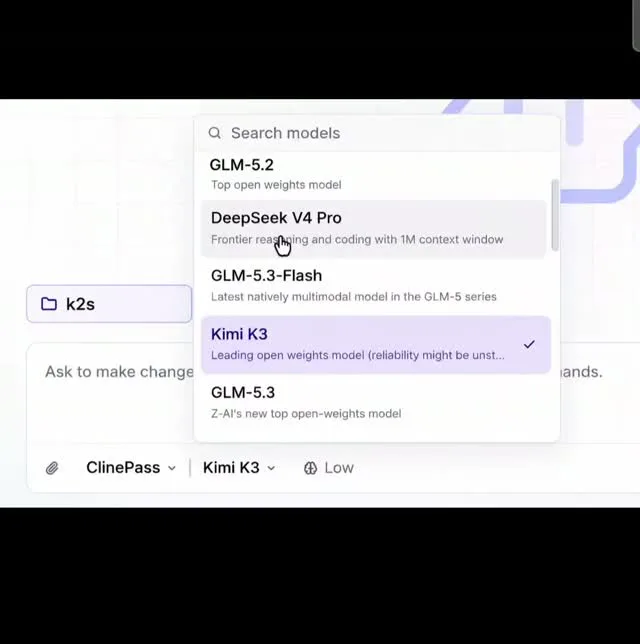
- Open Cline Desktop and pick Kimi K3 from the model list. It sits in the free lineup for a limited time, so it is worth grabbing now.
- Point it at your work: coding, agent workflows, or complex development tasks. Those are the three jobs the free model is meant to handle.
- Check the other models on the free list too. Cline has more than just Kimi K3 available at no cost.
Wrapping Up
You now have Kimi K3 inside Cline Desktop without spending anything, plus a few other free models to compare it against. Download the release, switch the model, and see how it handles your next task before the free window closes.
Does this still work?
Nobody's checked yet
Sign in to tell everyone how it went.
Continue with GoogleBe the first — one tap saves the next person an hour.
It takes 3 reports in 30 days to set the status.
More shares you might like
 AIHow to Get 300 Million Free GLM-5.3-Flash Tokens Daily18h24 views
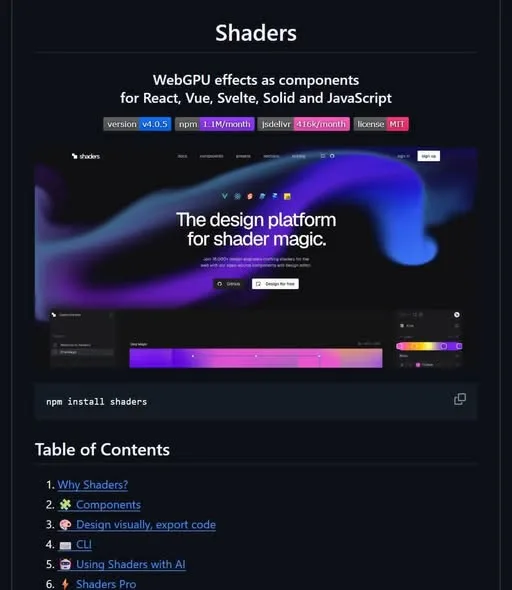 NewsShaders Brings Drop-In WebGPU Effects to Five Front-Ends1d29 views
 ToolsHow to Claim 3 Months of Make Pro for Free2d42 views
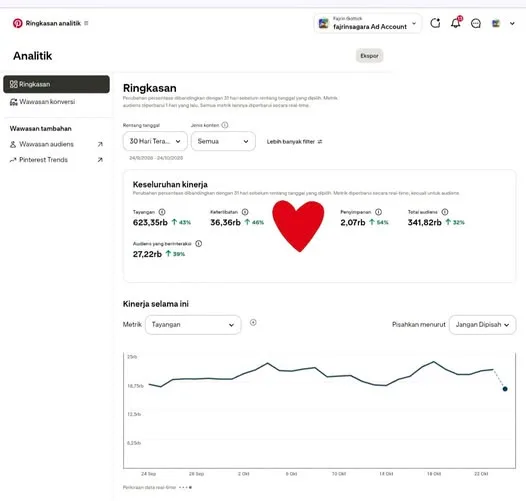 Social MediaHow to Use Pinterest to Drive Amazon Affiliate Traffic3d44 views
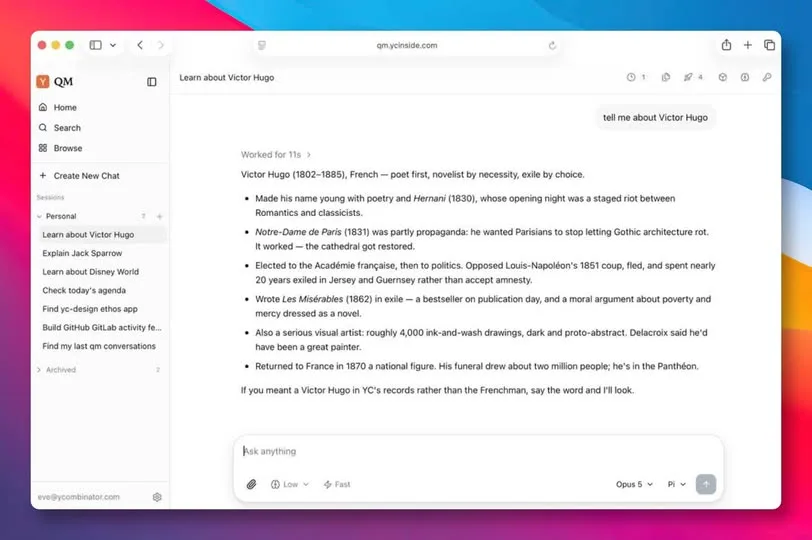 Newsqm: Y Combinator's Open-Source Agent for Slack Teams4d54 views
 ToolsHow to Claim a Free IDwebhost Domain for a Year5d118 views
Comments
Join the conversation — sign in to comment.
No comments yet — start the conversation!