
How to Set Up the ENZO Self-Hosted AI Workspace
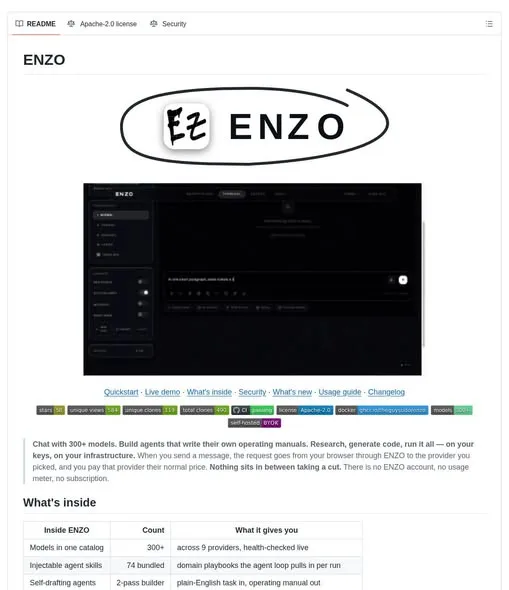
Tired of your AI workspace sitting between you and your model provider? ENZO is a self-hosted workspace where you bring your own provider API keys, and it runs with agents, tools and chat in one place. You start it with Docker Compose instead of signing up for anything.
It is open-source under the Apache License 2.0, so there is no ENZO account to create and no key of theirs in the middle. The whole setup is a container start and a provider choice.
What You Need
- Docker with Docker Compose installed.
- An API key from a model provider you want to use.
- A passphrase for the browser-side vault.
Tutorial
- Start ENZO with Docker Compose. That is how the workspace comes up, and it is meant to keep the setup lighter than the alternative.
- Open the model catalog and pick a supported provider. The catalog lets you browse models across the providers ENZO supports, all from the same workspace.
- Connect your own provider API key. The bring-your-own-key setup is the point here, so there is no ENZO account in between.
- Store that key in the browser-side vault. The vault is passphrase-protected, so the key sits behind something only you open.
- Describe a task in plain English in the agent builder. ENZO turns that description into an agent operating manual for you.
- Switch to research or code mode depending on the job. They are separate workspace surfaces, one for research loops and one for coding projects.
Wrapping Up
You now have a self-hosted workspace running on your own provider keys, with an agent builder and separate surfaces for research and code. Because it ships under the Apache License 2.0, you can read the source and change what you do not like. Start with one agent and one provider key, then add more from the catalog once the first one works.
Does this still work?
Nobody's checked yet
Sign in to tell everyone how it went.
Continue with GoogleBe the first — one tap saves the next person an hour.
It takes 3 reports in 30 days to set the status.
More shares you might like
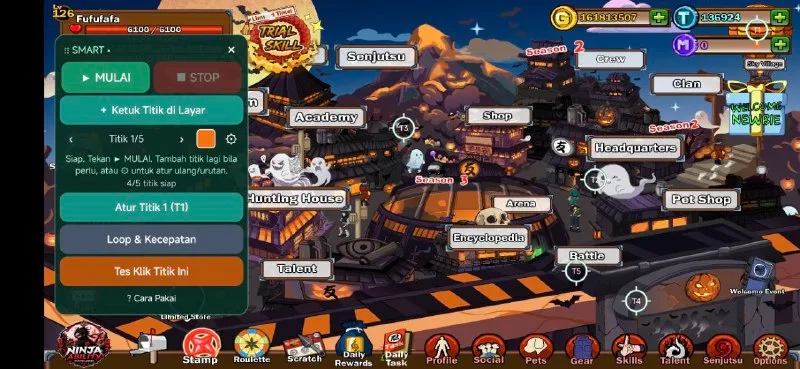 ToolsHow to Use Rich Clicker Macro's Smart Auto Clicker7h16 views
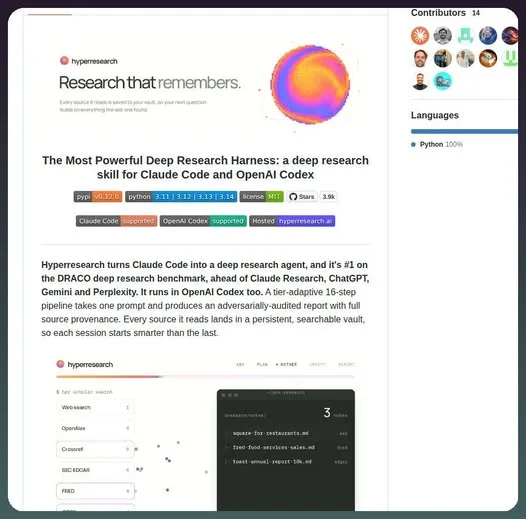 AIHow to Install hyperresearch for Deep Research in Claude Code2d34 views
 ToolsHow to Set Up Free Temp Email With XTemp Mail2d43 views
 NewsGrabFood Vermuk Bypass: No Working Termux Script Exists3d41 views
 ToolsHow to Self-Host Apps and Databases With Dokploy3d48 views
 News44 AI Agents Ran a Hacking Campaign Against Japan4d53 views
Comments
Join the conversation — sign in to comment.
No comments yet — start the conversation!