
How to Make DIY Bird Nest Craft Videos With Google Flow
Looking for an AI content idea that works for an audience outside your own feed? A bird nest build is one of those quietly satisfying formats people stop scrolling for, and you can put one together with ChatGPT and Google Flow.
It is a two-tool job: ChatGPT writes the prompt, Google Flow renders the clip at 9:16 and 10 seconds, and CapCut handles the final edit. Here is the whole sequence.
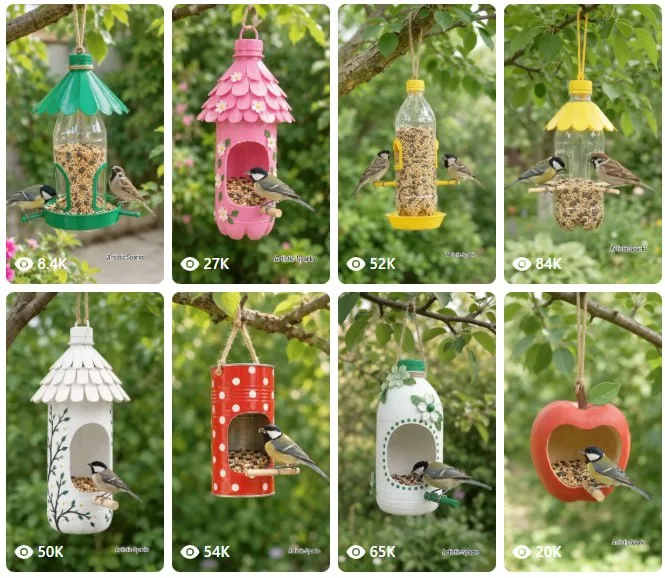
Tutorial
- Set up ChatGPT and Google Flow before you start. One writes the prompt, the other turns it into the video, so keep both open.
- Pick one prompt from the 1-10 results. The niche is a satisfying DIY bird nest build, so go with the option that reads like a clean step-by-step craft clip.
- Copy the video prompt. That is the text you will hand to Google Flow in the next step.
- Open Google Flow and set Omni flash, 9:16 and 10s. The vertical frame and the short length are what make the clip sit right on Reels.
- Generate the clip, then edit it in CapCut. That second pass is where the build comes together as one smooth sequence before you post it.
Wrapping Up
You now have a repeatable pipeline: prompt in ChatGPT, render in Google Flow at 9:16 for 10 seconds, finish in CapCut. Swap the bird nest for any other satisfying craft and the same steps still hold. Save the idea and build your own version of it.
Does this still work?
Nobody's checked yet
Sign in to tell everyone how it went.
Continue with GoogleBe the first — one tap saves the next person an hour.
It takes 3 reports in 30 days to set the status.
More shares you might like
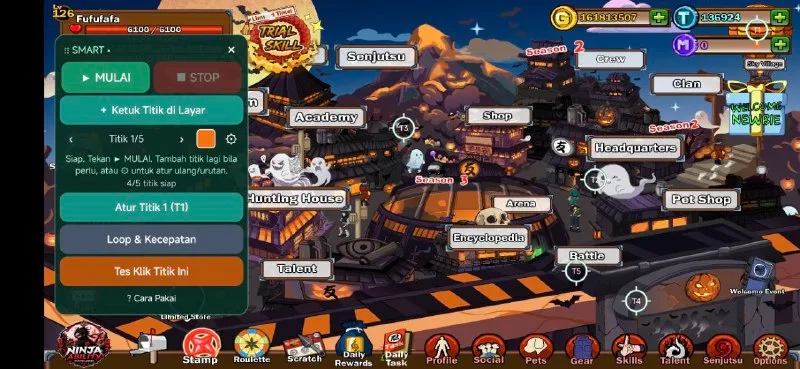 ToolsHow to Use Rich Clicker Macro's Smart Auto Clicker7h16 views
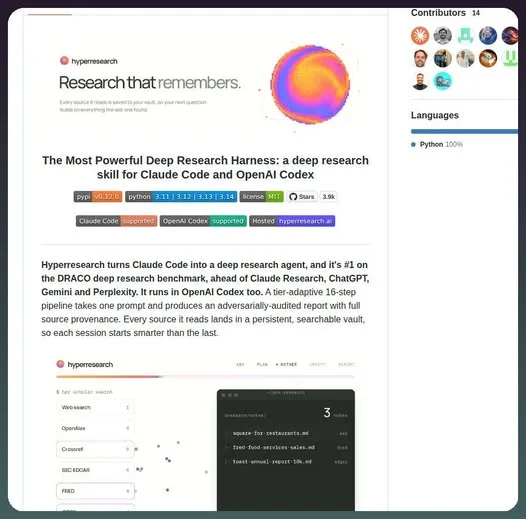 AIHow to Install hyperresearch for Deep Research in Claude Code2d34 views
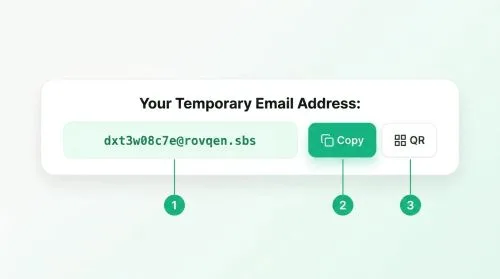 ToolsHow to Set Up Free Temp Email With XTemp Mail2d43 views
 NewsGrabFood Vermuk Bypass: No Working Termux Script Exists3d41 views
 ToolsHow to Self-Host Apps and Databases With Dokploy3d48 views
 News44 AI Agents Ran a Hacking Campaign Against Japan4d53 views
Comments
Join the conversation — sign in to comment.
No comments yet — start the conversation!