
Alex RuiezExpert
How to Get OkayFreedom VPN Free for 1 Year
Does this still work?
Nobody's checked yet
Sign in to tell everyone how it went.
Continue with GoogleBe the first — one tap saves the next person an hour.
It takes 3 reports in 30 days to set the status.
More shares you might like
 News44 AI Agents Ran a Hacking Campaign Against Japan15h21 views
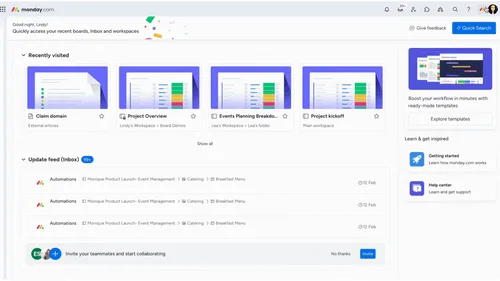 ToolsHow to Claim Free May.id Domains for a Year1d29 views
 AIHow to Get 300 Million Free GLM-5.3-Flash Tokens Daily2d53 views
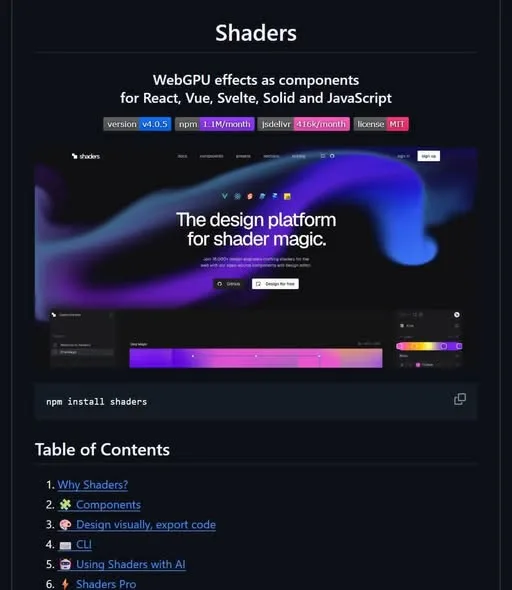 NewsShaders Brings Drop-In WebGPU Effects to Five Front-Ends2d36 views
 ToolsHow to Claim 3 Months of Make Pro for Free3d55 views
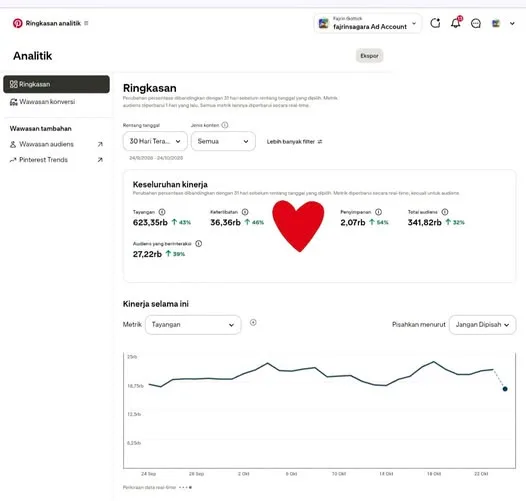 Social MediaHow to Use Pinterest to Drive Amazon Affiliate Traffic5d54 views
Comments
Join the conversation — sign in to comment.
No comments yet — start the conversation!