
How to Use Pinterest for Shopee Affiliate Traffic
One platform is not enough to sell on. Pinterest is worth adding, because people go there already hunting for ideas and products, and a Pin keeps bringing in traffic after you post it.
The setup order matters: connect the account properly, post Pins with real product keywords, then read your numbers so you know which Pins are worth repeating.
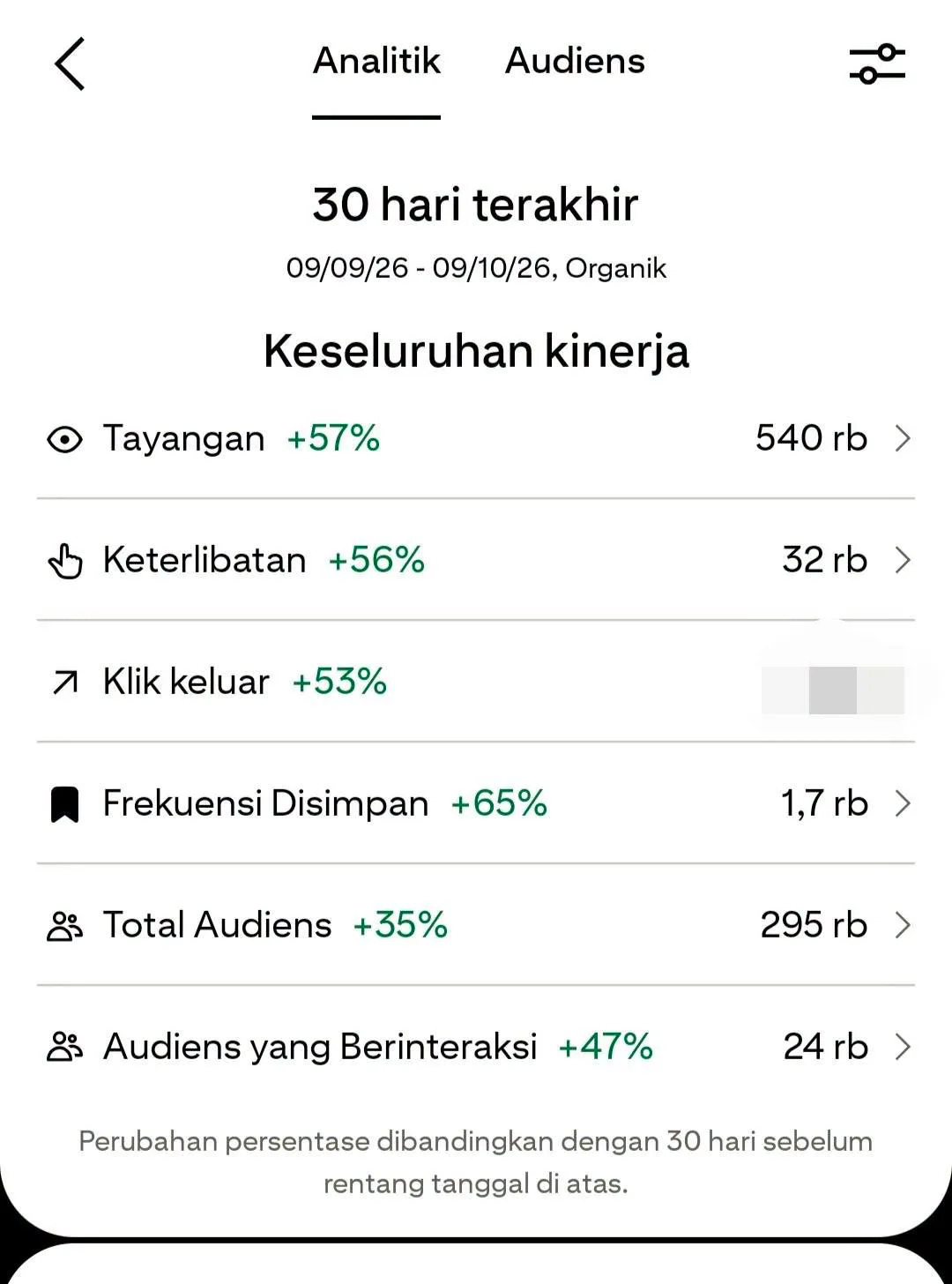
What You Need
- A Shopee Affiliate account you are already part of.
Tutorial
- Connect your Pinterest account using the official instructions from the Shopee Affiliate program you joined. Follow that program's own steps rather than guessing at the connection yourself.
- Pick products that have a real chance of being searched for. Go for things people already look up, not whatever is easiest to grab.
- Make a Pin with an image or video that stops the scroll. The visual is what earns the click before anyone reads a word.
- Put the product keyword in the title and the description. That is how the Pin shows up when someone searches for the item.
- Point the link to the product page that matches the Pin. A Pin about one item should never land on a different one.
- Upload consistently, but do not post anything and everything. Check that every link works, and stay inside the Shopee Affiliate and Pinterest rules.
- Check the data on a regular basis: impressions, saves and outbound clicks. Those three tell you whether a Pin is being seen, being kept, or actually sending people out.
- When a Pin performs well, make another one with a similar angle or keyword. Repeating what worked is how you find your pattern.
Wrapping Up
Nothing here has to go viral. The point is to keep testing, keep watching the numbers, and slowly learn which products and keywords fit your audience. Do the steps in order, follow both platforms' rules, and Pinterest becomes a second channel instead of a second job.
Does this still work?
Nobody's checked yet
Sign in to tell everyone how it went.
Continue with GoogleBe the first — one tap saves the next person an hour.
It takes 3 reports in 30 days to set the status.
More shares you might like
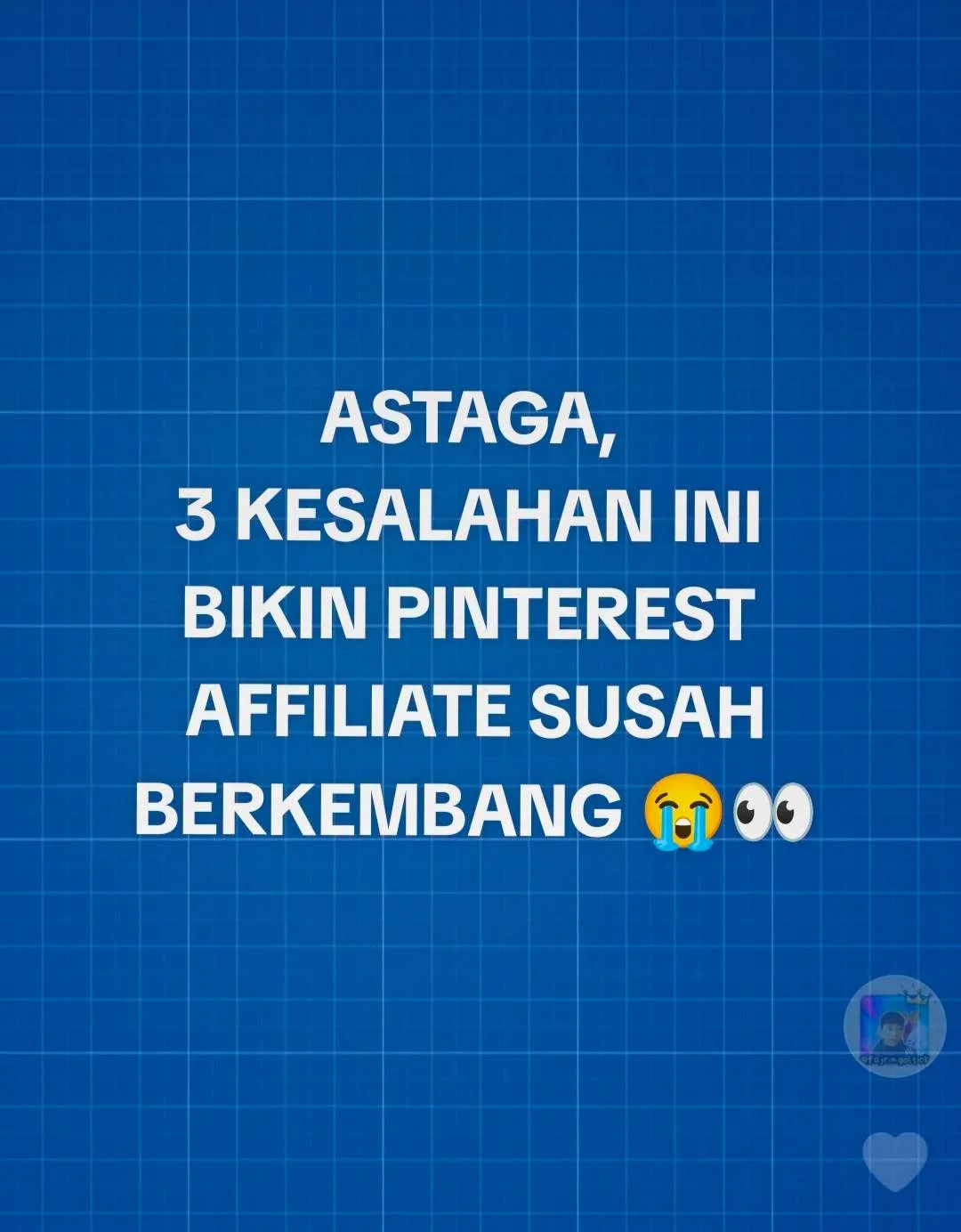 Social MediaHow to Grow Pinterest Affiliate Traffic1d18 views
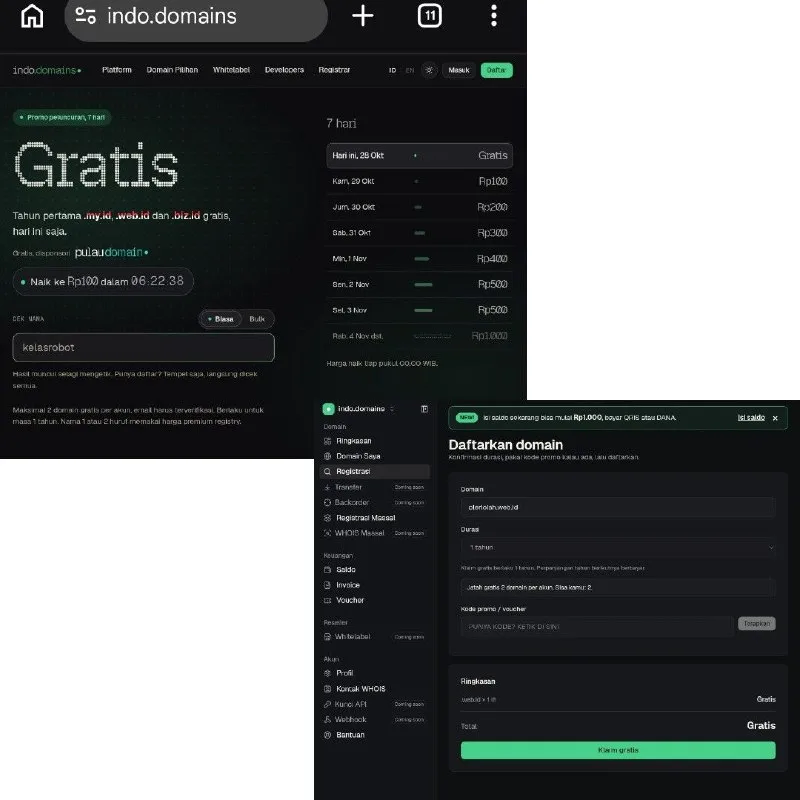 ToolsHow to Get Free .my.id, .web.id and .biz.id Domains1d20 views
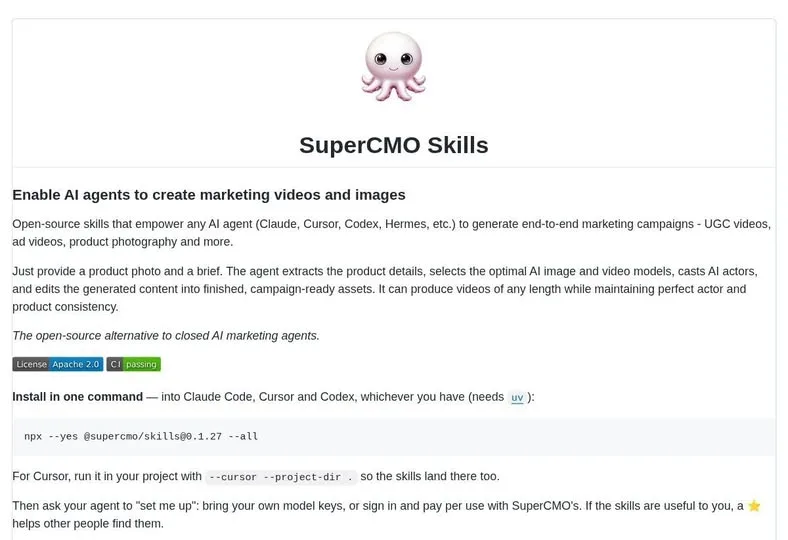 AISuperCMO Skills Brings Ad Production Into Your Agent2d36 views
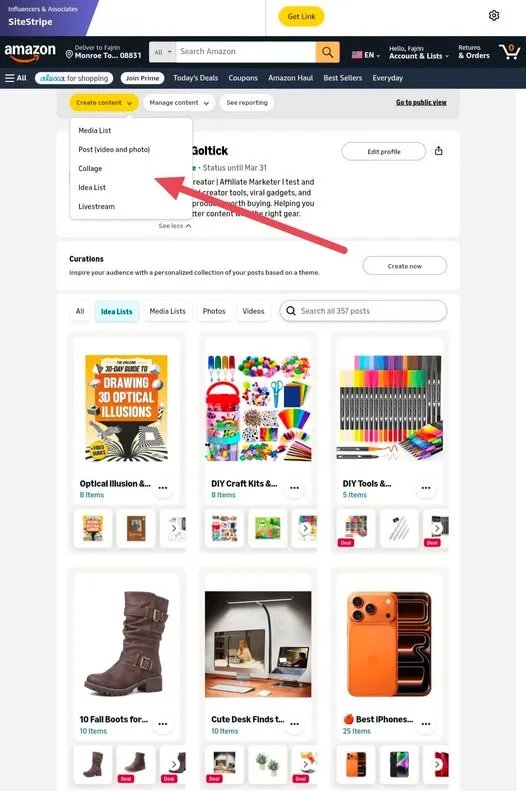 ToolsHow to Use Amazon Influencer's My Content Feature4d47 views
 AIArchify Turns Your Codebase Into an Interactive Map4d55 views
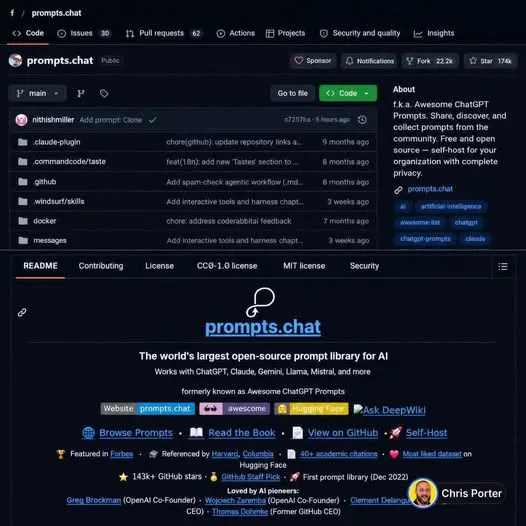 AIHow to Use the Free Prompts.chat Prompt Library5d108 views
Comments
Join the conversation — sign in to comment.
No comments yet — start the conversation!