
How to Run Awesome AI Apps Projects Locally
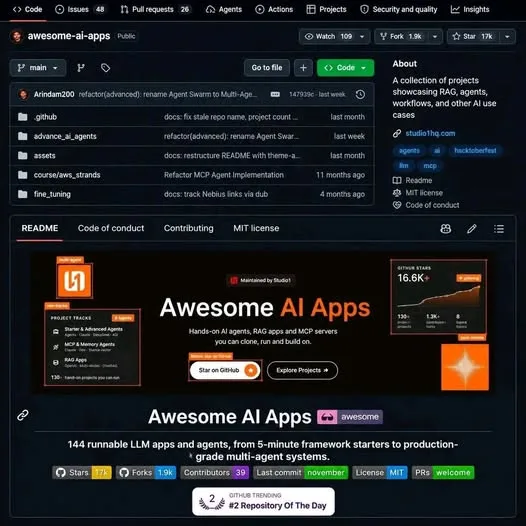
Want to build an LLM-powered app but the blank page is winning? Awesome AI Apps is a hands-on collection you can clone and poke at instead of reading about.
It covers text agents, voice assistants, RAG apps, MCP tools and fine-tuning pipelines, and each one is a self-contained folder you can open and run on its own.
Tutorial
- Clone the Awesome AI Apps repository to your machine. Everything sits in that one repo, so you get the text agents, voice assistants, RAG apps, MCP tools and fine-tuning projects together.
- Open a single project folder. Each project lives in its own folder rather than in one shared codebase, so you only look at the project you actually want.
- Check the folder's README and its .env.example before you run anything. Every project ships its own dependencies and its own example environment file, so the setup for one folder does not carry over to the next.
- Run the project from inside its folder. Keep your work in that folder, because the dependencies it needs belong to that project and not to the repo as a whole.
Wrapping Up
You now have a set of runnable examples across text agents, voice assistants, RAG apps, MCP tools and fine-tuning, each in its own folder with its own README. Pick the folder closest to what you want to build, get it running first, then change one thing at a time. Reading a working project beats reading another explainer.
Does this still work?
Nobody's checked yet
Sign in to tell everyone how it went.
Continue with GoogleBe the first — one tap saves the next person an hour.
It takes 3 reports in 30 days to set the status.
More shares you might like
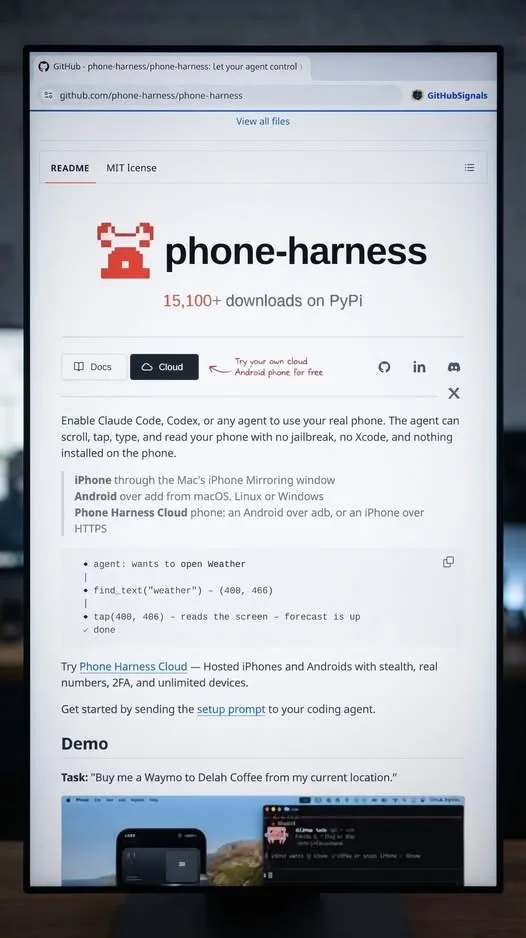 ToolsHow to Let Claude Code Control Your Real iPhone1d28 views
 AI95GB Cybersecurity AI Training Dataset Posted on HuggingFace2d52 views
 AIOpenAI and Cisco Launch Shirudo, an Open-Source Linux Shield3d54 views
 NewsAmazon partnership ads can turn your Instagram posts into ads3d62 views
 AIHow to Get 15K Free Credits on FreePi AI4d85 views
 AIHow to Get Google AI Plus for Rp 15d61 views


Comments
Join the conversation — sign in to comment.
No comments yet — start the conversation!