
How to Build a Benable List People Actually Save
Making a Benable list is easy. Making one that people actually save and shop from is the harder part.
This share walks you through the whole build: the theme, the title, the description, and the notes under every single product. The target is 15 to 20 products per list, each one with its own note, and Benable will flag a description that reads too generic.
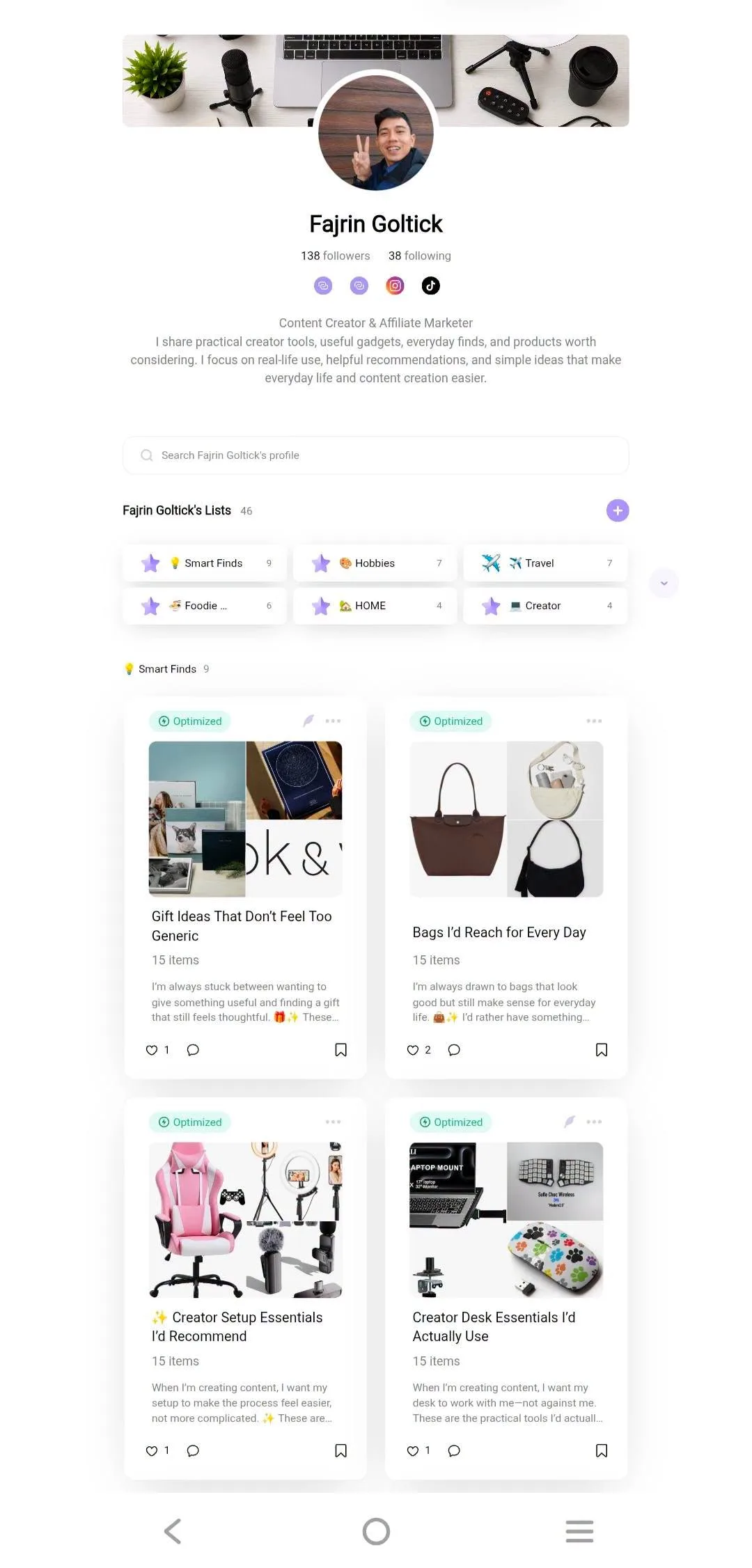
Tutorial
- Pick one specific theme before you add a single product. "Chic Scarves to Elevate Any Outfit" beats a vague "Fashion Finds" every time.
- Write a title that names your keyword and explains what is inside. Patterns like Things I'd Actually Buy or Finds Worth Saving work because they promise a point of view.
- Write a personal description using personal context, then selection criteria, then the reader's benefit. Mention the home finds you would save for their practical use and thoughtful design, not just what they are.
- Add 15 to 20 recommendations that all fit the theme. Vary the picks, skip duplicates, and do not pad the list just to hit the number.
- Write an Add Note for every product, not a repeat of its name. The formula is product detail, then practical benefit, then personal recommendation, like a cow print balaclava saved for its cozy knitted look.
- Use clear, sharp images where the product is easy to see. Avoid repeating the same photo, and pick a cover that makes people want to open the list.
- Add Sections only if the list needs categories. A Creator Setup list can split into Filming Essentials, Audio & Recording, and Editing & Productivity Tools — a single tight theme needs none.
- Read the whole list once before you publish it. Check that every pick fits the theme, the notes add real information, and it does not look like a random product catalog.
Wrapping Up
You now have a list with a narrow theme, a title people search for, and a note under every product. One last rule: never say you have worn or tested something you have not, because readers spot that fast and stop trusting the rest. Build one list properly, then reuse the same pattern for the next theme.
Does this still work?
Nobody's checked yet
Sign in to tell everyone how it went.
Continue with GoogleBe the first — one tap saves the next person an hour.
It takes 3 reports in 30 days to set the status.
More shares you might like
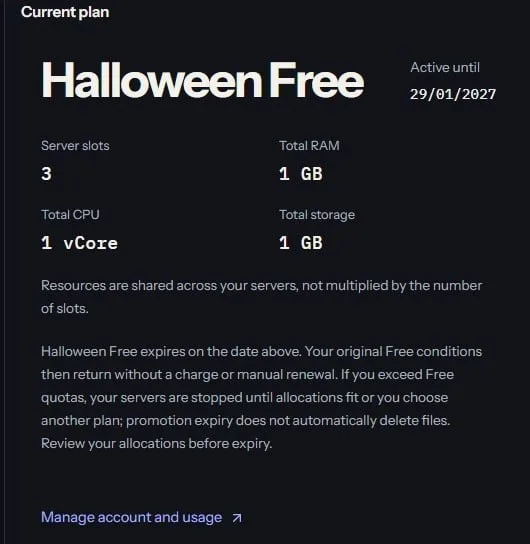 ToolsHow to Claim 3 Months of Free BotKeep Hosting13h18 views
 Social MediaHow to Grow Pinterest Affiliate Traffic2d24 views
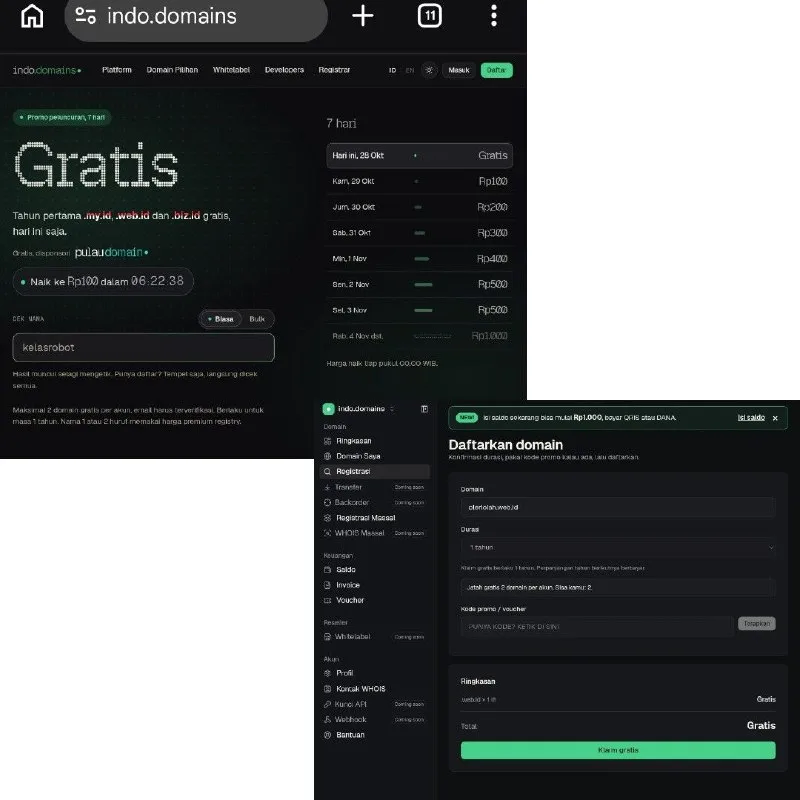 ToolsHow to Get Free .my.id, .web.id and .biz.id Domains2d24 views
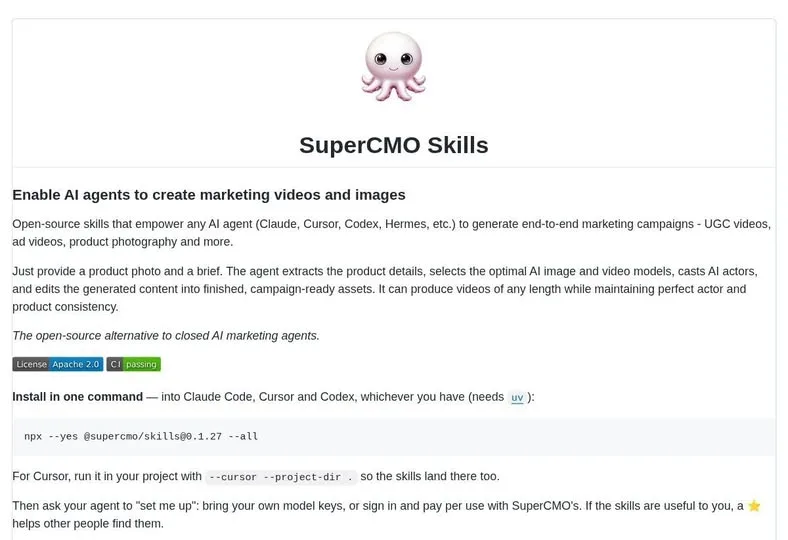 AISuperCMO Skills Brings Ad Production Into Your Agent3d41 views
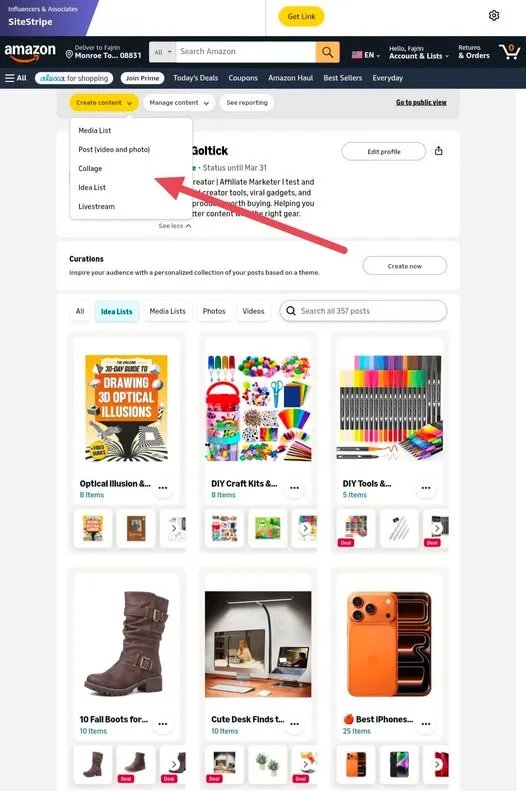 ToolsHow to Use Amazon Influencer's My Content Feature5d51 views
 AIArchify Turns Your Codebase Into an Interactive Map5d57 views
Comments
Join the conversation — sign in to comment.
No comments yet — start the conversation!