
How to Make Niche AI Videos With ChatGPT and Flow
Hunting for a way to make AI video for a niche without shooting anything? This one runs on two tools and a prompt you can copy instead of writing from scratch. ChatGPT shapes the prompt, Flow turns it into footage, and CapCut handles the final cut.
The whole workflow is four clicks and a paste, and the prompt is already sitting in the comments of the linked post for you to adjust.
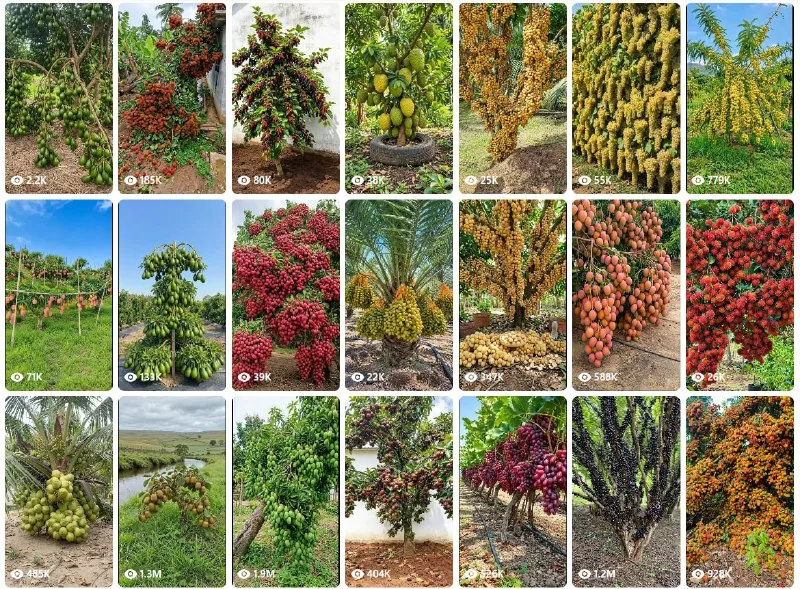
What You Need
- A ChatGPT account, open and ready to use.
- The video prompt from the comments on the linked post.
Tutorial
- Open the post at https://web.facebook.com/impreneurid/posts/pfbid02ttVL9dt6CyHnTqDot5Za8jksuacAuMEcSNJfJATZha94FeebWq2AXH7tXqQNjA78l and copy the video prompt from its comments.
- Open ChatGPT and paste the prompt in. Change the wording so it fits the niche you are making videos for.
- Open Flow and choose omni/veo3.
- Paste the prompt into Flow and hit Generate.
- Download the finished video and edit it in CapCut.
Wrapping Up
You now have a loop you can repeat: ChatGPT for the prompt, Flow for the footage, CapCut for the edit. Swap the niche wording in the prompt and the same four moves give you a fresh clip. Keep the prompt somewhere you can find it again, because most of the work is in that first adjustment.
Does this still work?
Nobody's checked yet
Sign in to tell everyone how it went.
Continue with GoogleBe the first — one tap saves the next person an hour.
It takes 3 reports in 30 days to set the status.
More shares you might like
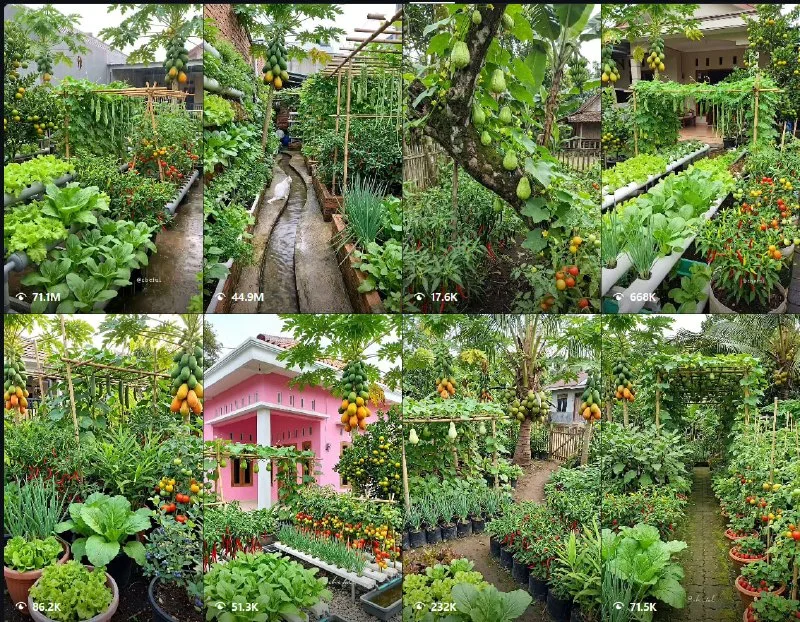 ToolsHow to Make Garden Niche AI Video Ideas for Reels16h16 views
 ToolsHow to Get a Free .my.id Domain for 1 Year2d29 views
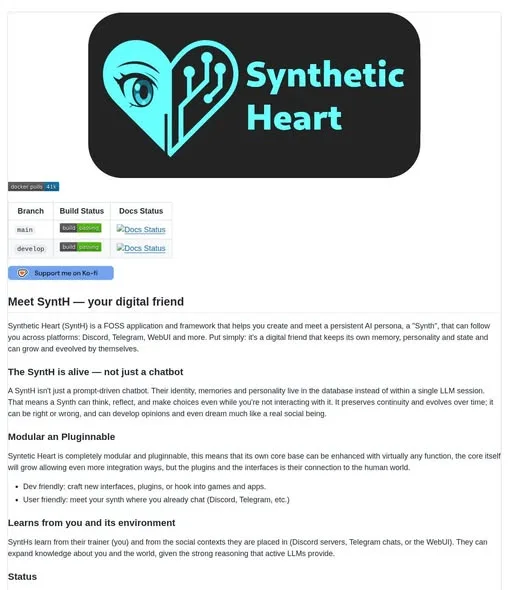 AISynthetic Heart: Persistent AI Persona Memory Across Chats3d75 views
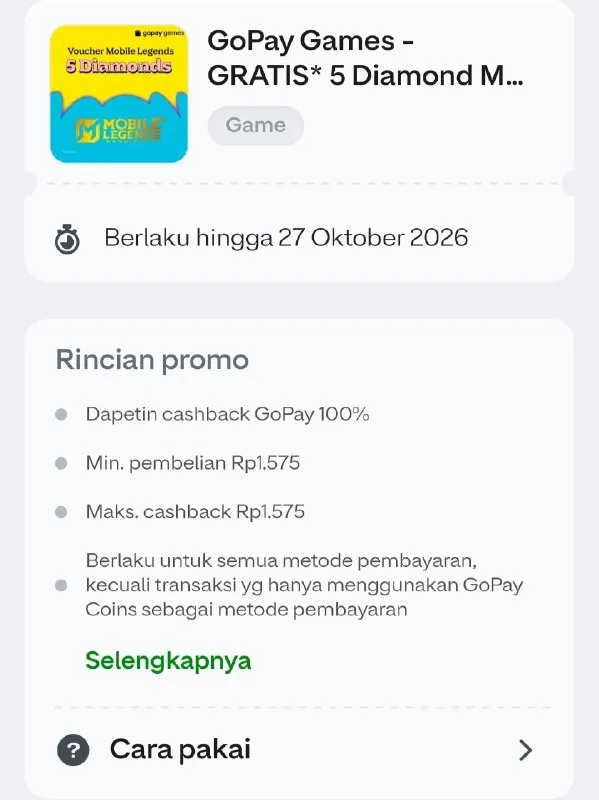 ToolsHow to Claim Mobile Legends Diamond Cashback on GoPay4d95 views
 ToolsHow to Redeem McDonald's Coupon Codes in the App5d51 views
 AIHow to Run AI Research Loops With PRAXIST6d112 views
Comments
Join the conversation — sign in to comment.
No comments yet — start the conversation!