Building a VS Code Extension in 20 Minutes With ZCode & GLM
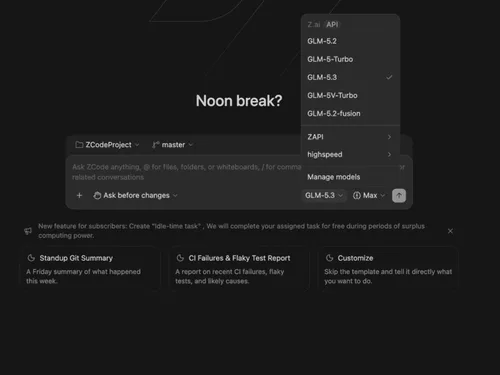
Feed ZCode one page of requirements and you can have a working VS Code extension 20 minutes later. That is exactly how ZCode Panel was born: the AI generated clean TypeScript, zero compile errors, and a packaged .vsix file.
The extension is free and open source, and it wires a native sidebar chat directly to the GLM Coding Plan.
What Happened
A single page of requirements went into http://zcode.z.ai, and ZCode produced a complete VS Code extension called ZCode Panel (v0.1.0). It includes:
- Sidebar Chat: a native VS Code sidebar wired to the GLM Coding Plan.
- SSE Streaming: real-time token streaming for instant responses.
- Active Context: attach your active file as prompt context with one click.
- Markdown Export: export the full chat history to clean markdown files.
The build took about 20 minutes and shipped as a .vsix with no compile errors. The source is on GitHub Repo.
Why It Matters
Autonomous coding agents are changing how fast tooling gets built. A 20-minute extension that used to take hours shows what happens when the AI handles the boilerplate and you hand over the requirements.
Does this still work?
Nobody's checked yet
Sign in to tell everyone how it went.
Continue with GoogleBe the first — one tap saves the next person an hour.
It takes 3 reports in 30 days to set the status.
More shares you might like
 AIHow to Get Free $200 Funds on Digital Ocean1y843 views
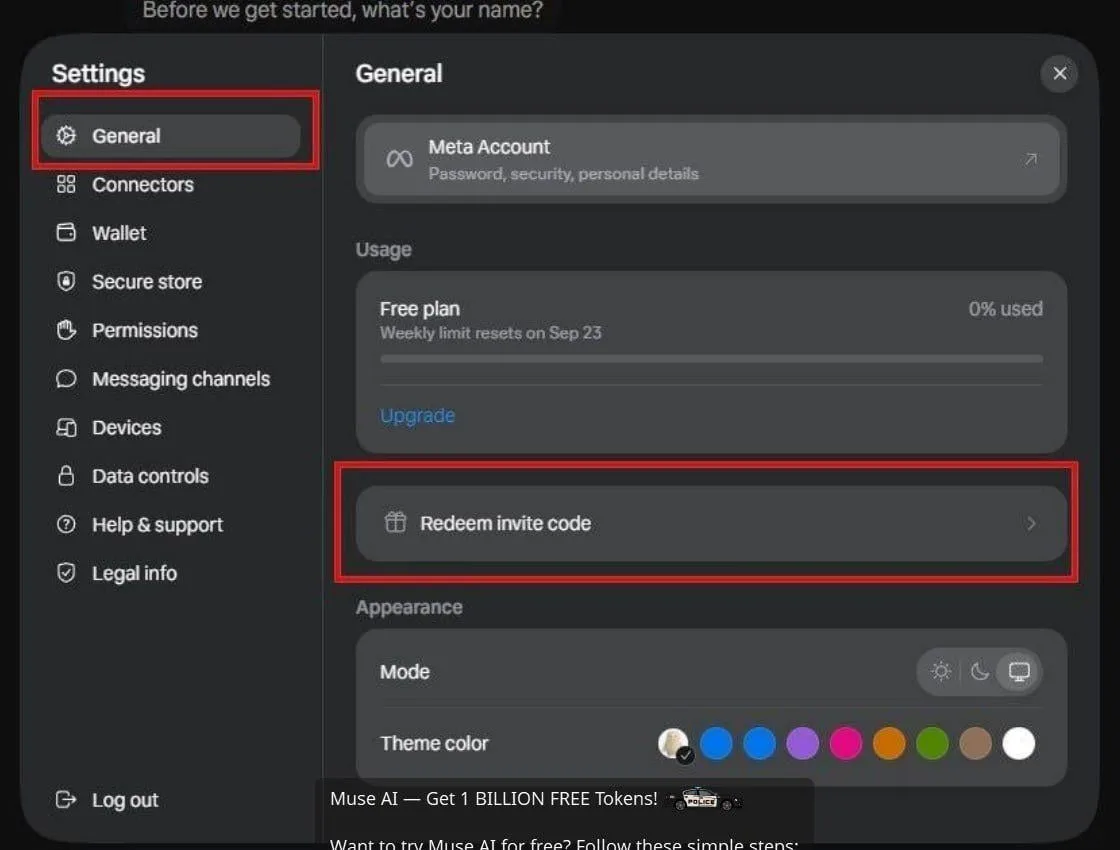 AIHow to Claim 1 Billion Free Tokens on Muse AI1w72 views
 NewsCall.md Records, Transcribes, and Summarizes Meetings Locally12h16 views
 AIHow to Claim 100M Free Tokens on CodeCraft API2w889 views
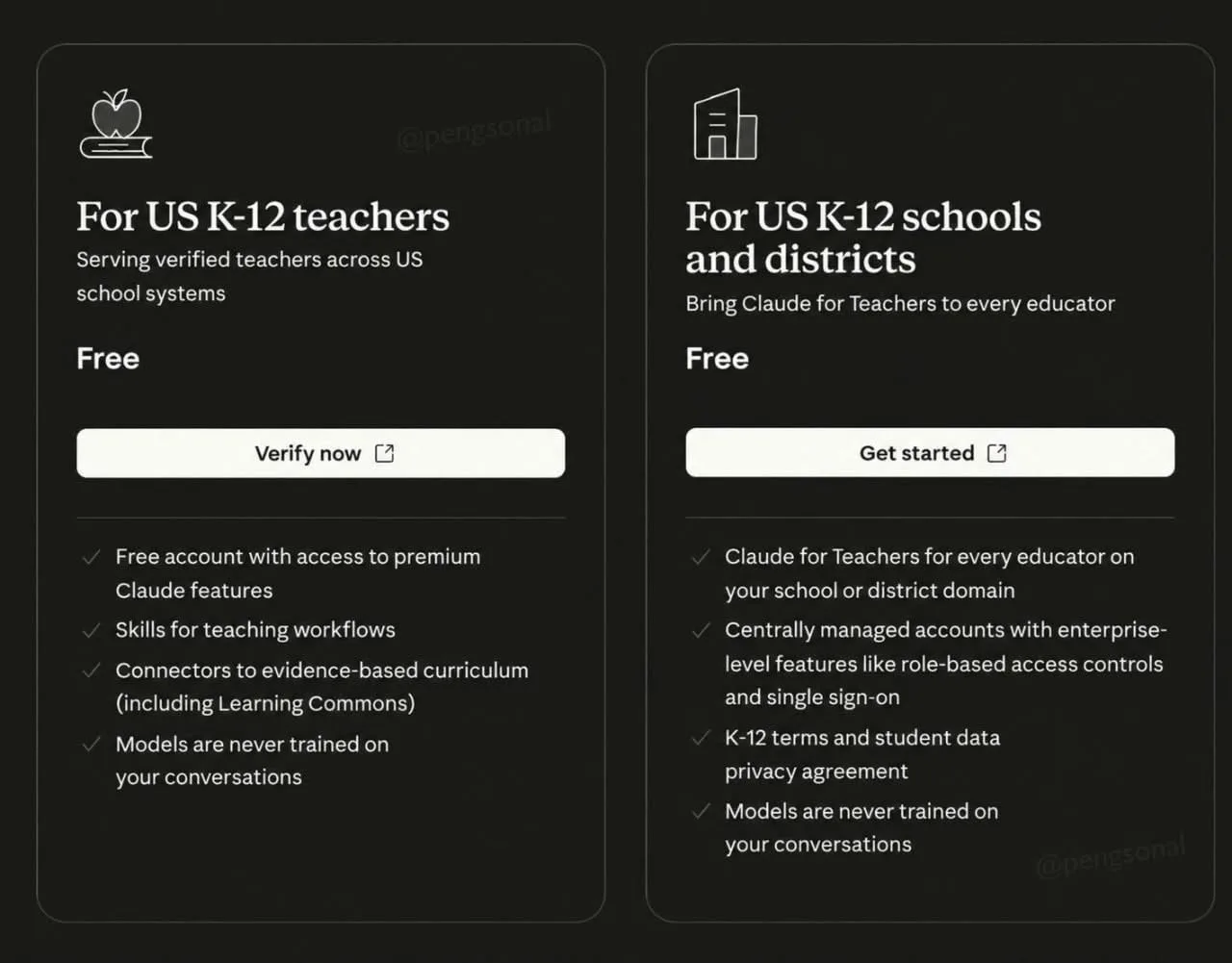 AIHow to Claim a Free Year of Claude for Teachers1w58 views
 ToolsHow to Get Paid in USD With Amazon Associates1mo97 views
Comments
Join the conversation — sign in to comment.
No comments yet — start the conversation!