How to Switch to Gemini 3.8 Flash in Antigravity IDE
Gemini 3.8 Flash is now inside Antigravity IDE. The new model is built for long-horizon coding, agentic tool workflows, and massive codebases, and it keeps Flash-level inference speed. Antigravity has it integrated into the same agent harness used across the IDE and CLI, so you can switch to it in seconds.
Tutorial
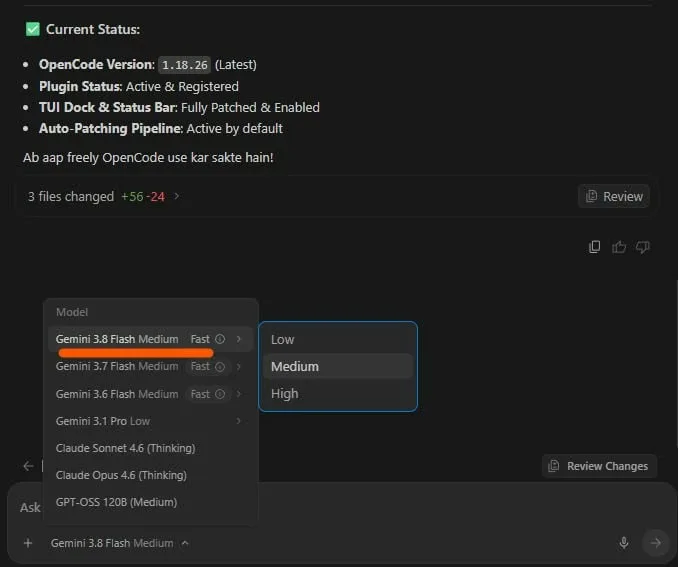
- Open the Antigravity chat window with Ctrl+L (Windows/Linux) or Cmd+L (Mac).
- Select Gemini 3.8 Flash from the model dropdown.
Wrapping Up
You now have access to Gemini 3.8 Flash for your next session. It pairs frontier-grade reasoning with efficient context handling and code execution. Use it on the longest, most tool-heavy task you have and see whether it holds up.
Does this still work?
Nobody's checked yet
Sign in to tell everyone how it went.
Continue with GoogleBe the first — one tap saves the next person an hour.
It takes 3 reports in 30 days to set the status.
More shares you might like
 AIHow to Get Free $200 Funds on Digital Ocean1y837 views
 AIHow to Claim 100M Free Tokens on CodeCraft API1w623 views
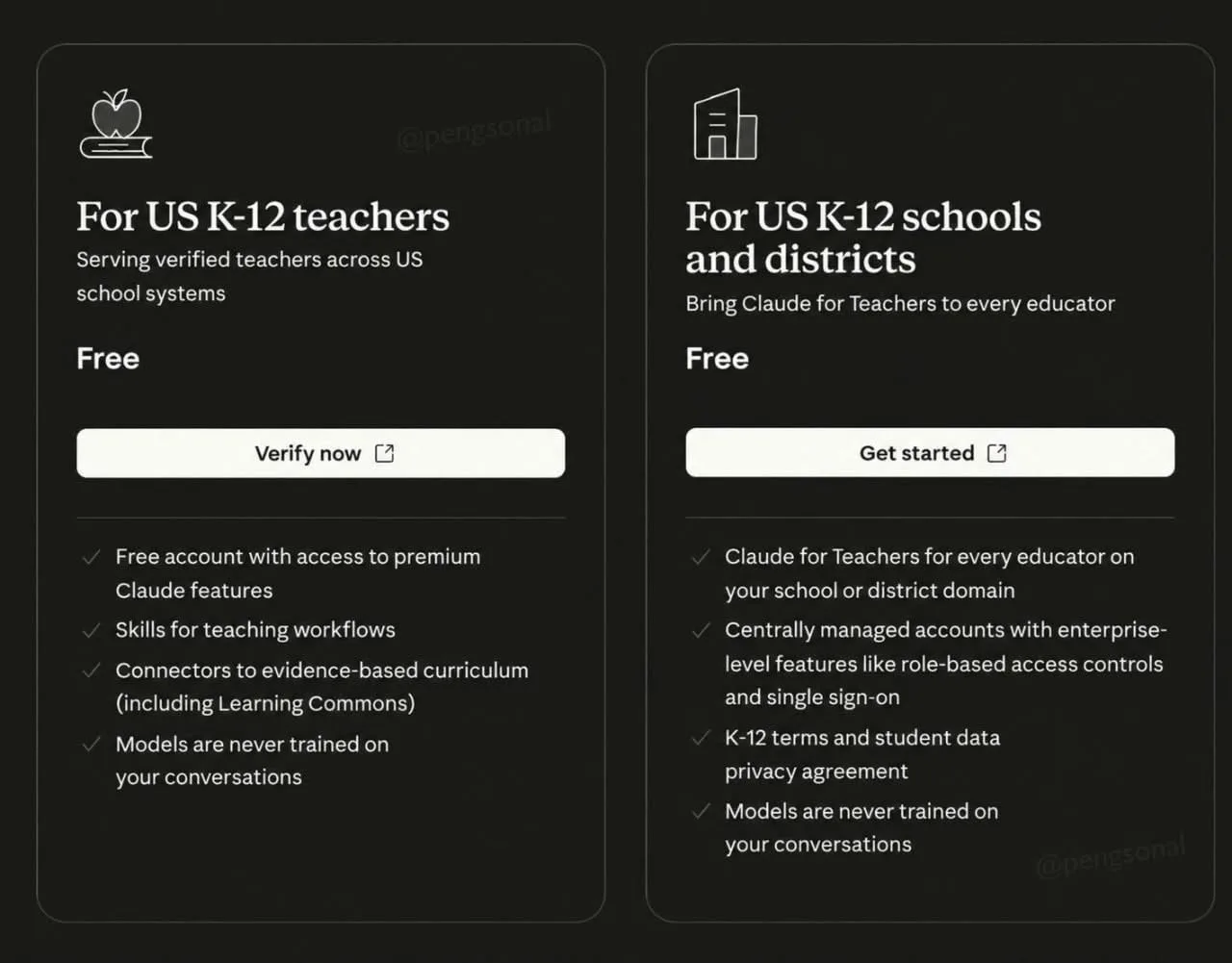 AIHow to Claim a Free Year of Claude for Teachers5d44 views
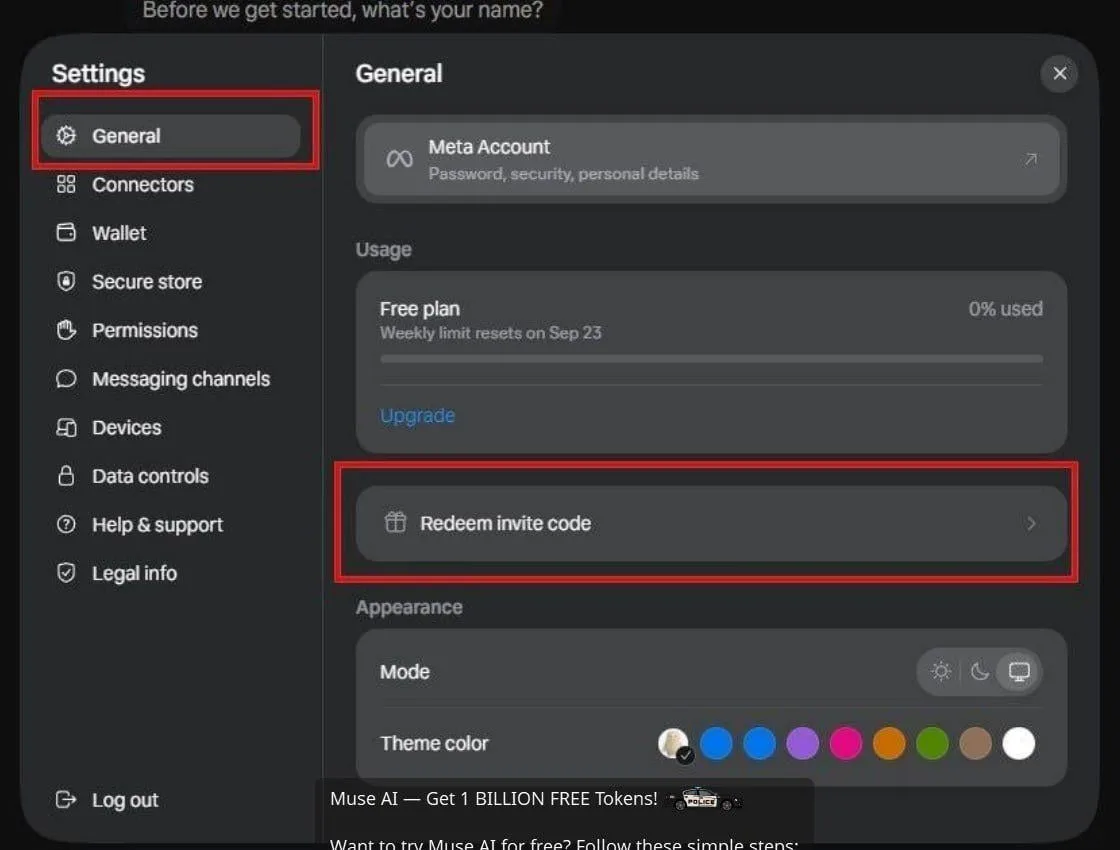 AIHow to Claim 1 Billion Free Tokens on Muse AI6d51 views
 AIHow to Claim Free Claude AI Pro for K-12 Teachers1mo142 views
 AIOpenWALDO Brings Open Source Transparency to AI Training Data1mo102 views
Comments
Join the conversation — sign in to comment.
No comments yet — start the conversation!