How to Make 15 Free AI Videos With Minimax H3
Looking to generate AI videos with Minimax H3 or WAN 3.0 for free? This tool lets you create up to 15 videos a day.
You get access to three top models, and all you need is a Gmail account to start.
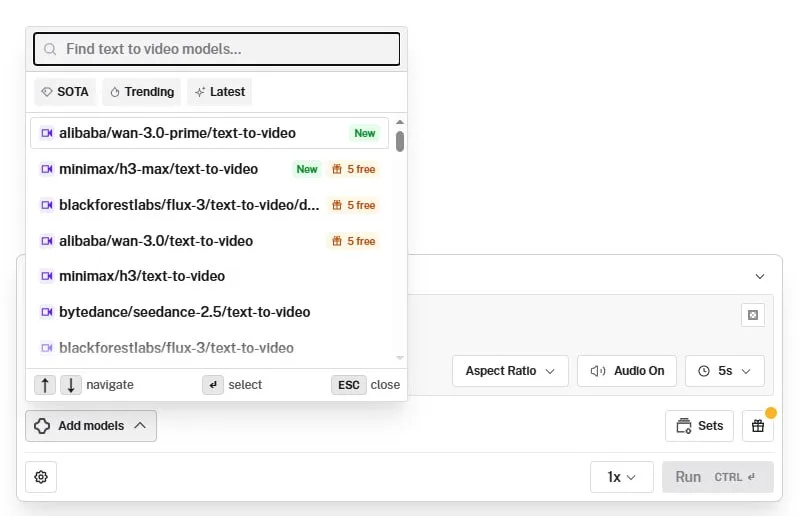
What You Need
- A Gmail account you can use to sign up.
Tutorial
- Sign up at https://web.facebook.com/impreneurid/posts/pfbid031nPHnQPKmbLqfZ1t3YSP5Jmit1qBwT5Xr4b3zSTVECvGjuwM8QXJo8KTxiJqLQJDl. Use the Gmail address you prepared.
- Choose Generate, then choose Sandbox. This opens the video creation workspace.
- Pick Video, then pick Text Video. This sets the mode to text-to-video.
- Select the AI model: Minimax H3, WAN 3.0 Prime, or WAN 3.0. Pick any one of these three.
- Type your prompt and hit Generate. The tool turns your text into a video.
Wrapping Up
You can now make up to 15 free AI videos a day with some of the best models available. Sign in with your Gmail, choose your favorite model, and start turning your ideas into video.
Does this still work?
Nobody's checked yet
Sign in to tell everyone how it went.
Continue with GoogleBe the first — one tap saves the next person an hour.
It takes 3 reports in 30 days to set the status.
More shares you might like
 AIHow to Get Free $200 Funds on Digital Ocean1y830 views
 AIHow to Claim 100M Free Tokens on CodeCraft API1w514 views
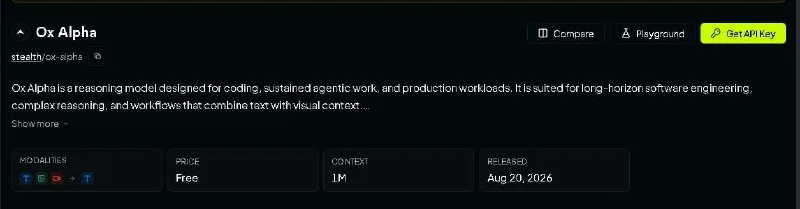 AIOx Alpha Now Free on 5 Providers4w72 views
 How to Get a Free Domain for One Year1mo80 views
 ToolsHow to Pay Claude With SEPA (IBAN) Using Tampermonkey1mo141 views
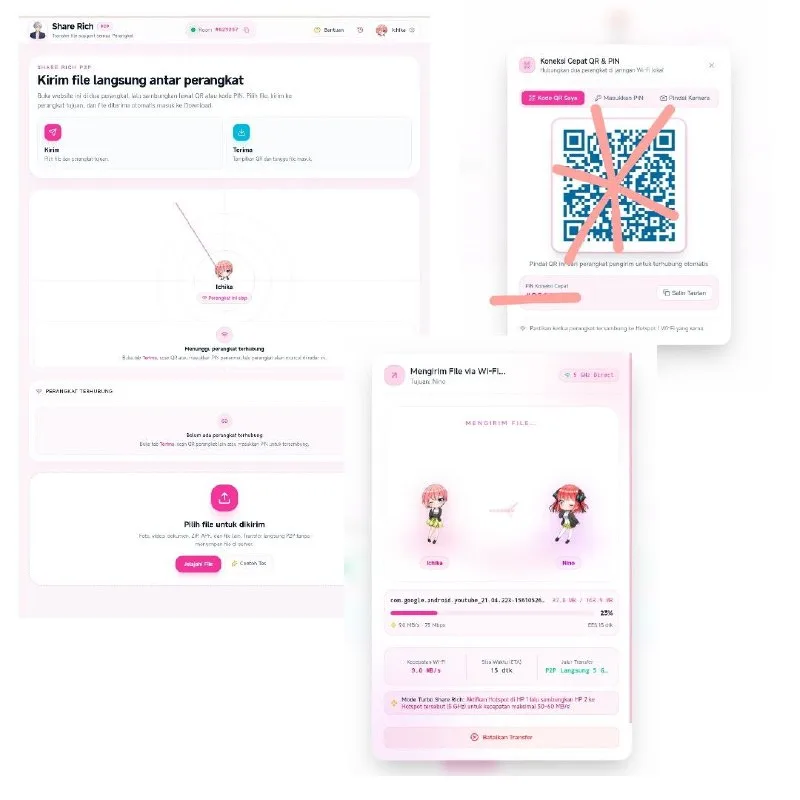 ToolsHow to Transfer Files Peer to Peer With Share Rich2w34 views
Comments
Join the conversation — sign in to comment.
No comments yet — start the conversation!