
Qwen-MM-Plugins Gives AI Agents Vision, Video, and 3D Skills
Your AI agent can already hold a conversation. Give it eyes, ears, and hands — Qwen-MM-Plugins does exactly that.
It is an open-source project from the Qwen team at Alibaba that adds a full suite of multimodal tools to any AI agent. No more text-only bots.

What Happened
Qwen-MM-Plugins is a collection of open-source plugins that let AI agents work with images, videos, documents, 3D models, and audio. The project gives models the ability to see, listen, read, edit, and even drive design software.
- Core plugin: read images, videos, PDFs, and 3D models, plus OCR, segmentation, speech-to-text (ASR), and web search.
- Long video memory: understands and answers questions about very long videos, with timestamps.
- Video editing and generation: generates images, videos, and audio, and cuts or edits existing clips.
- Blender control: programmatically drives Blender to create models, add materials, set lighting, and render.
- Engineering design: controls FreeCAD to build CAD designs and export them as STL or STEP for 3D printing.
- Educational agent: turns math and science problems (or photos of them) into step-by-step interactive videos.
Why It Matters
With these plugins, an AI agent stops being a chat window and becomes a creative and technical collaborator. It competes with humans on tasks that used to require a full software suite — and it is all open source.
Read it later?
We'll email you the link to this share. Nothing else.
More shares you might like
 ToolsHow to Make Motion Graphics Videos With Claude1d33 views
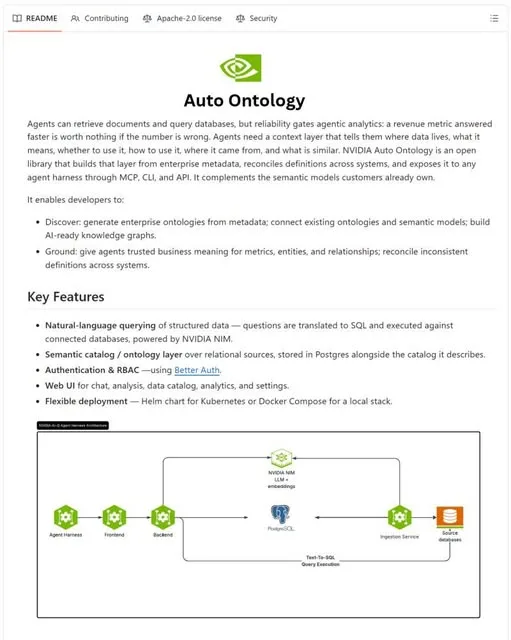 NewsNVIDIA Open-Sources Auto Ontology, a Semantic Layer for AI Agents2d46 views
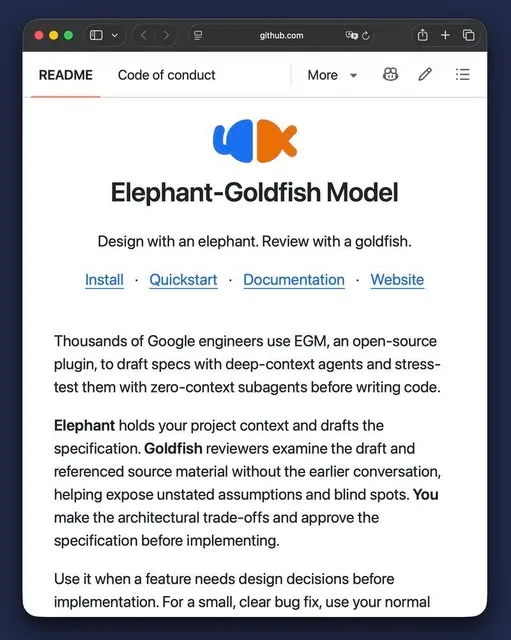 ToolsHow to Write Specs Coding Agents Can Build Without Guessing3d50 views
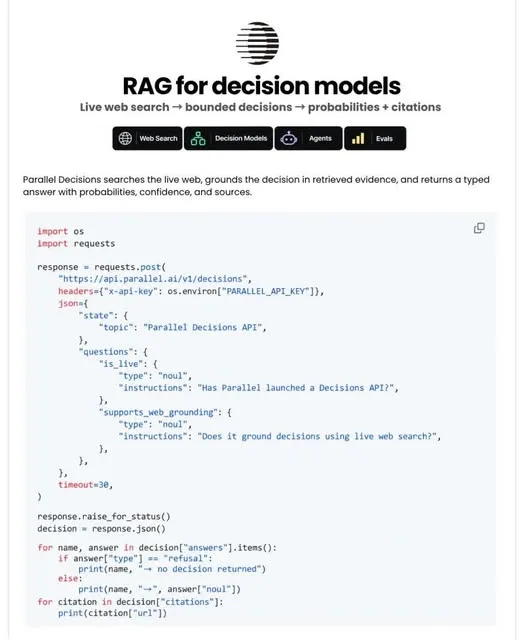 AIParallel's Decisions API Grounds Decision Models With Live Web Search4d55 views
 How to Claim 1B Muse AI Tokens4d103 views
 ToolsHow to Use Rich Clicker Macro's Smart Auto Clicker5d59 views

Comments
Join the conversation — sign in to comment.
No comments yet — start the conversation!