
How to Make 15 Free AI Videos With Minimax H3
Looking to generate AI videos with Minimax H3 or WAN 3.0 for free? This tool lets you create up to 15 videos a day.
You get access to three top models, and all you need is a Gmail account to start.
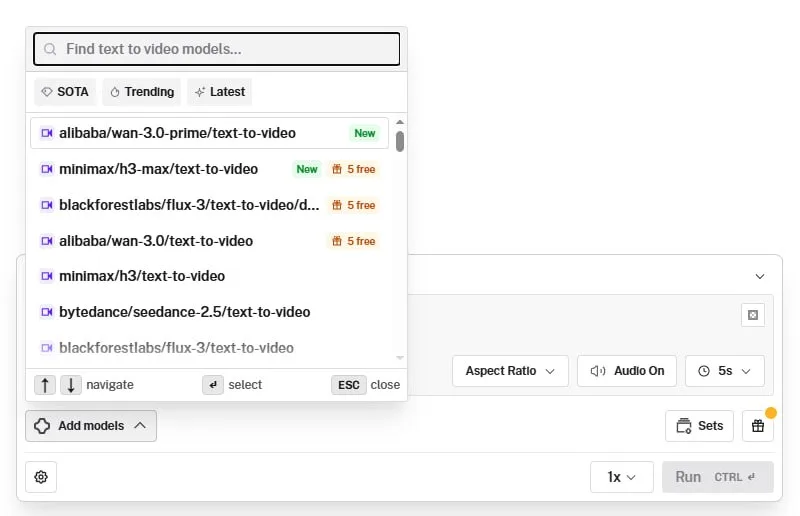
What You Need
- A Gmail account you can use to sign up.
Tutorial
- Sign up at https://web.facebook.com/impreneurid/posts/pfbid031nPHnQPKmbLqfZ1t3YSP5Jmit1qBwT5Xr4b3zSTVECvGjuwM8QXJo8KTxiJqLQJDl. Use the Gmail address you prepared.
- Choose Generate, then choose Sandbox. This opens the video creation workspace.
- Pick Video, then pick Text Video. This sets the mode to text-to-video.
- Select the AI model: Minimax H3, WAN 3.0 Prime, or WAN 3.0. Pick any one of these three.
- Type your prompt and hit Generate. The tool turns your text into a video.
Wrapping Up
You can now make up to 15 free AI videos a day with some of the best models available. Sign in with your Gmail, choose your favorite model, and start turning your ideas into video.
Does this still work?
Nobody's checked yet
Sign in to tell everyone how it went.
Continue with GoogleBe the first — one tap saves the next person an hour.
It takes 3 reports in 30 days to set the status.
Read it later?
We'll email you the link to this share. Nothing else.
More shares you might like
 ToolsHow to Find Brand Campaigns in Amazon Associates2h14 views
 AIDeepSeek Refused 41 of 5,800 Prompts in Belgium ID Theft14h26 views
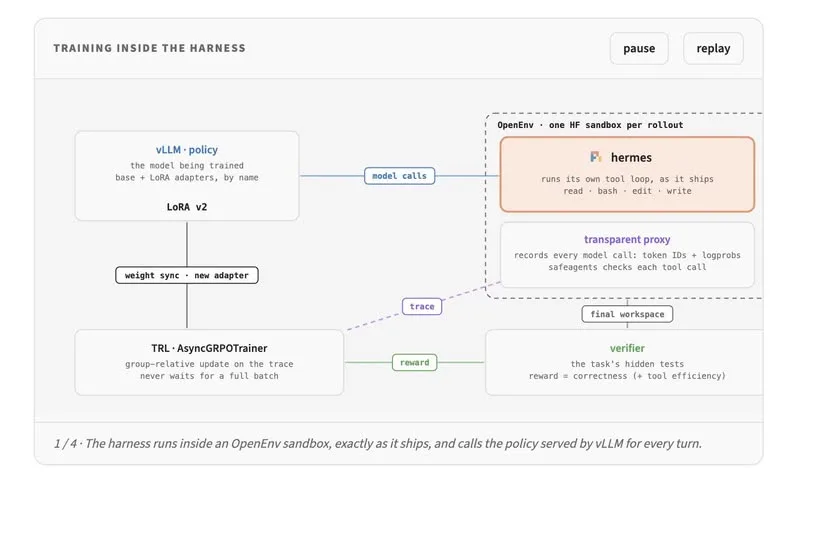 AIQwen3.8-27B-pi-adapted: the reusable recipe drops this week1d39 views
 ToolsHow to Rent GPUs Inside Claude With /gpu2d48 views
 AIHow to Claim Mistral Vibe Pro Free With Code MISTRALVIBE3d143 views
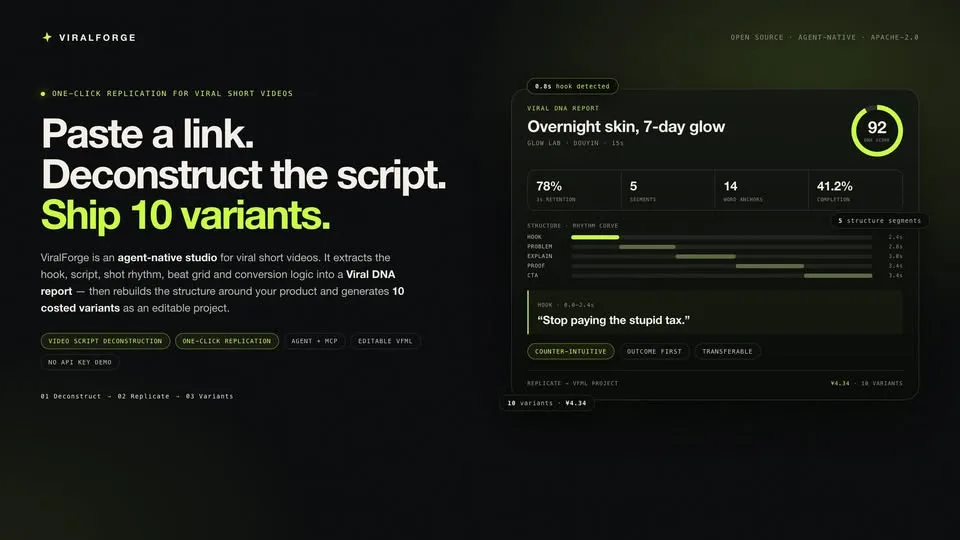 AIViralForge: AI tool that recreates the structure of viral shorts4d76 views

Comments
Join the conversation — sign in to comment.
No comments yet — start the conversation!