
How to Get Free Unlimited GPT-6.1 Sol API Access
Looking for a coding model you can hammer all day without watching a quota counter? AgentRouter is handing out free API access to GPT-6.1 Sol, with no daily limit and no restricted hours. Setup is a sign-up, a key, and a few settings in your coding agent.
The access runs 24/7 and plugs into Codex or OpenCode, and it is aimed squarely at coding work. The only thing standing between you and it is a GitHub account.
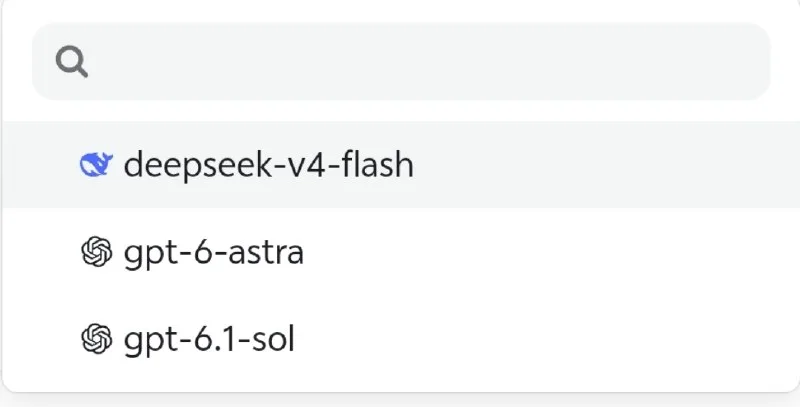
What You Need
- A GitHub account to sign up with.
- A coding agent that takes custom providers, such as Codex or OpenCode.
Tutorial
- Open https://agentrouter.org/register and sign up with your GitHub account.
- Go to Console > API Keys and create a new key.
- Add AgentRouter as a custom provider inside your coding agent.
- Put https://agentrouter.org/v1 in the Base URL field.
- Set the model name to gpt-6.1-sol.
- On Codex, pick the Responses API option. This one is specific to Codex users, so skip it if you are running OpenCode.
Wrapping Up
You now hold a free key pointed at GPT-6.1 Sol, with no daily quota to run out mid-session and no access hours to plan around. Add it to Codex or OpenCode as a custom provider and put it on your next build. Both agents take it the same way, so the setup carries over if you switch between them.
Does this still work?
Nobody's checked yet
Sign in to tell everyone how it went.
Continue with GoogleBe the first — one tap saves the next person an hour.
It takes 3 reports in 30 days to set the status.
More shares you might like
 ToolsHow to Sign Up for the Amazon Influencers Program1h7 views
 ToolsHow to Make a Ghostly Abandoned Village Video With AI1d39 views
 ToolsHow to Make Motion Graphics Videos With Claude3d59 views
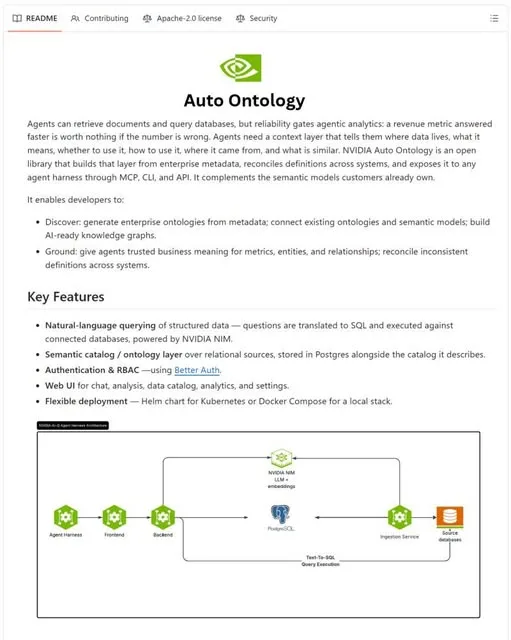 NewsNVIDIA Open-Sources Auto Ontology, a Semantic Layer for AI Agents4d81 views
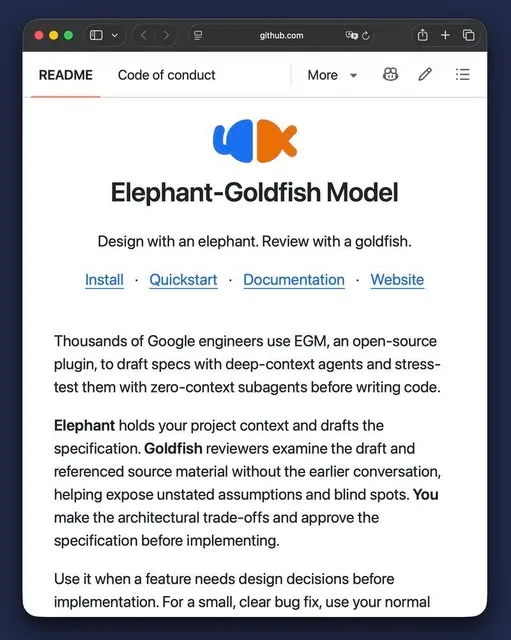 ToolsHow to Write Specs Coding Agents Can Build Without Guessing5d64 views
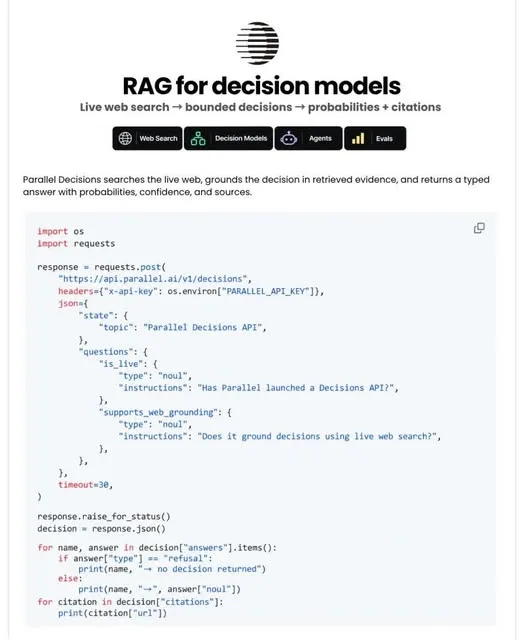 AIParallel's Decisions API Grounds Decision Models With Live Web Search6d69 views

Comments
Join the conversation — sign in to comment.
No comments yet — start the conversation!