Agentic API Adds a Stateful Agent Layer to vLLM
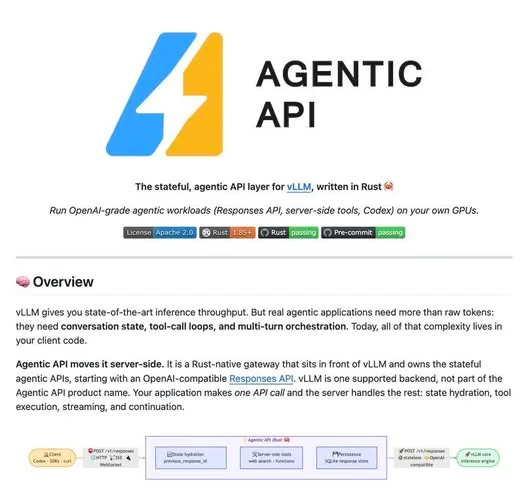
If you serve open models with vLLM, you already have fast token serving — but agent state, tool loops, and conversation history are still your problem. Agentic API is a stateful layer that moves that orchestration from the client into the server.
That means a client can continue from a previous_response_id instead of rebuilding and resending the full conversation state, while the gateway restores the session and keeps the loop running.
What Happened
Agentic API sits in front of vLLM and gives raw model inference an agent runtime. It adds the conversation state, tool-call loops, continuation across turns, streaming, and persistence that vLLM does not handle on its own.
Tool execution is explicit and split into three ownership categories:
- Gateway-owned tools like web search and MCP tools run server-side.
- Client-owned tools like Codex shell or editor actions return to the client.
- Provider-owned tools pass through to the model backend.
Why It Matters
That separation gives open models served by vLLM a stateful, OpenAI-compatible agent interface without forcing every application to build its own persistence and tool orchestration layer. The result is less glue code between model and agent loop, and a simpler path to production agents.
Does this still work?
Nobody's checked yet
Sign in to tell everyone how it went.
Continue with GoogleBe the first — one tap saves the next person an hour.
It takes 3 reports in 30 days to set the status.
More shares you might like
 AIHow to Get Free $200 Funds on Digital Ocean1y841 views
 AIHow to Claim 100M Free Tokens on CodeCraft API1w741 views
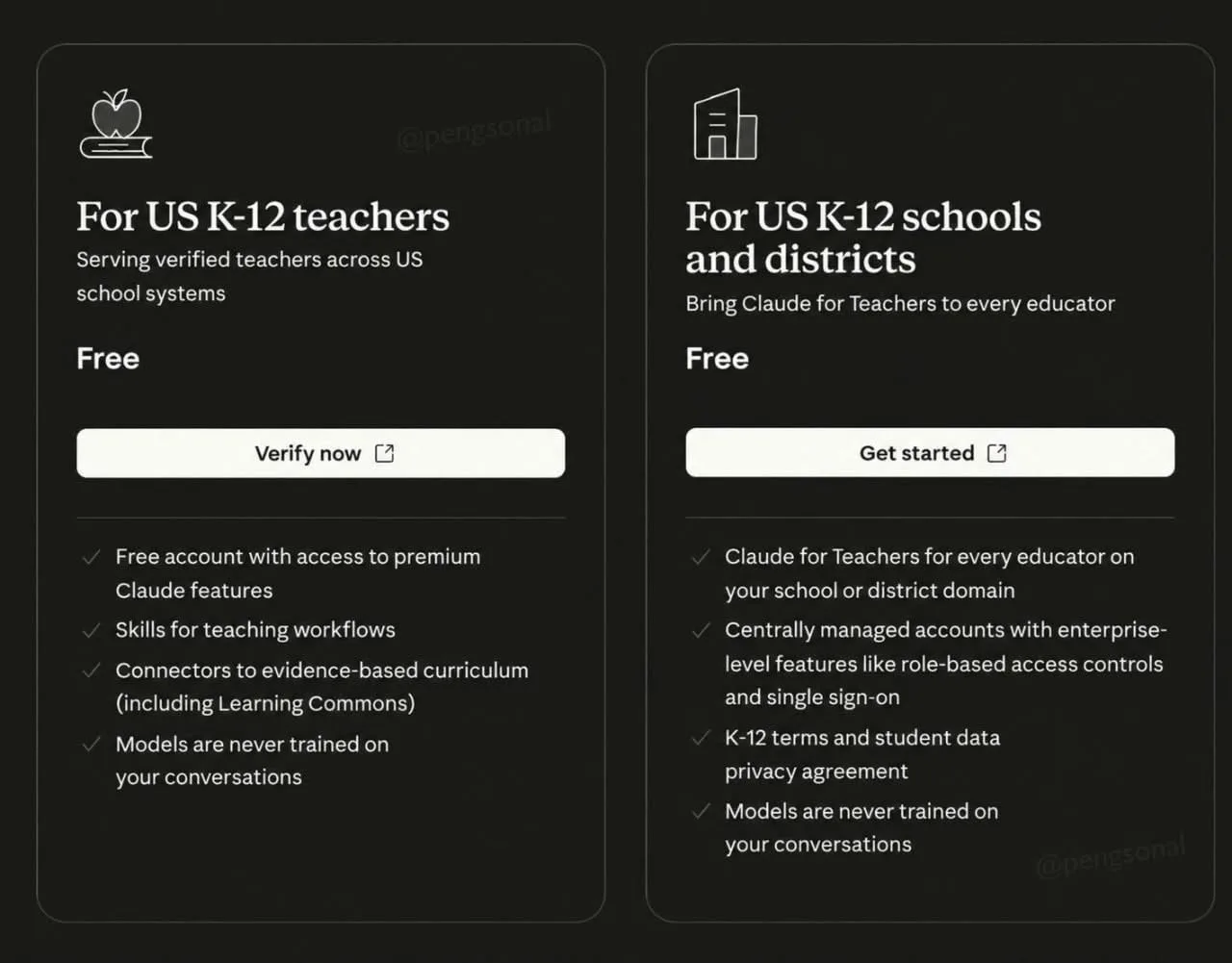 AIHow to Claim a Free Year of Claude for Teachers6d52 views
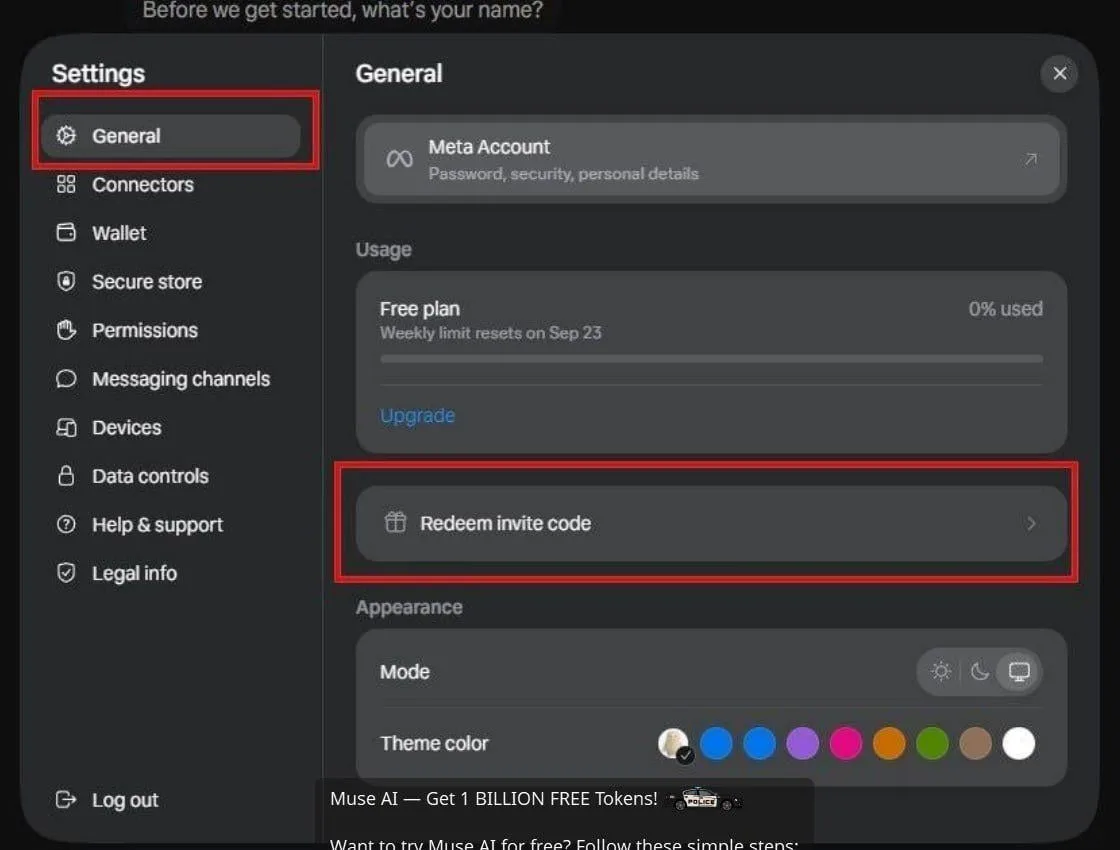 AIHow to Claim 1 Billion Free Tokens on Muse AI1w61 views
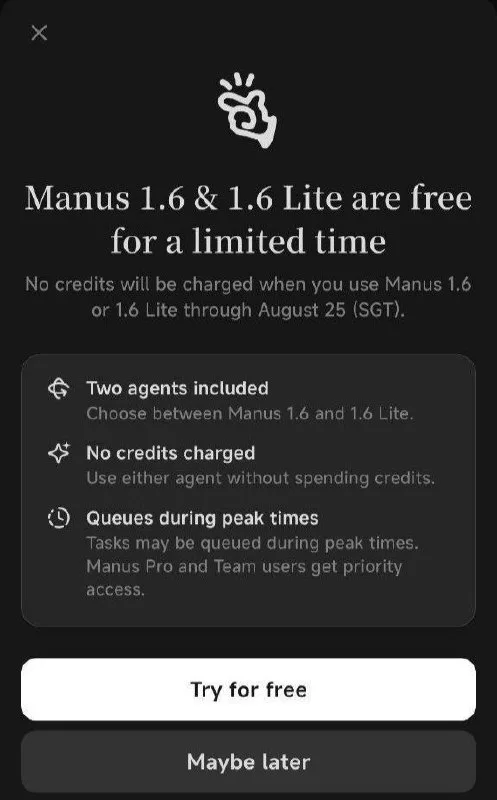 ToolsHow to Get Free Manus AI Agent Access1mo103 views
 NewsDeepSeek V4.1 Flash Tops the CyberGym Security Benchmark1w76 views
Comments
Join the conversation — sign in to comment.
No comments yet — start the conversation!