How to Try Seedance 2.5 AI Video With One Email
Want to test Seedance 2.5 without paying anything? One active email is all you need.
That email gets you into Dola AI, where you can generate a 10-second AI video in a few clicks. No card, no paid plan.
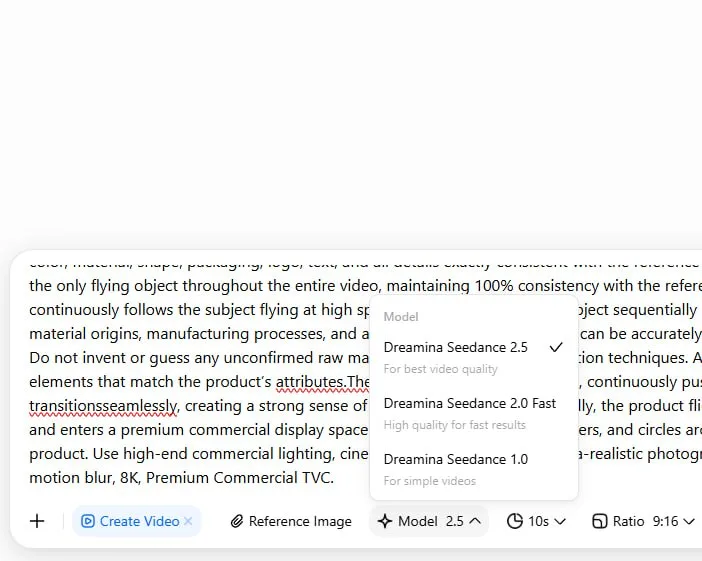
Tutorial
- Prepare one active email you can use to sign up.
- Sign up at Dola AI with that email.
- Open New Chat.
- Select Create Video.
- Enter your prompt or upload an image.
- Pick the 10s duration and video size, then Generate.
Wrapping Up
You just made a Seedance 2.5 video using only one email address. Try a couple of prompts to see how it handles motion and style before you decide if it is worth a paid plan.
Does this still work?
Nobody's checked yet
Sign in to tell everyone how it went.
Continue with GoogleBe the first — one tap saves the next person an hour.
It takes 3 reports in 30 days to set the status.
More shares you might like
 AIHow to Get Free $200 Funds on Digital Ocean1y814 views
 AIHow to Claim 100M Free Tokens on CodeCraft API6d425 views
 NewsFree Domain Available at nic.eu.org1mo95 views
 AIHow to Claim 100 Free Verdent Credits for 7 Days3d30 views
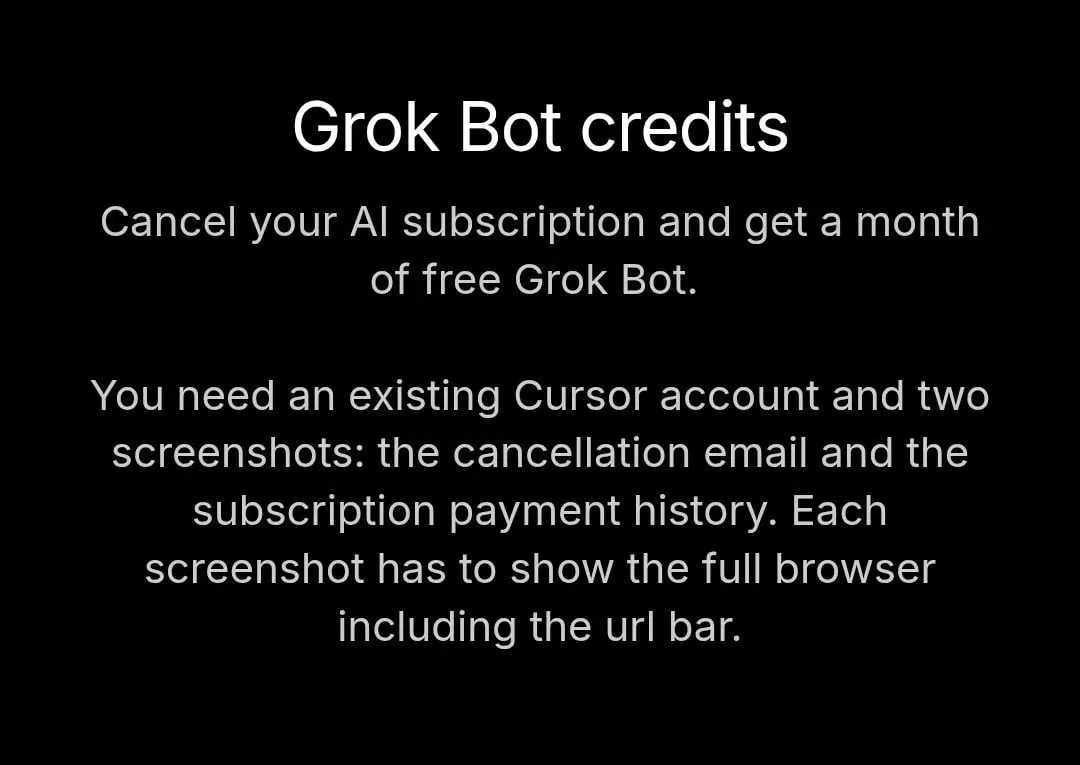 ToolsHow to Get 1 Month of Cursor Pro and Grok3w77 views
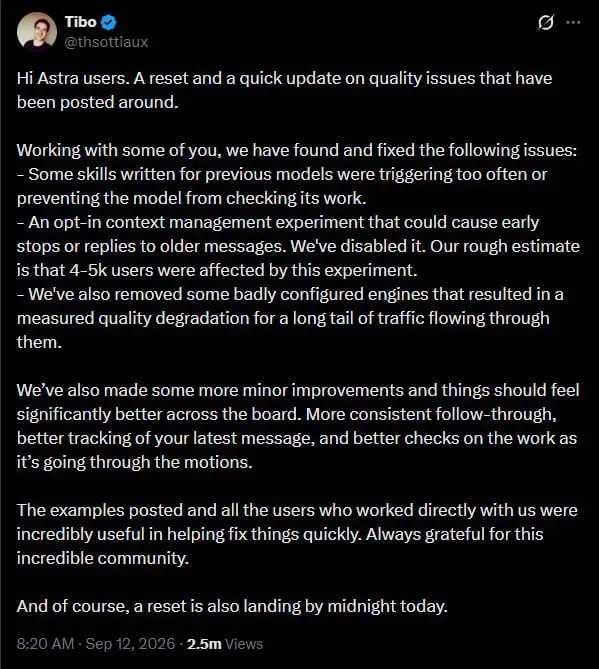 AIAstra Reset Brings Fixes for Context and Skill Bugs5d70 views
Comments
Join the conversation — sign in to comment.
No comments yet — start the conversation!